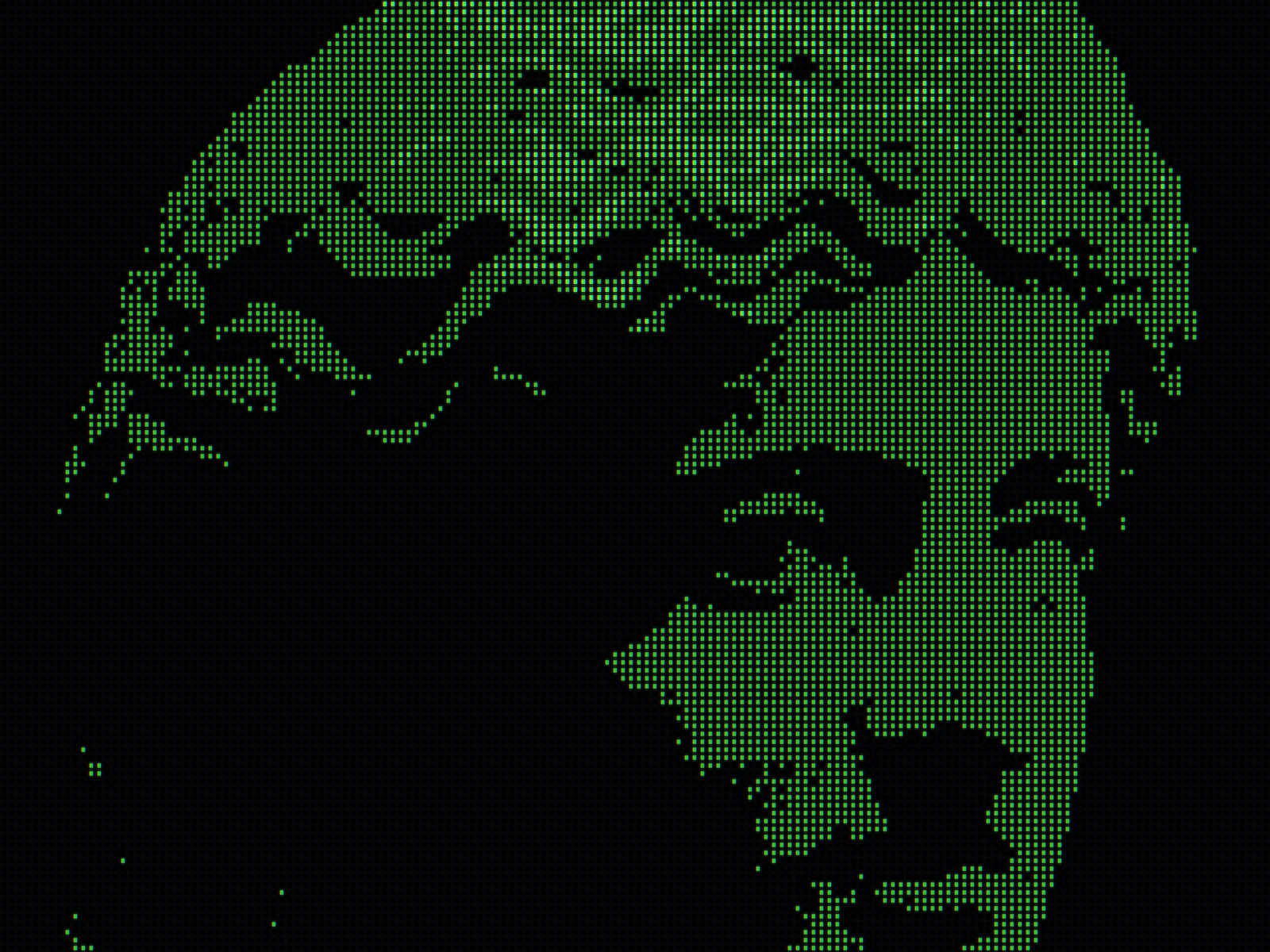
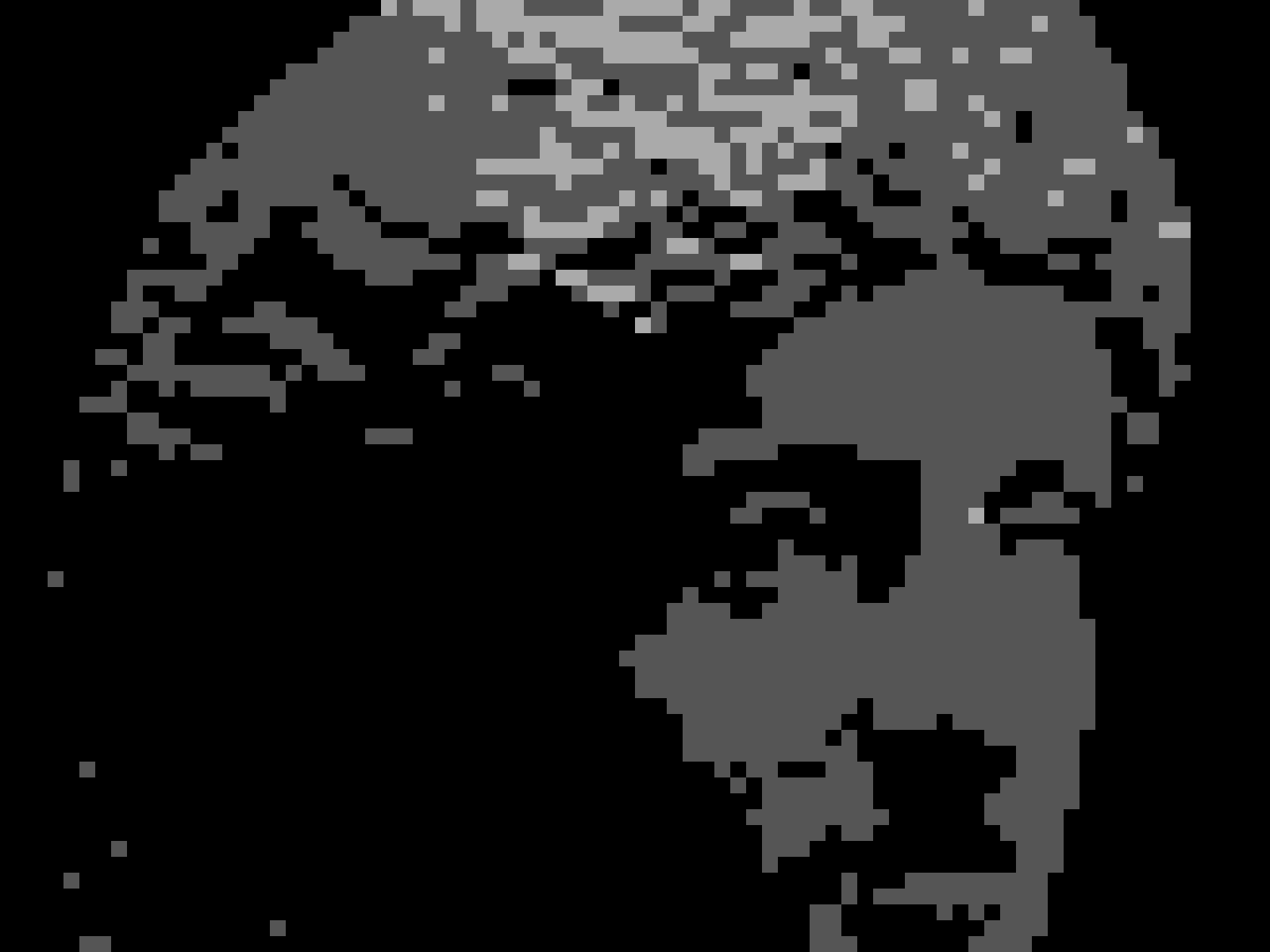
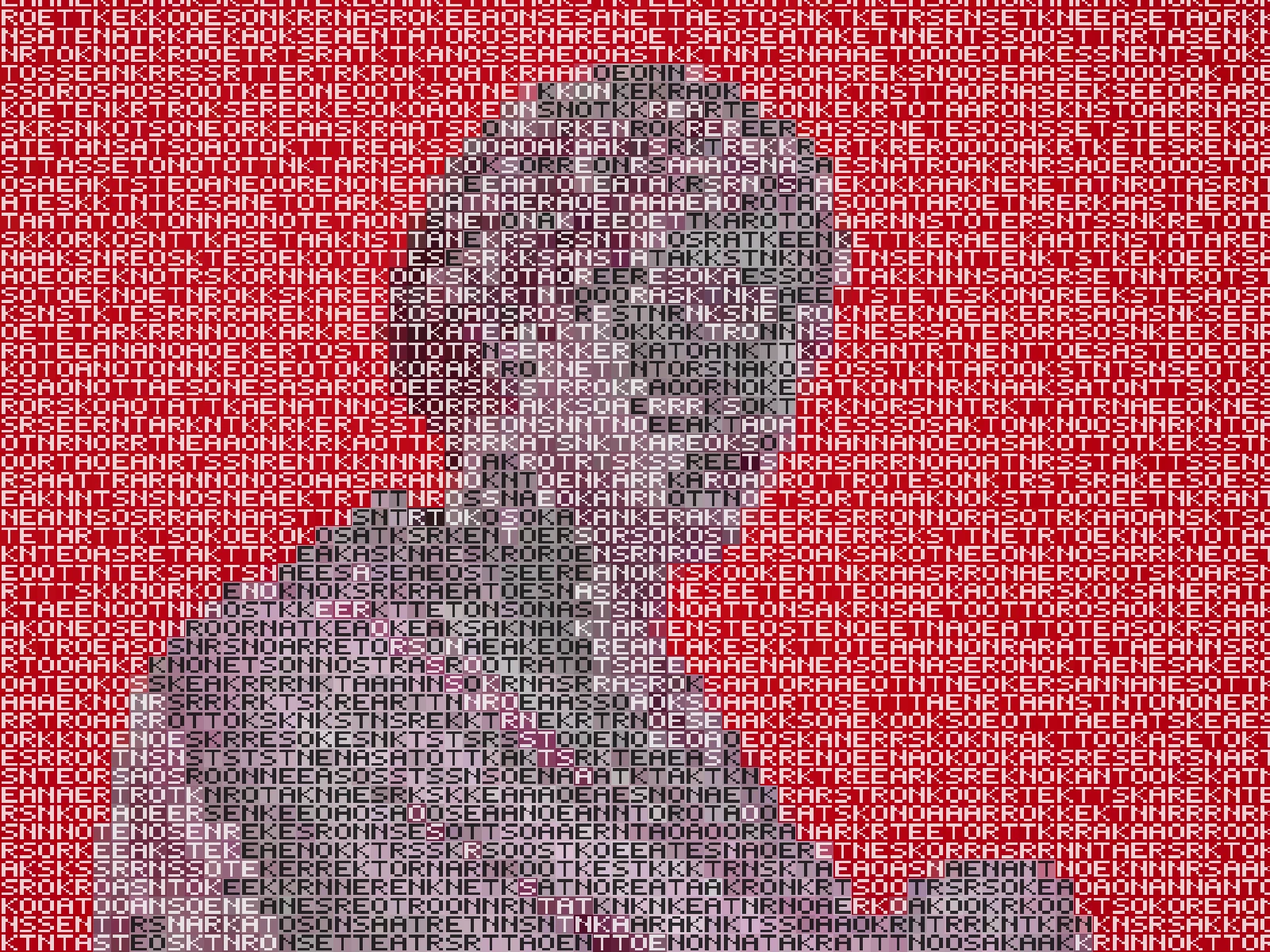
lcd screen effect

 SourceEffect
01/ ORIGIN
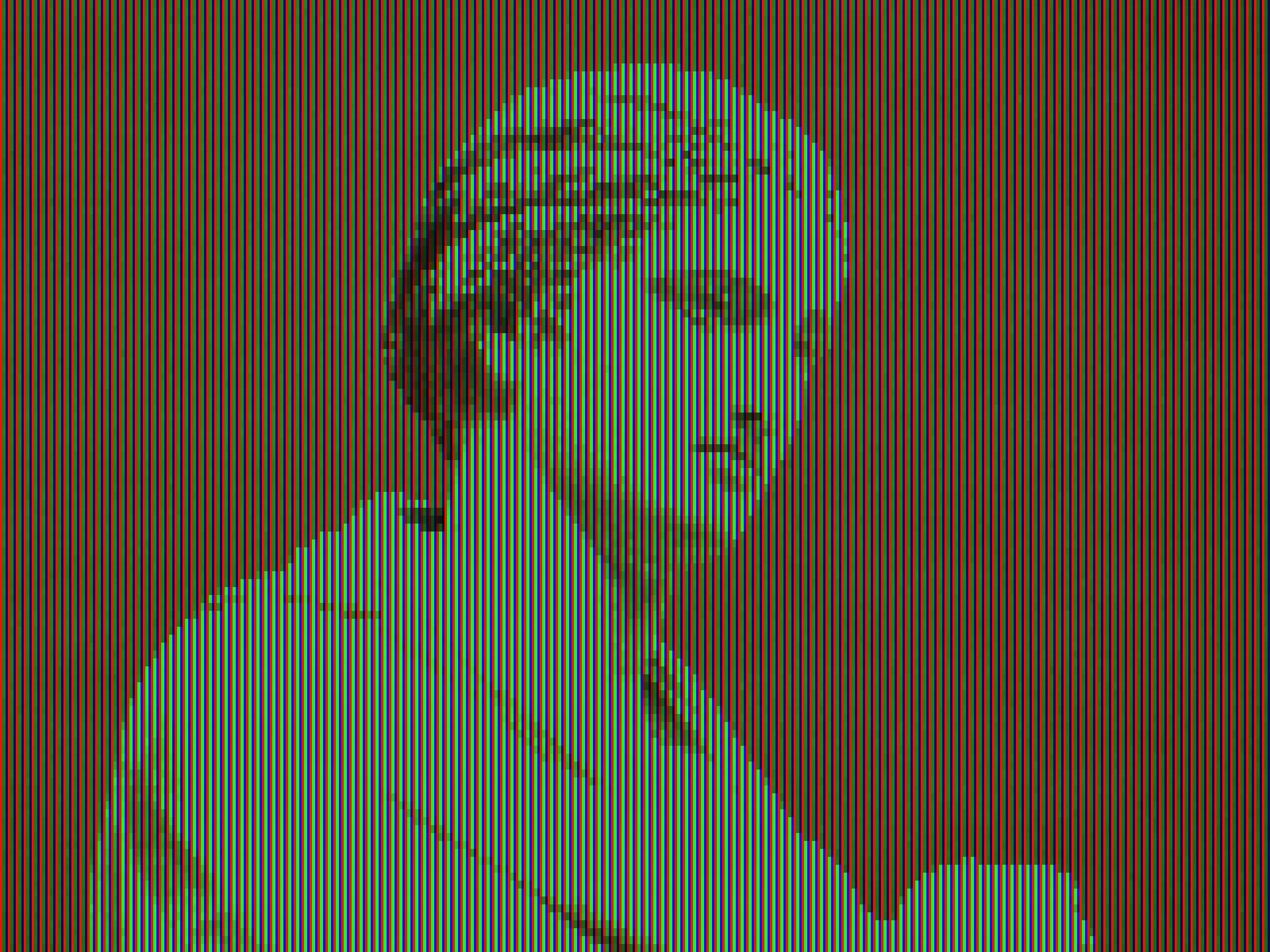
A colour LCD has no white element. Each pixel is three filtered subpixels side by side, and every colour you have ever seen on a screen is those three at different brightnesses, resolved by an eye that cannot separate them at normal distance. Font rendering exploited this deliberately: subpixel antialiasing addressed the stripes individually to get sharper text, which meant text tuned for one panel layout looked fringed on another.
02/ SWEEP
PITCH sweep
03/ SPEC
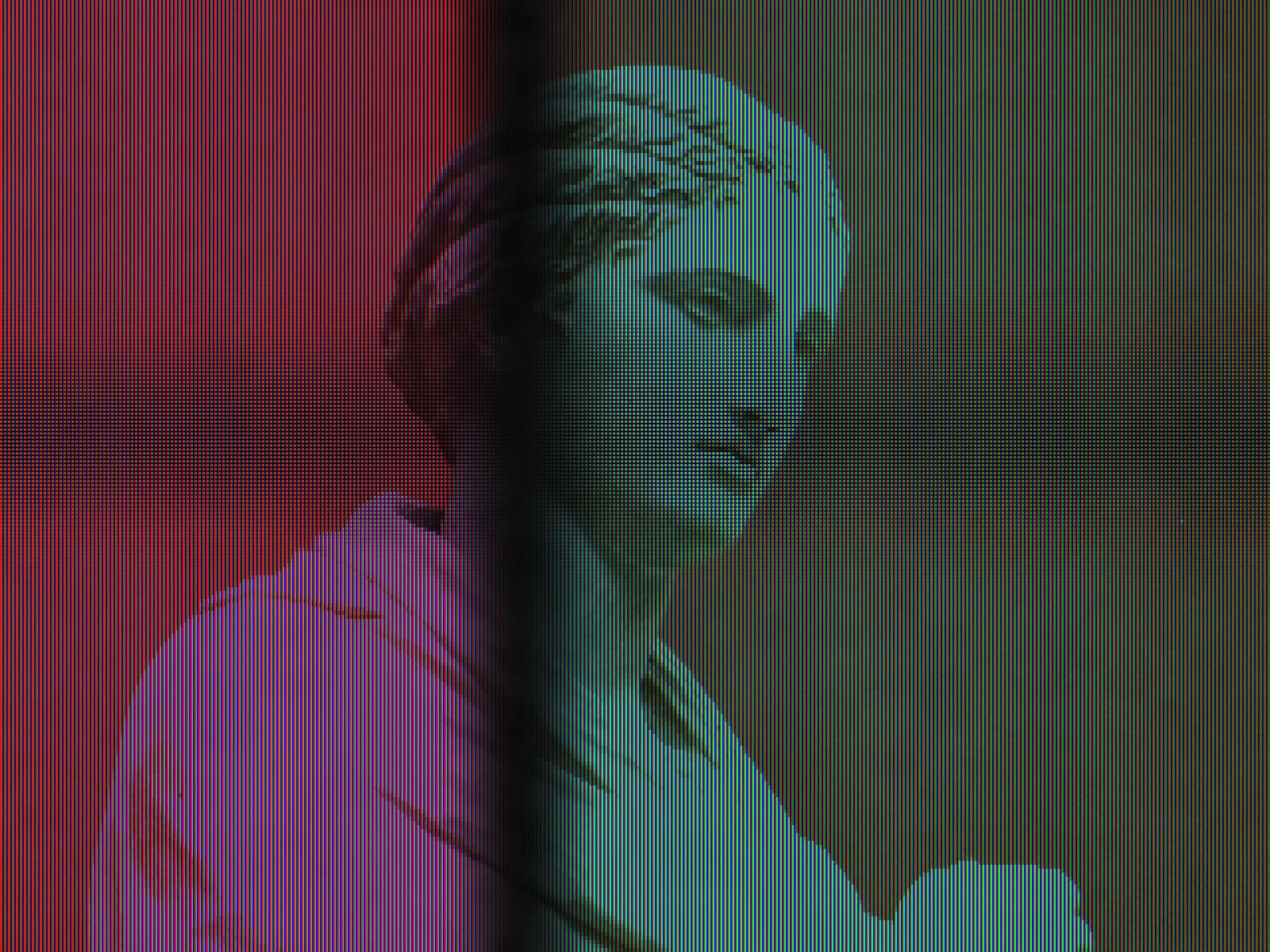
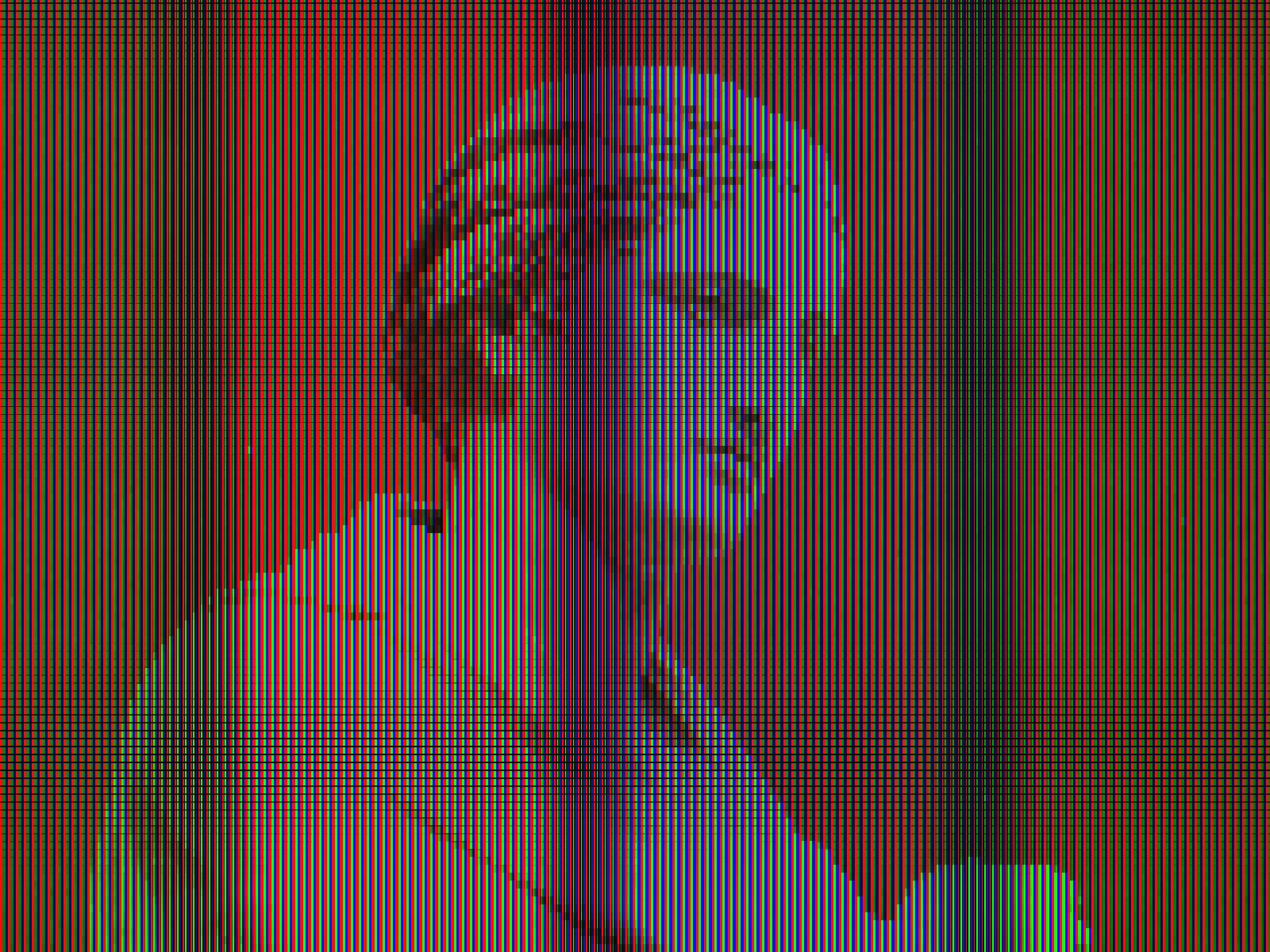
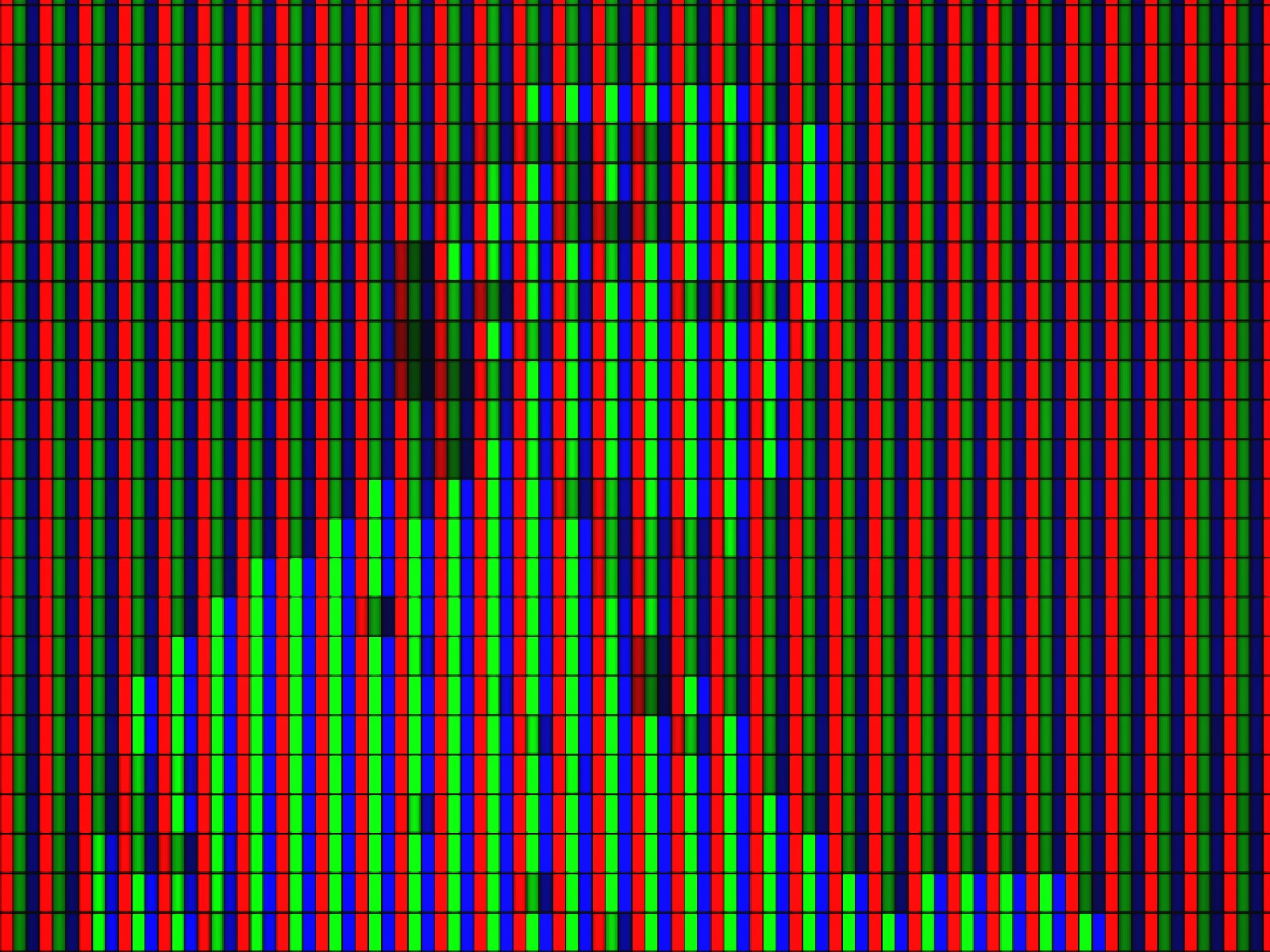
This effect samples the image on a grid and renders each cell as separate red, green and blue vertical stripes with a dark gap between pixels, reproducing an LCD's physical structure rather than adding a generic screen texture. PITCH runs from 1 to 10 pixels with a default of 2 and sets the pixel size, which determines whether the stripes read as a fine display or as visible hardware. CONTRAST expands tone before sampling. In kott it renders in natural colour, which this effect needs since the whole point is that colour is being assembled from three separated primaries.
04/ FAQ
- What is an LCD panel effect?
- An LCD panel effect rebuilds an image from separate red, green and blue vertical stripes with gaps between pixels, reproducing the physical subpixel structure of a liquid crystal display.
- Why do LCD screens have no white subpixel?
- White is produced by driving red, green and blue subpixels together at full brightness. The eye cannot resolve them at normal viewing distance, so it integrates them into one colour.
- What PITCH should I use?
- One or two for a convincing fine panel on a large export. Higher values read as a large-format LED wall seen close up rather than as a handheld or desktop screen.
05/ OUT