glitch effect

 SourceEffect
01/ ORIGIN
The word came out of engineering slang in the 1960s, where a glitch was a brief unexplained fault in a circuit, and it reached the public through the American space programme. Artists began chasing the effect rather than avoiding it through the 1990s and 2000s, as compression and cheap digital video made failure both visible and reproducible. Rosa Menkman's Glitch Studies Manifesto, published in 2010, gave the practice a text to argue with. What had been an engineer's problem became a genre.
02/ SWEEP
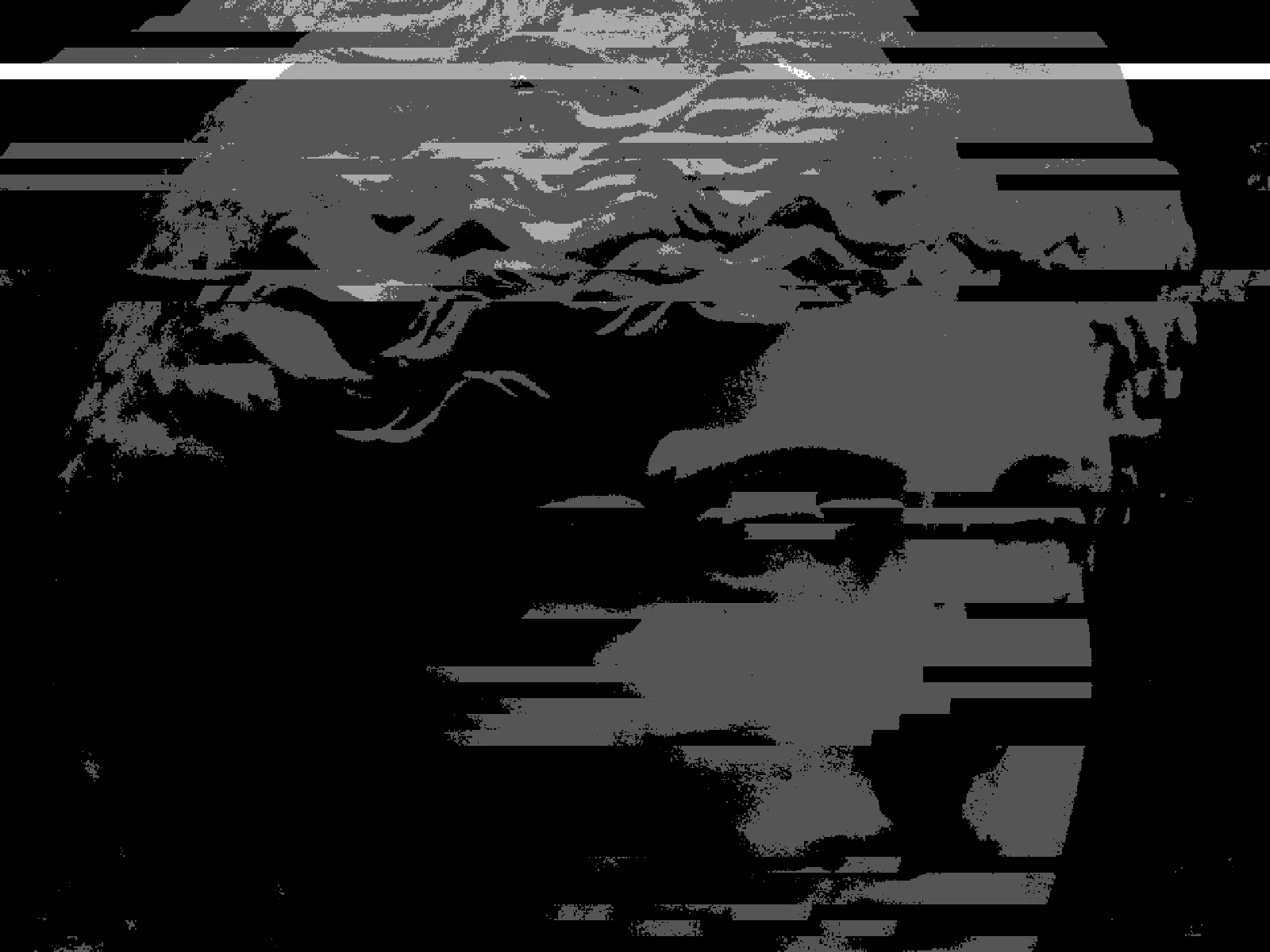
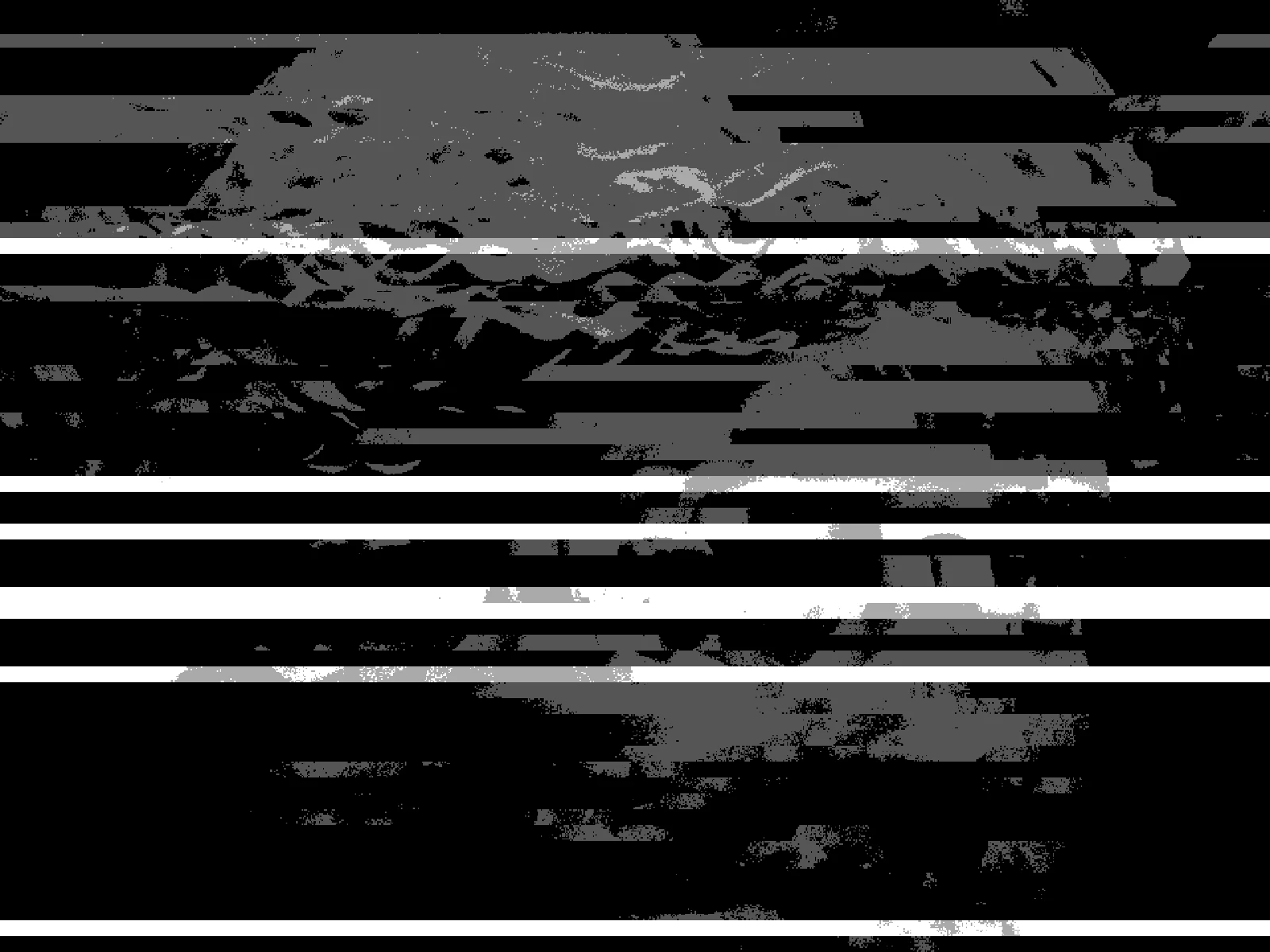
AMOUNT sweep

03/ SPEC
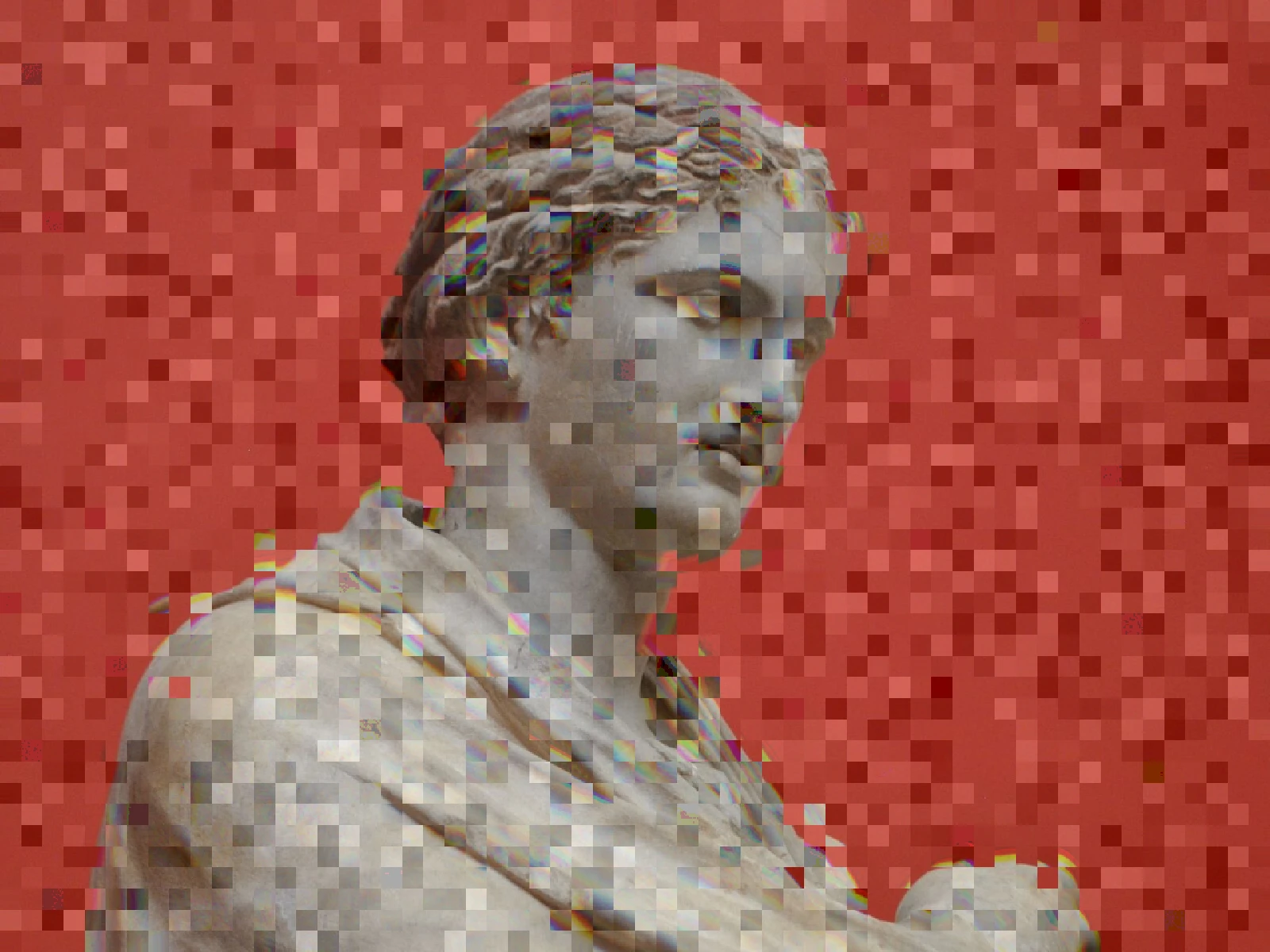
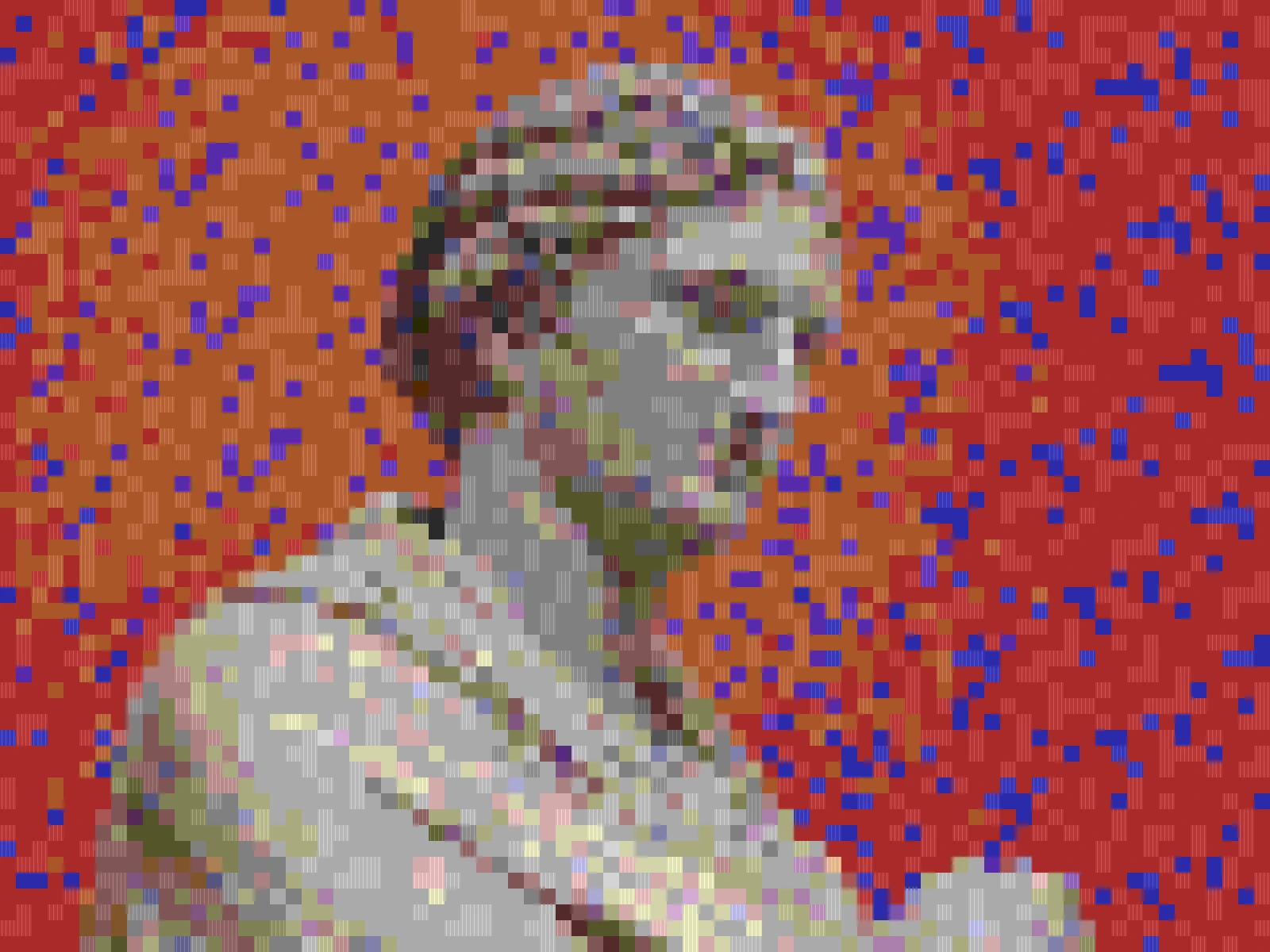
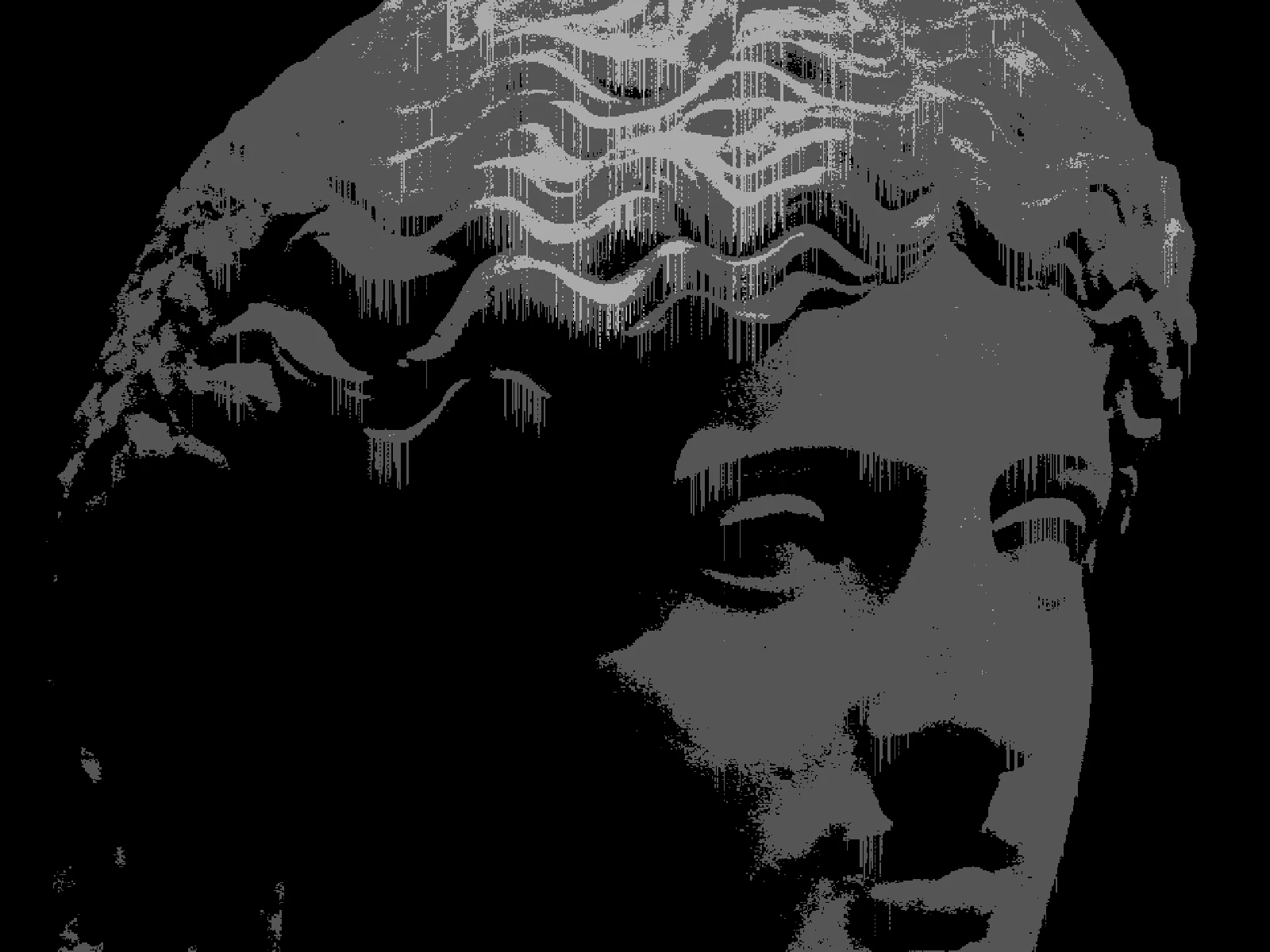
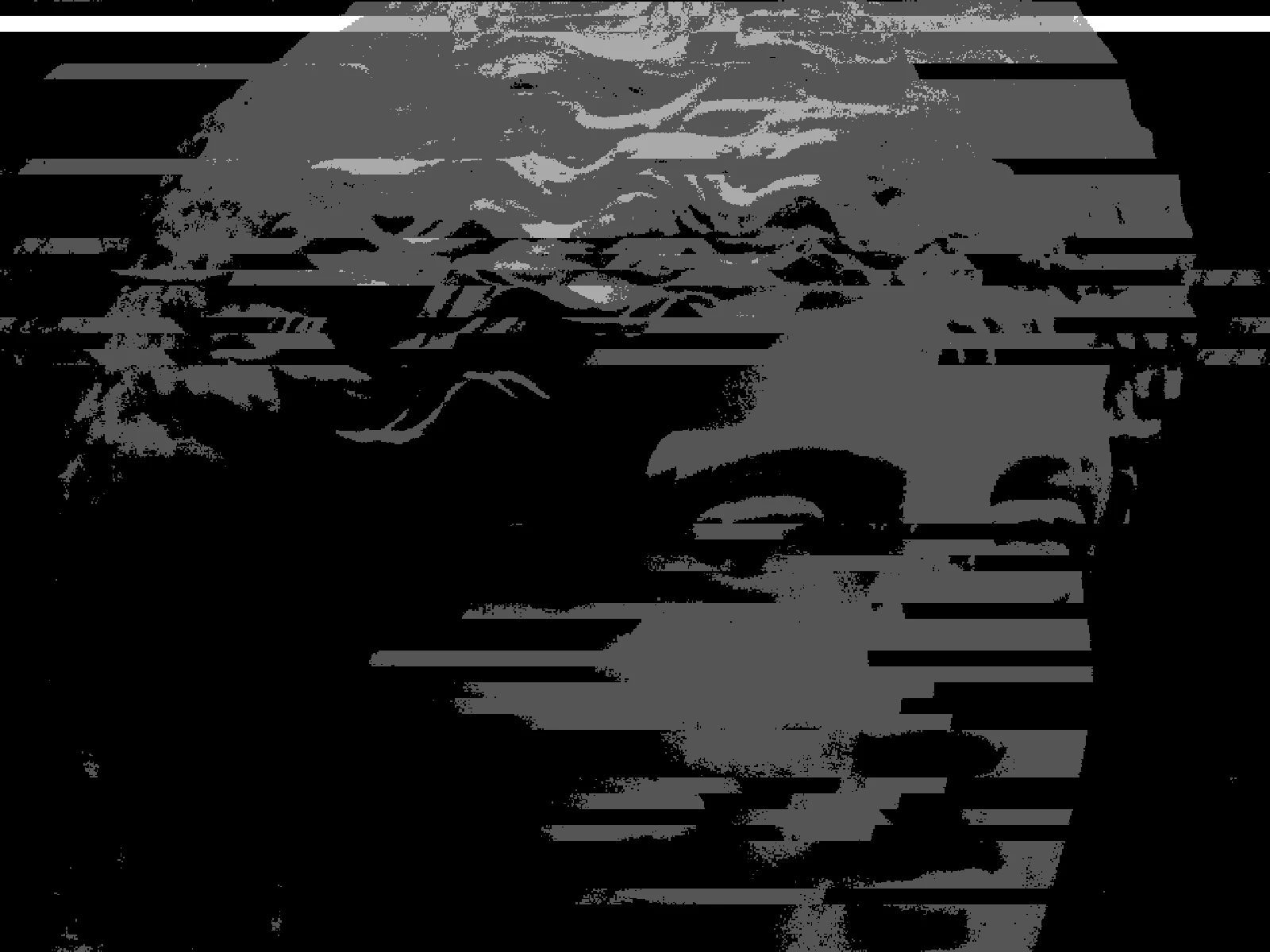
The glitch effect stacks several distinct digital failures: horizontal band displacement, colour channel separation and level crushing. In kott, AMOUNT scales the whole stack from 0 to 1 with a default of 0.5, so one control moves the image from barely marked to fully broken. BAND sets the height of a displaced strip from 2 to 64 pixels, deciding whether tearing reads as fine noise or as whole slabs sliding sideways. CRUSH reduces the image to between 2 and 32 levels per channel, flattening tone into posterised steps. TEAR and SPLIT are advanced refinements for displacement distance and chroma offset. High-contrast sources show the banding most clearly.
04/ FAQ
- What is a glitch effect?
- A glitch effect deliberately imitates digital failure: bands of the image displaced sideways, colour channels separated, and tone crushed to a few levels. It reproduces faults that compression and transmission errors once produced by accident.
- How do I make a glitch effect look intentional?
- Keep AMOUNT near its 0.5 default and raise BAND so displacement lands in a few large slabs rather than everywhere at once. Damage reads as a decision when it follows the picture's own structure.
- What is the difference between glitch and datamoshing?
- Glitch is a broad term for imitated digital failure. Datamoshing specifically exploits how video codecs reuse frame data, so it needs moving footage. kott ships both, but only glitch works on a still image.