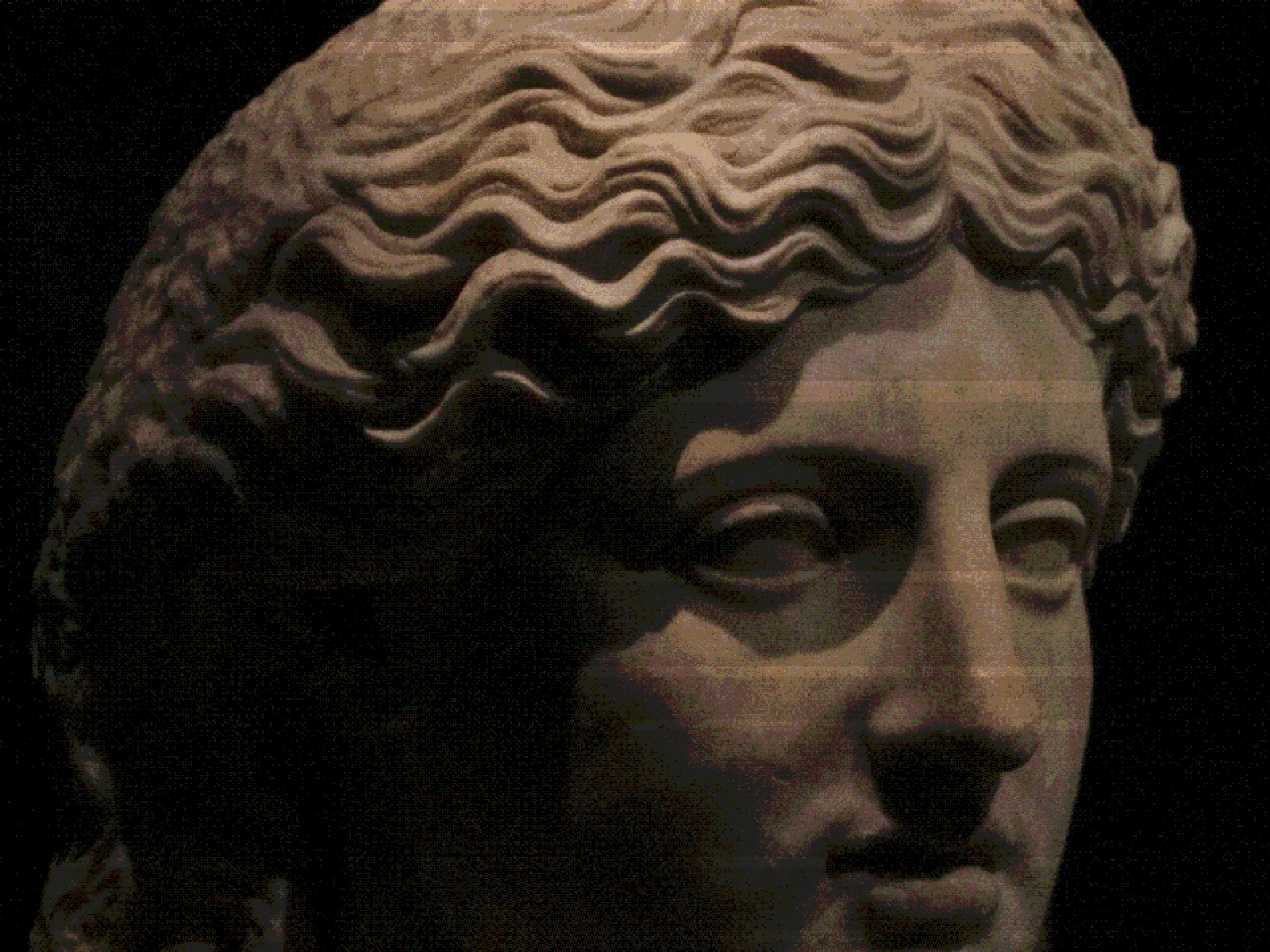
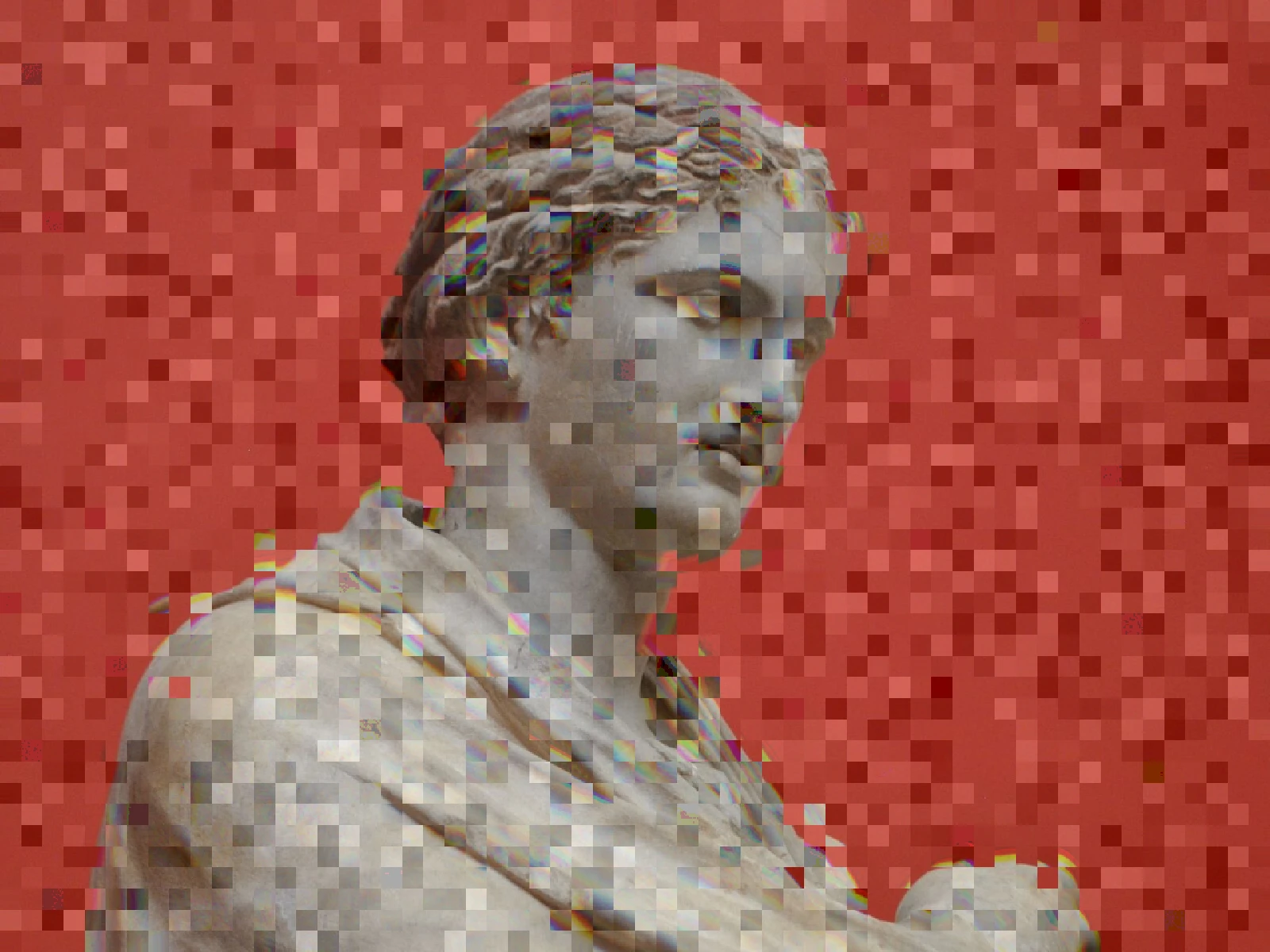
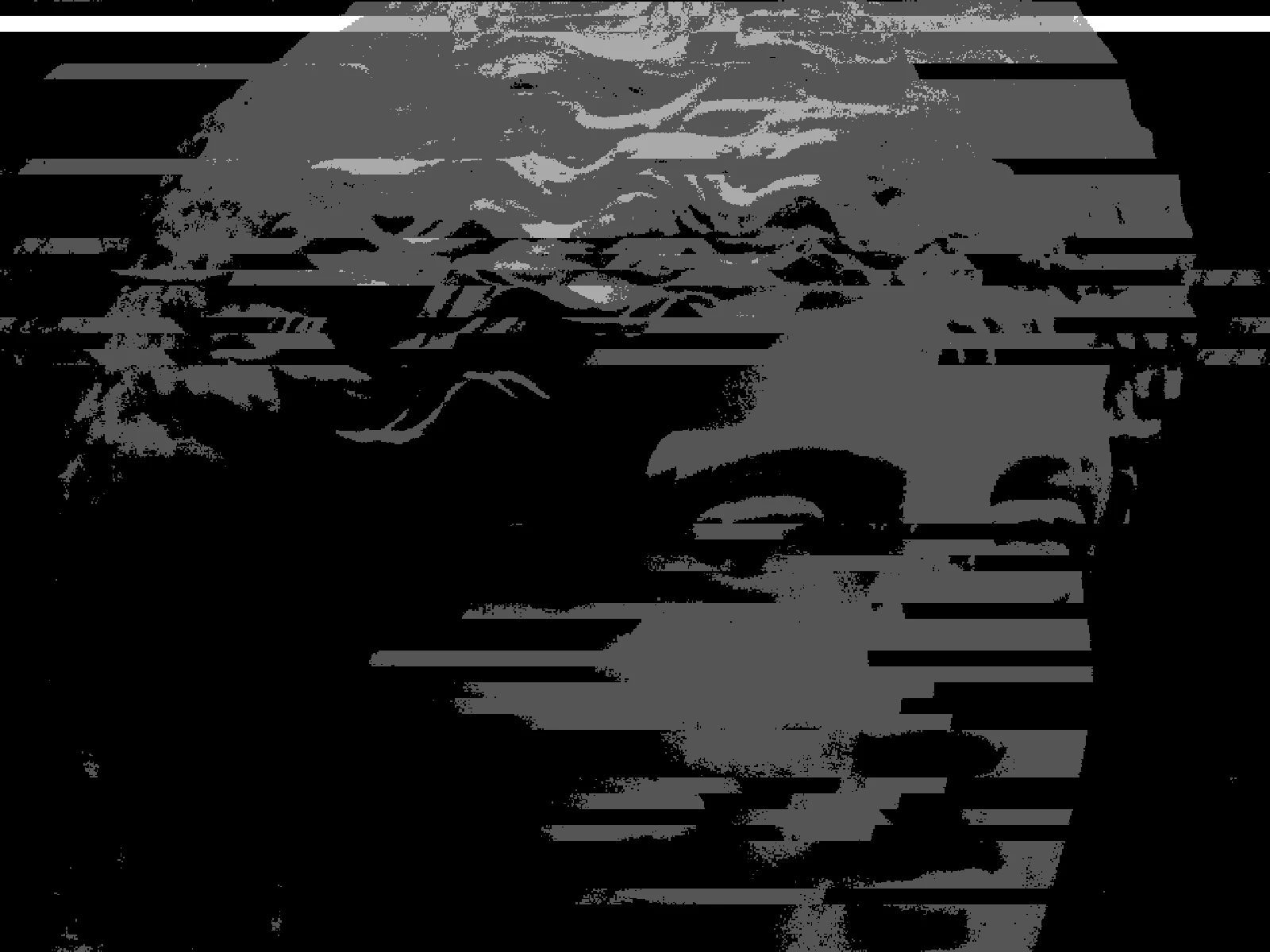
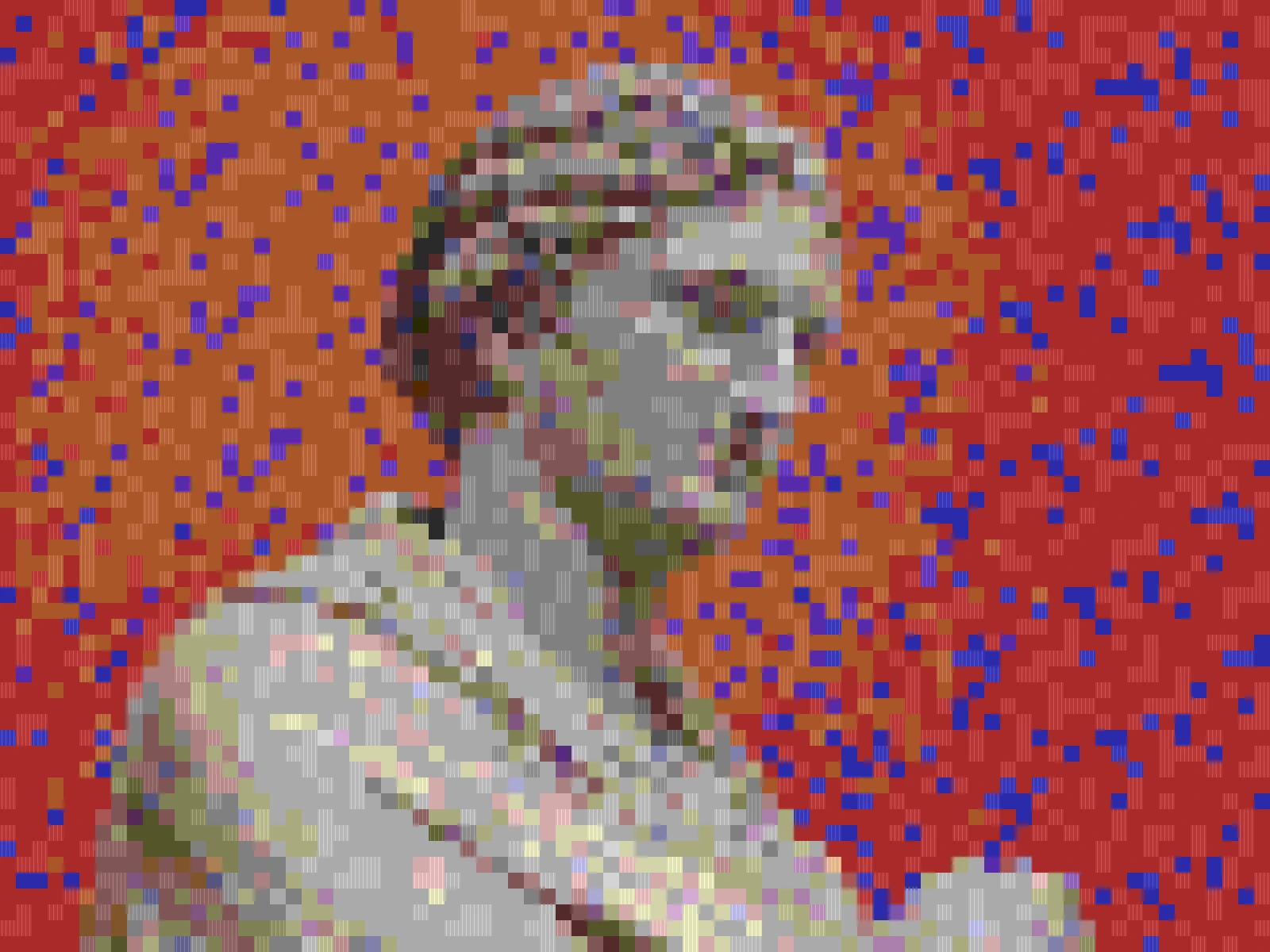
pixel sort effect

 SourceEffect
01/ ORIGIN
This one is young. Sorting pixel spans by brightness was popularised around 2010 by Kim Asendorf, whose Processing script circulated widely enough that its name became the name of the technique. It belongs to glitch art rather than to print or broadcast: no device ever did this by accident, and no engineer ever tried to prevent it. It is the rare effect with no defect behind it, which is why it looks less like damage and more like a decision.
02/ SWEEP
LENGTH sweep



03/ SPEC
Pixel sorting selects spans of pixels along a row or column and reorders them by luminance, preserving the original palette while destroying spatial structure. THRESHOLD, 0.05 to 0.95 with a default of 0.5, sets the brightness cutoff that determines where a sortable span begins and ends, and is the main control over whether the result follows the subject or turns to noise. LENGTH caps span travel from 4 to 120 pixels, default 40, and is the difference between a short pull and a streak across the frame. ABERRATION and COLUMN are advanced refinements. High-contrast sources work best; flat images qualify everywhere and collapse into vertical banding. In kott this is a paid effect.
04/ FAQ
- What is pixel sorting?
- Pixel sorting reorders runs of pixels along a row or column by brightness. Nothing is added or removed, so the original palette survives exactly while the spatial structure of the image dissolves.
- What does THRESHOLD do in pixel sorting?
- THRESHOLD sets the brightness cutoff that decides where a sortable run starts and stops. Near the middle of its 0.05 to 0.95 range, sorting follows the edges already in the picture, so the composition survives.
- Why does my image turn into flat vertical bands?
- A low-contrast source means almost every pixel qualifies for sorting, so runs span the whole frame. Pixel sorting rewards images that already have strong tonal separation.