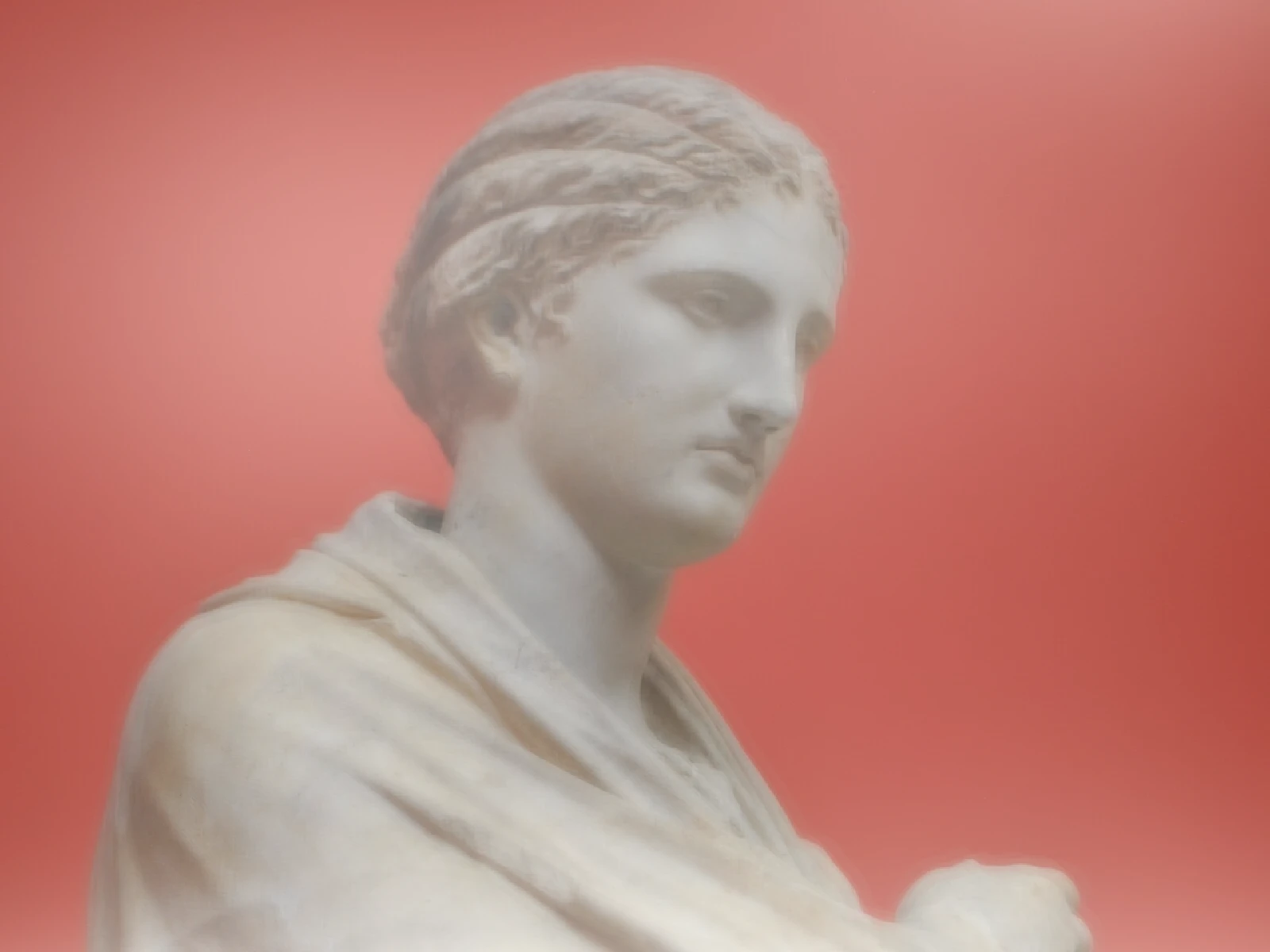
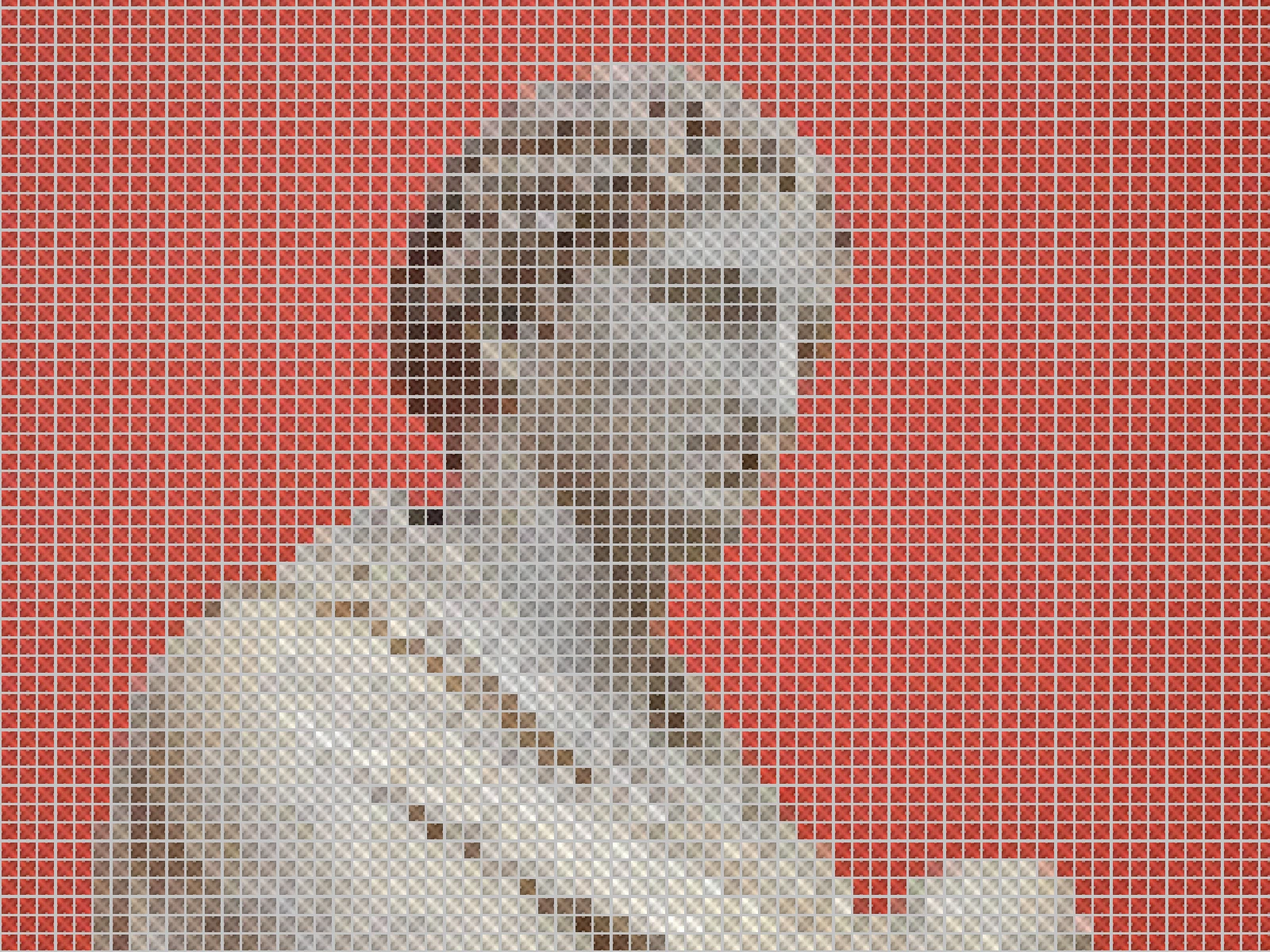
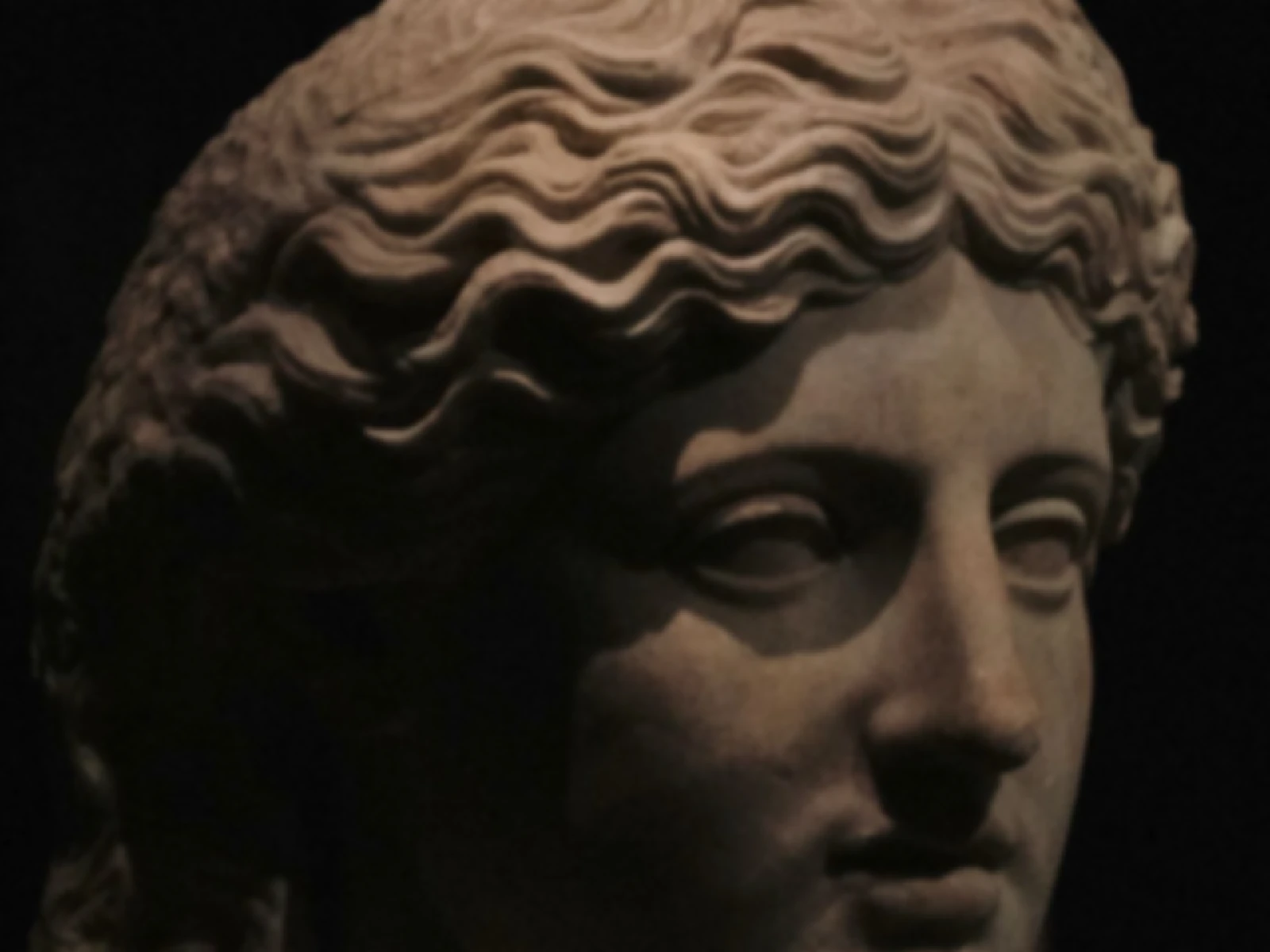
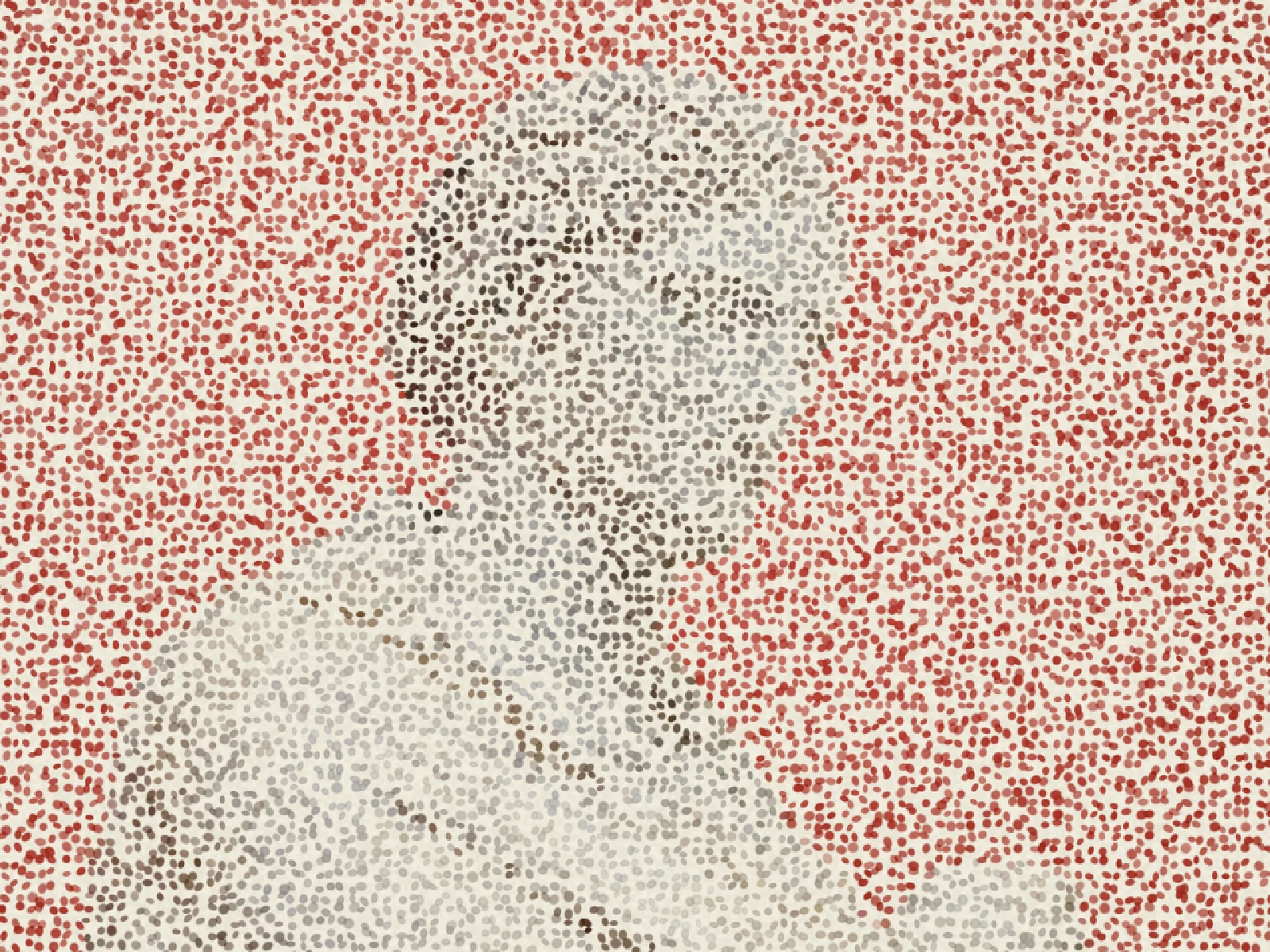
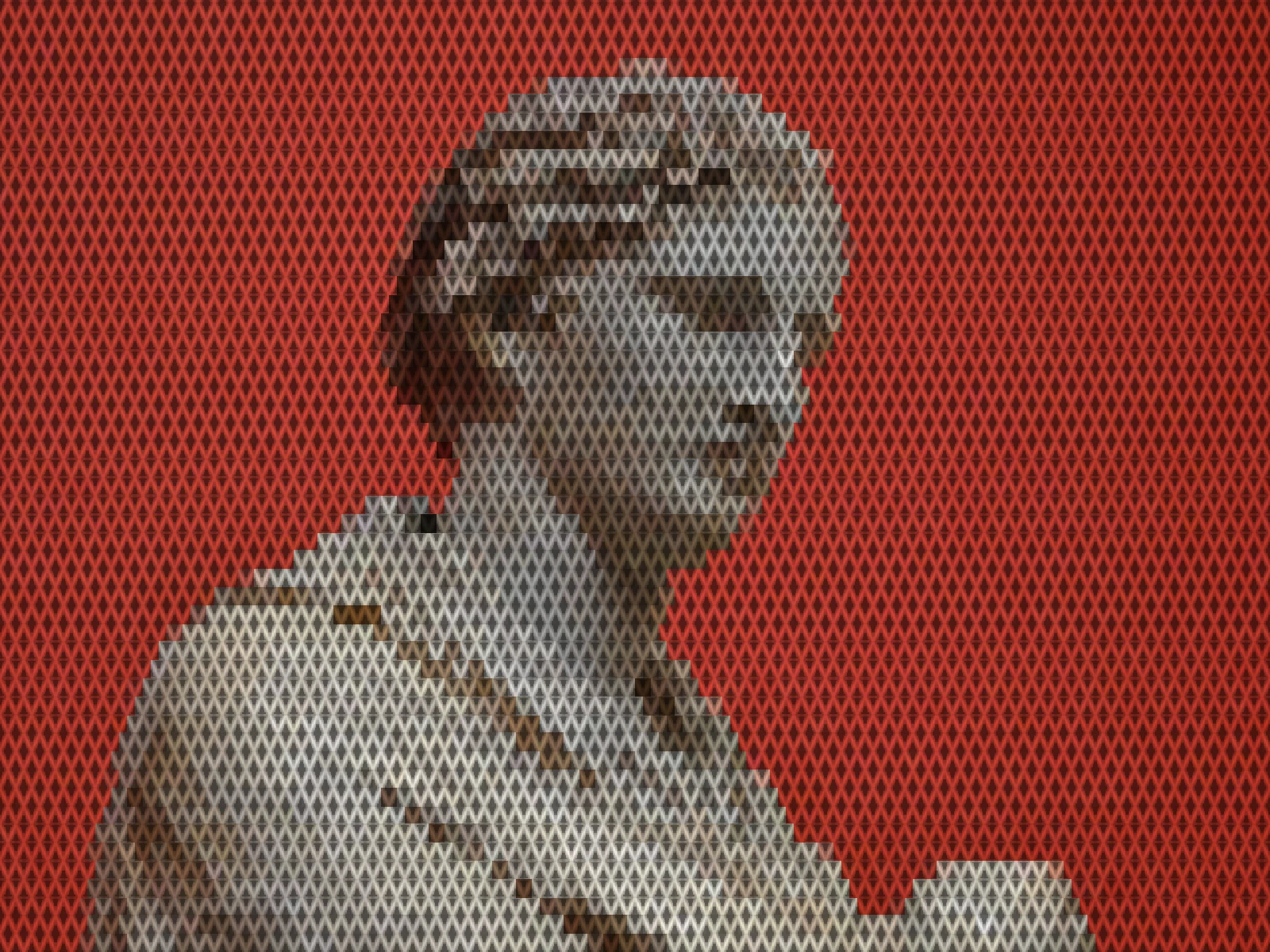
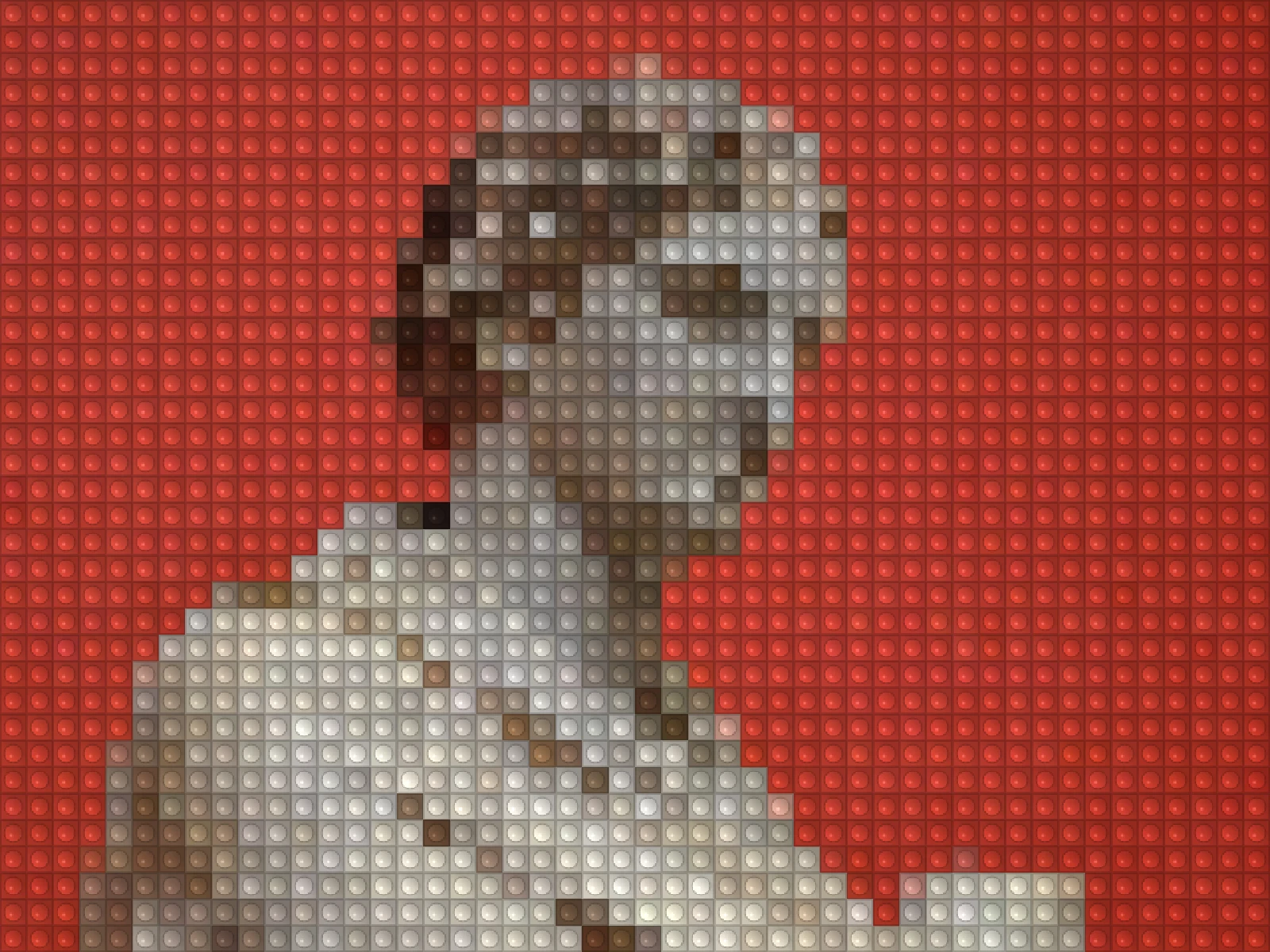
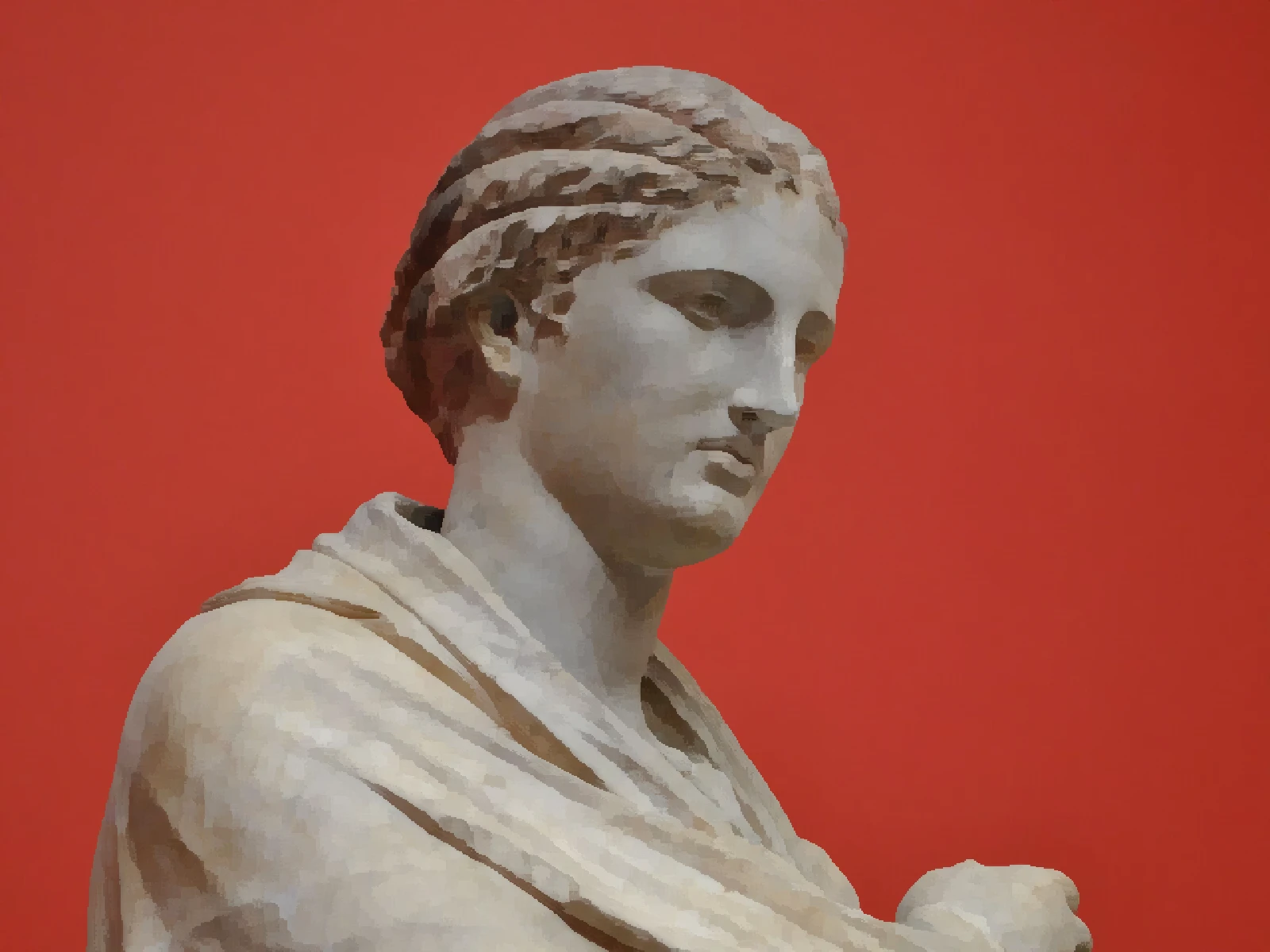
oil painting effect
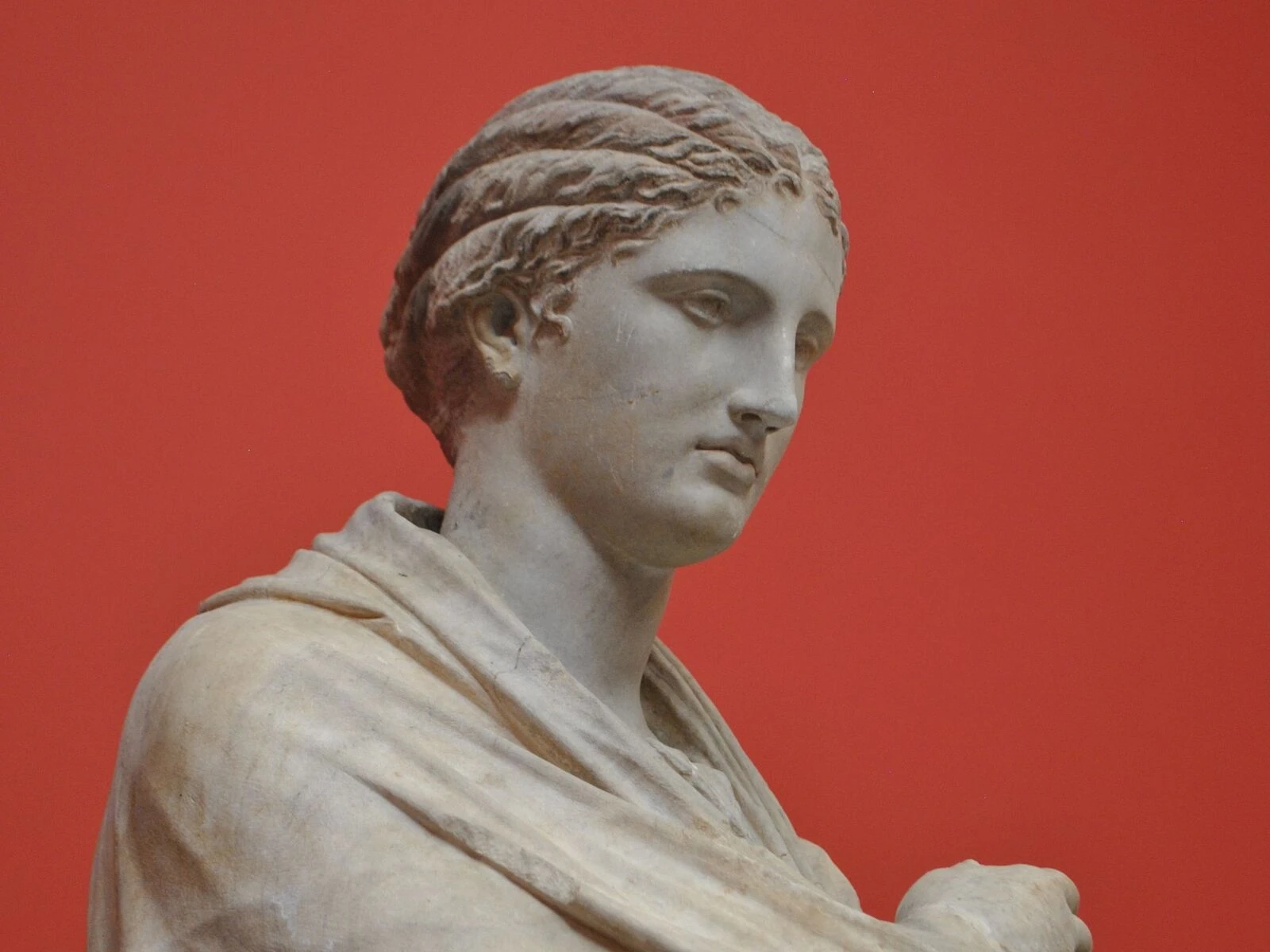
 SourceEffect
01/ ORIGIN
The look does not come from art history but from cardiology. Michiyoshi Kuwahara published a filter in the 1970s for cleaning up angiogram images: divide the neighbourhood around each pixel into quadrants, find the most uniform one, and take its average. It smoothed noise without softening edges, which was the medical requirement. The side effect was that photographs treated this way stop looking photographic and start looking brushed, and the filter has been the basis of painterly effects ever since.
02/ SWEEP
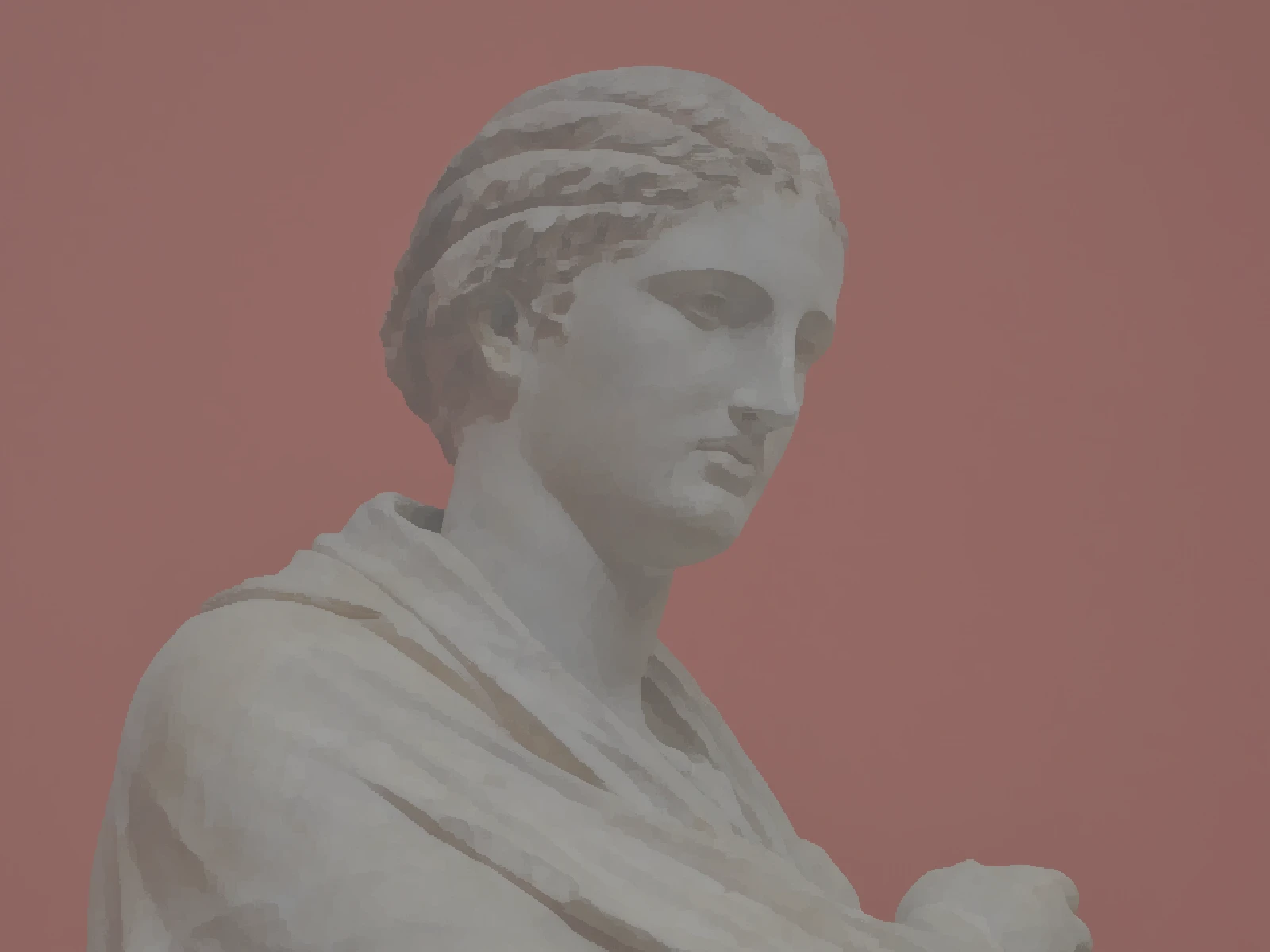
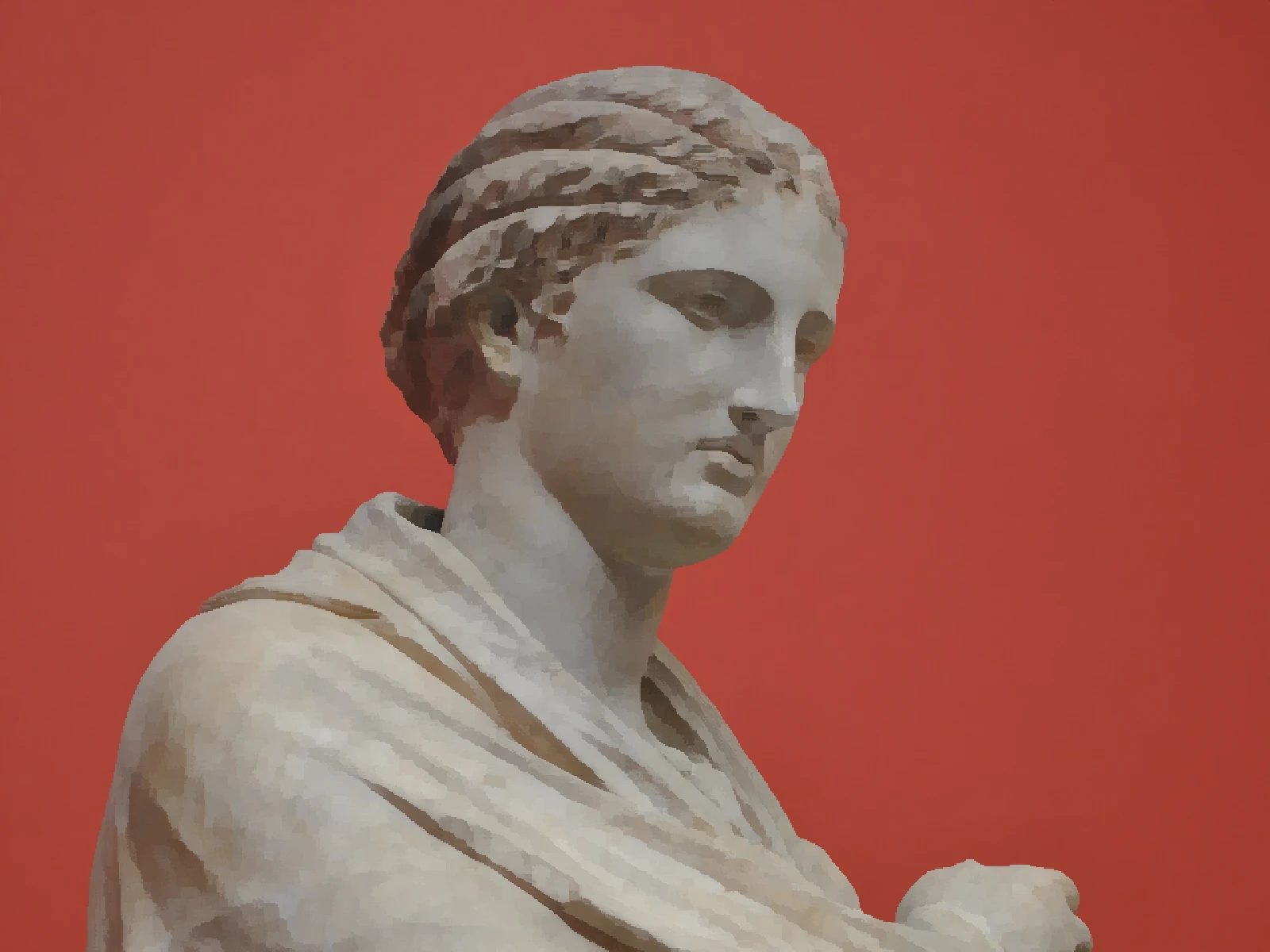
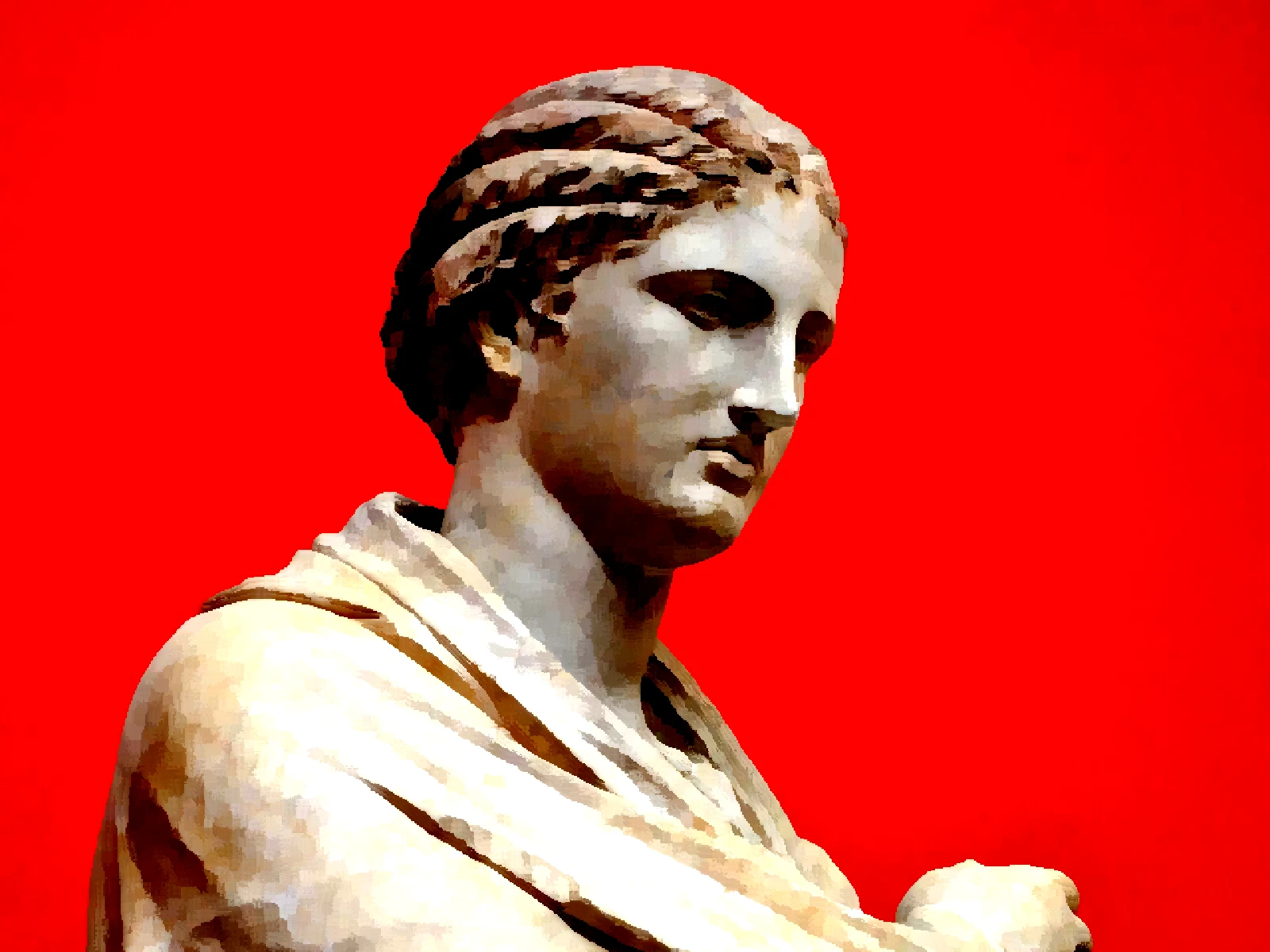
CONTRAST sweep
03/ SPEC
This effect smooths regions while preserving edges by sampling the neighbourhood around each pixel and adopting the colour of its most uniform part, which flattens texture into patches without blurring boundaries. RADIUS runs from 2 to 7 pixels with a default of 4 and sets the neighbourhood size, which controls apparent brush width. CONTRAST from 0.2 to 3 shapes tone before the sampling and matters more than it sounds: the filter can only distinguish patches the tonal range actually separates, so on a low-key source CONTRAST decides whether brush marks read at all. In kott it is computed per pixel, so brush scale stays constant relative to the export rather than to the preview.
04/ FAQ
- What is an oil painting effect?
- An oil painting effect replaces local detail with flat patches of the dominant nearby colour, so texture flattens into brush-like strokes while edges stay sharp. It is based on the Kuwahara filter.
- What RADIUS gives a realistic brush size?
- The default of 4 reads as a medium brush on a large export. Values of 6 or 7 flatten a portrait into very few strokes, which looks bold at poster scale and crude at screen scale.
- Why do edges stay sharp in an oil paint effect?
- The filter picks the most uniform region near each pixel rather than averaging everything around it. At an edge, one side is always more uniform, so the boundary survives instead of blurring.