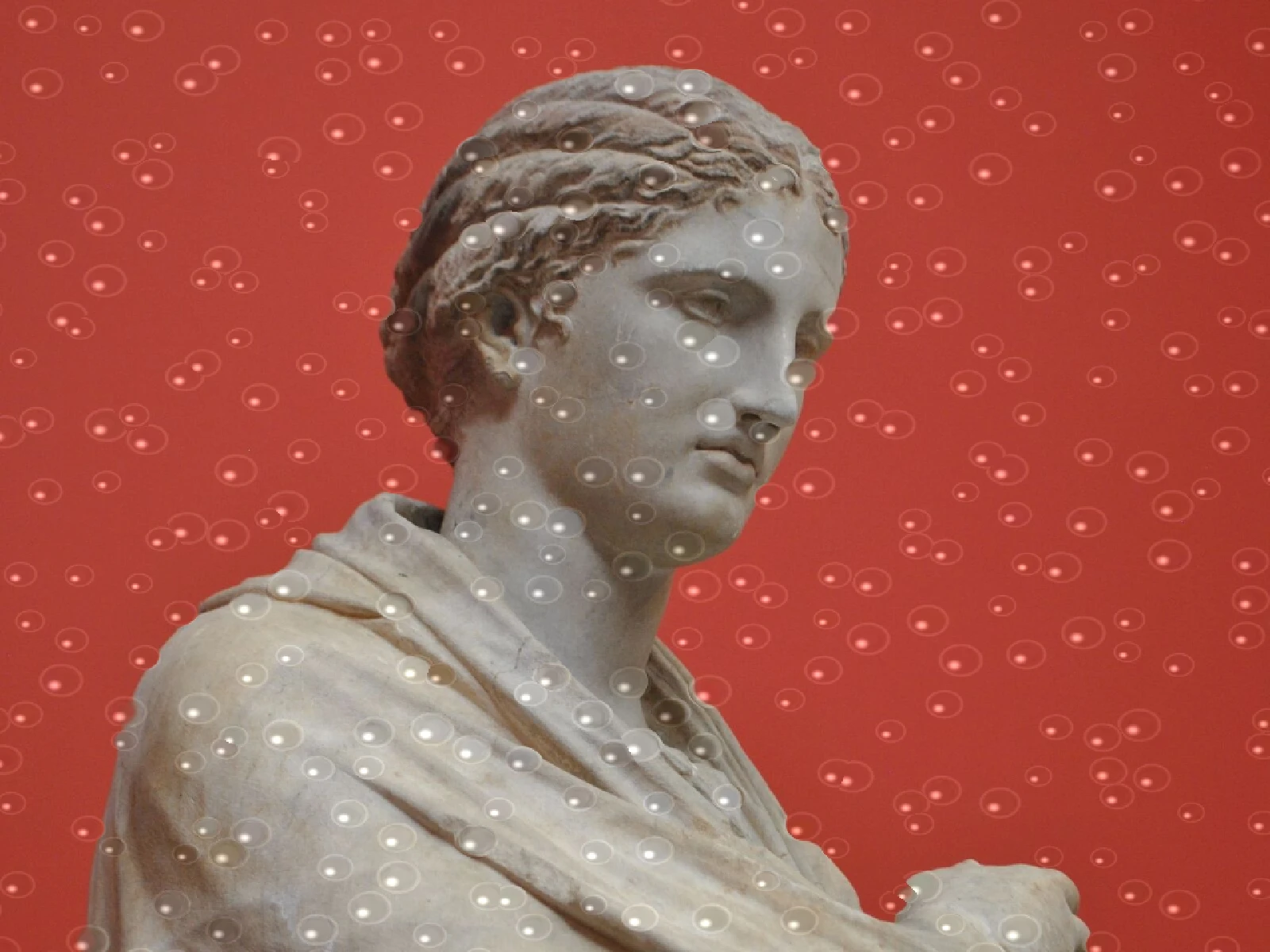
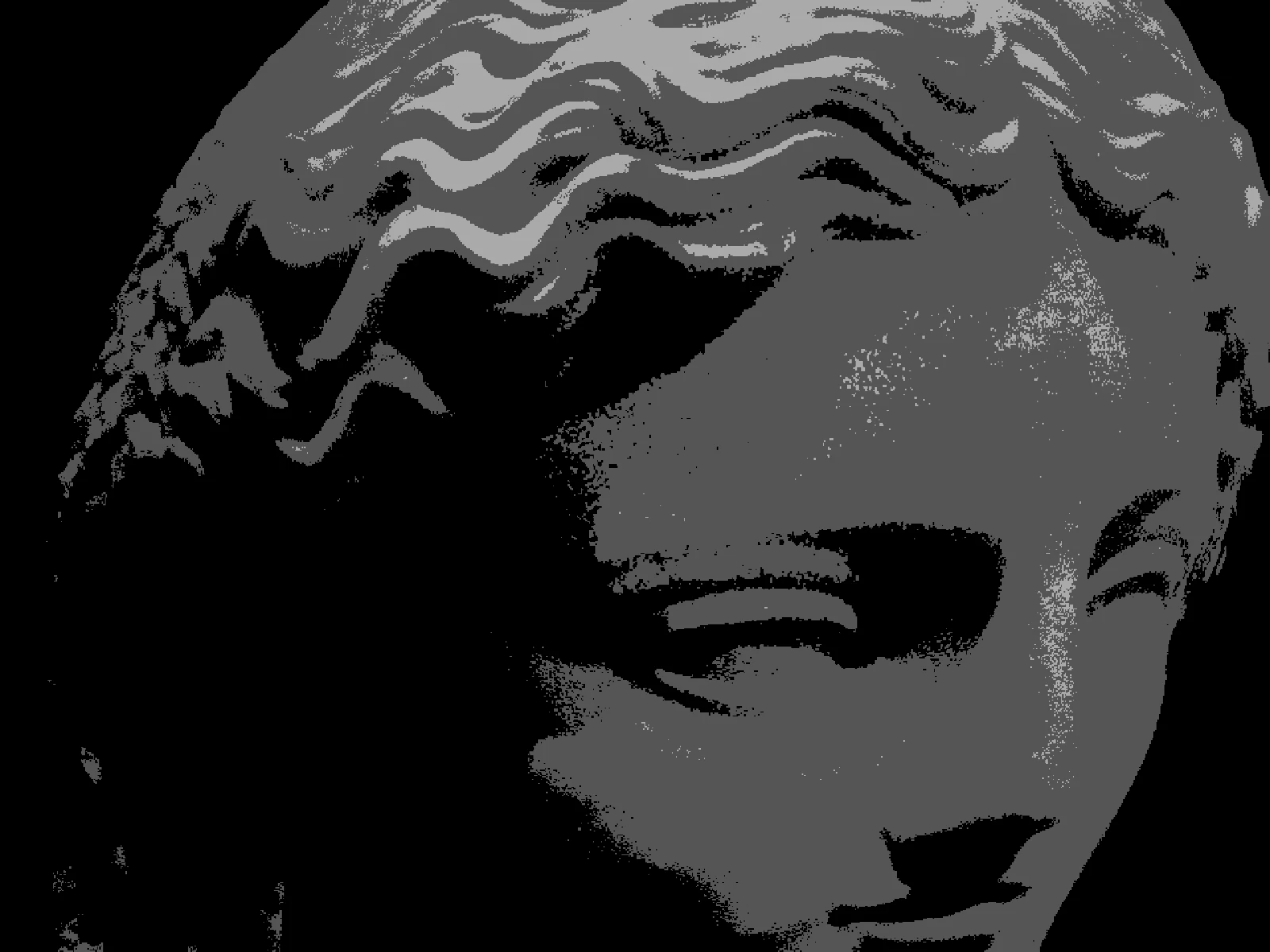
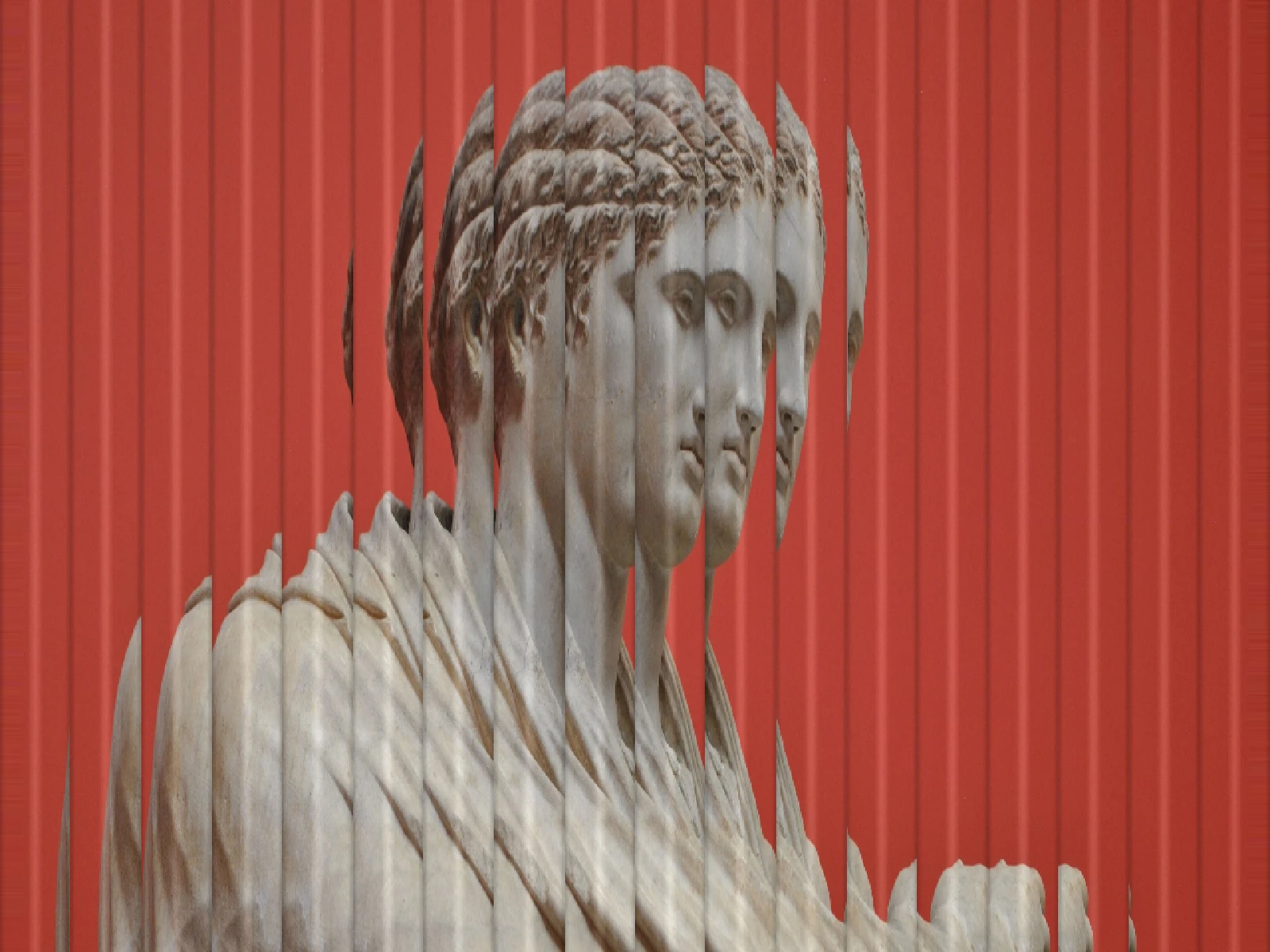
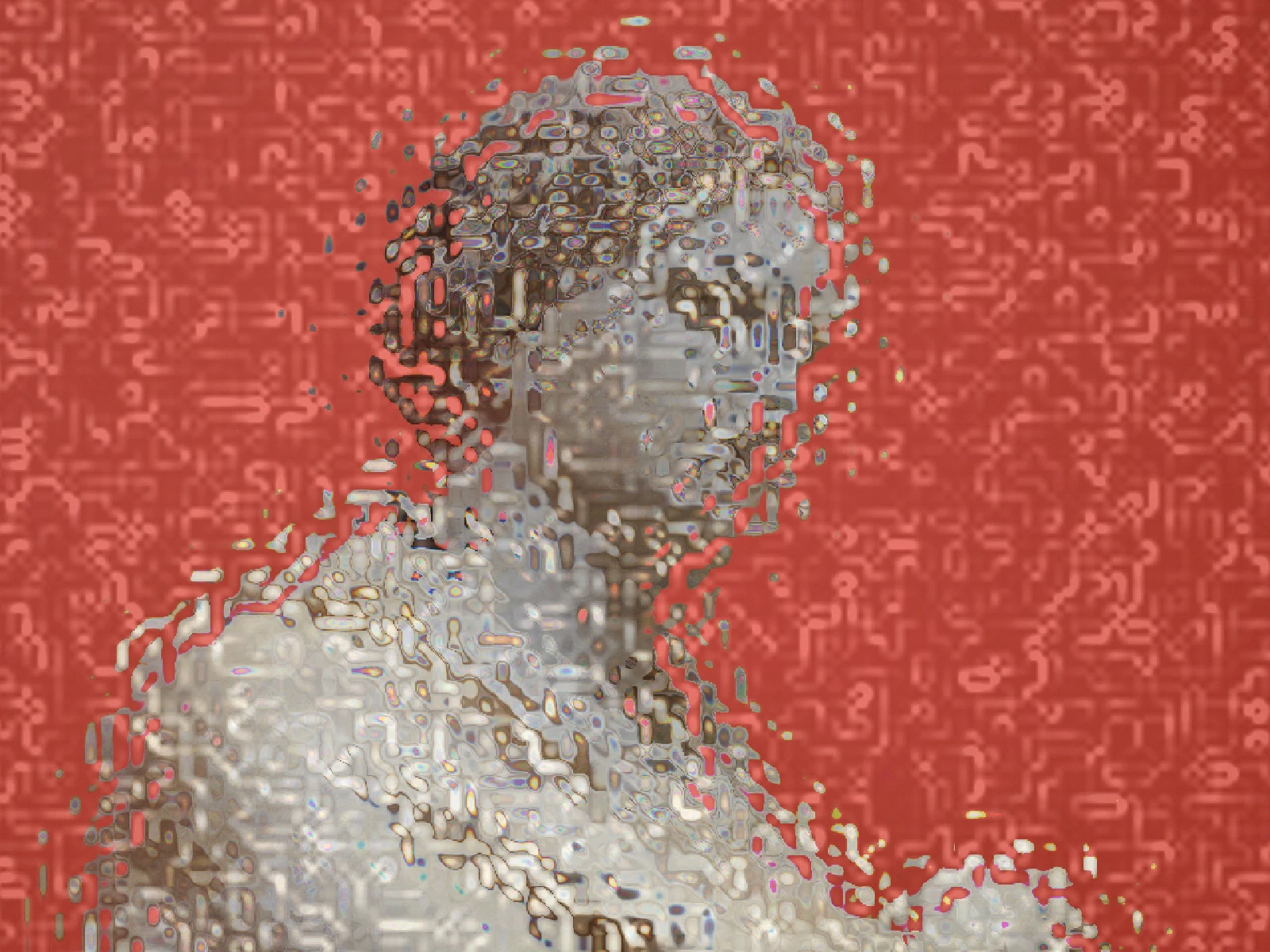
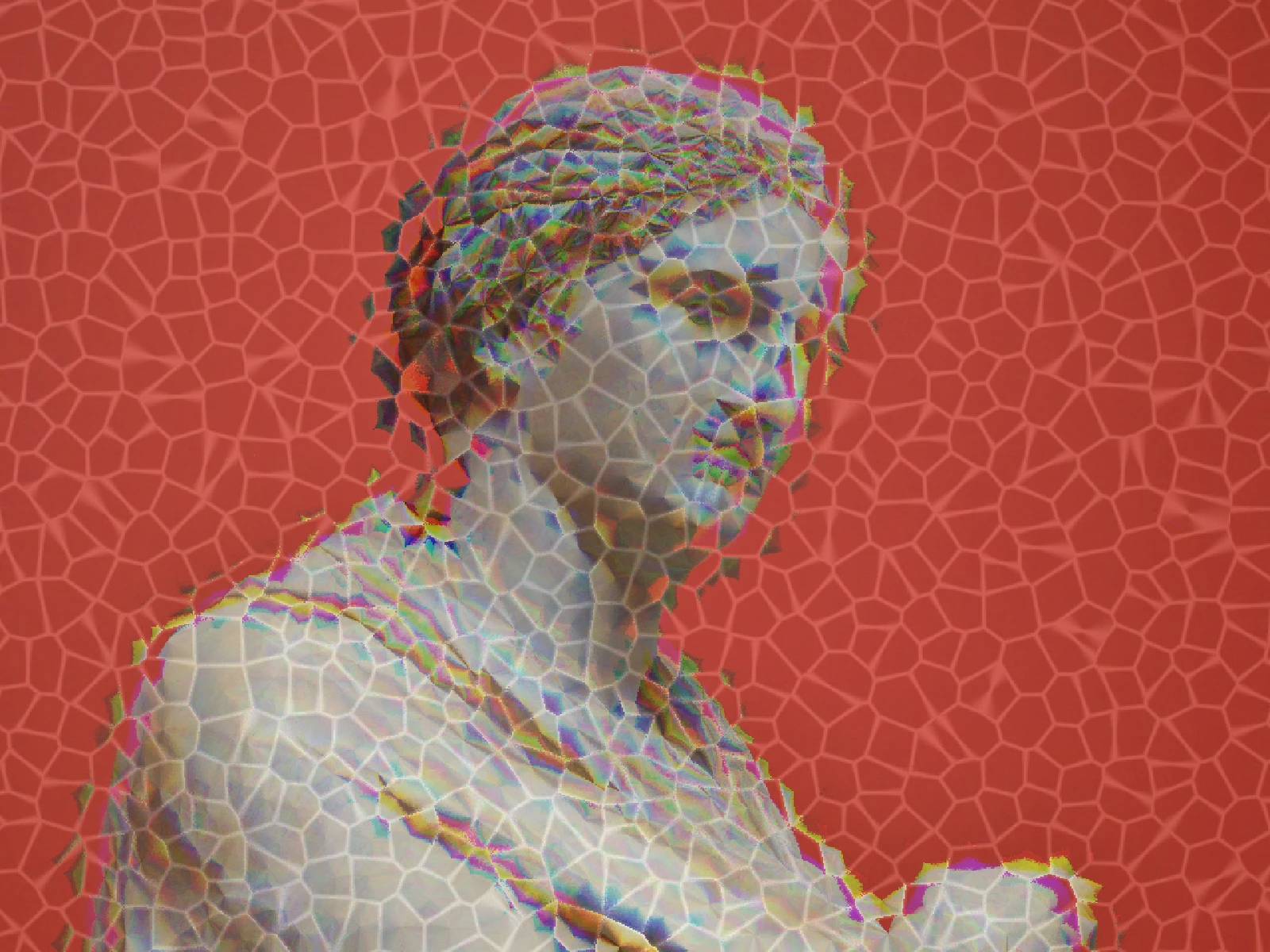
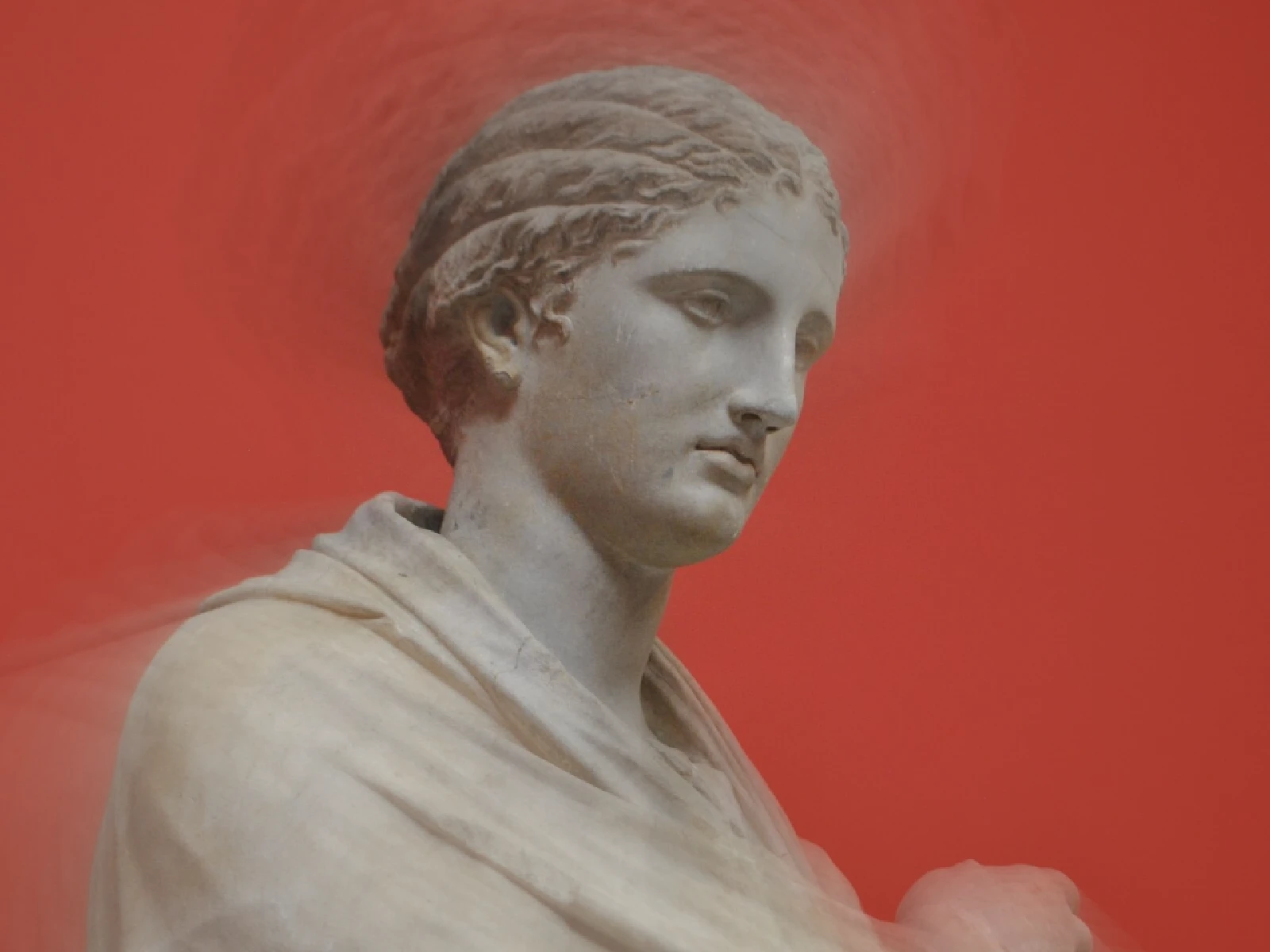
radial blur effect
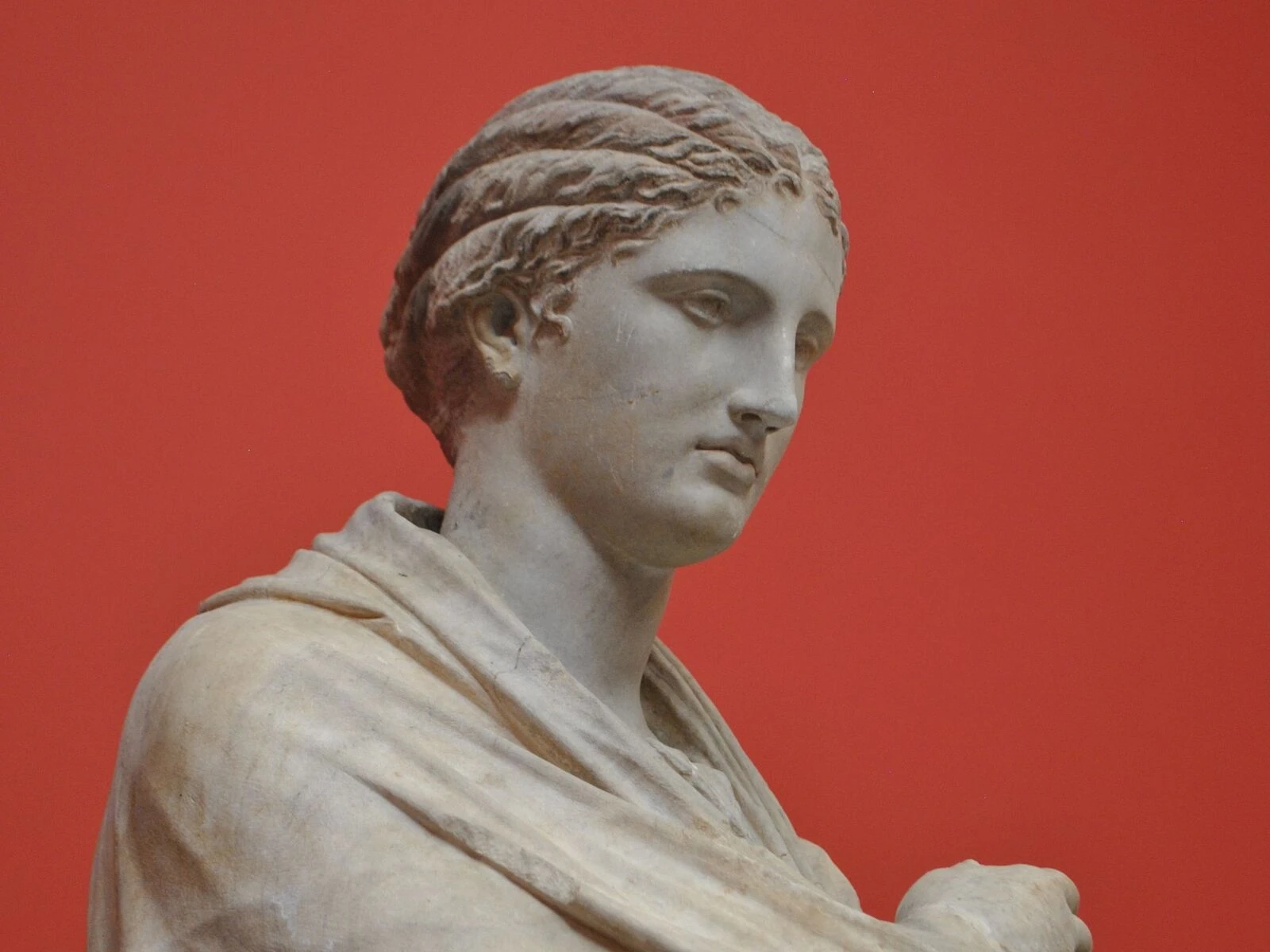
 SourceEffect
01/ ORIGIN
The photographic version is a zoom burst: open the shutter for a long exposure and turn the zoom ring while it is open, so every point in the frame traces a line outward from the optical axis. It has been in use since zoom lenses became common in the mid twentieth century, and it was always a gamble, because you could not see the result until the film came back. The digital version is the same geometry with the uncertainty removed.
02/ SWEEP
AMOUNT sweep
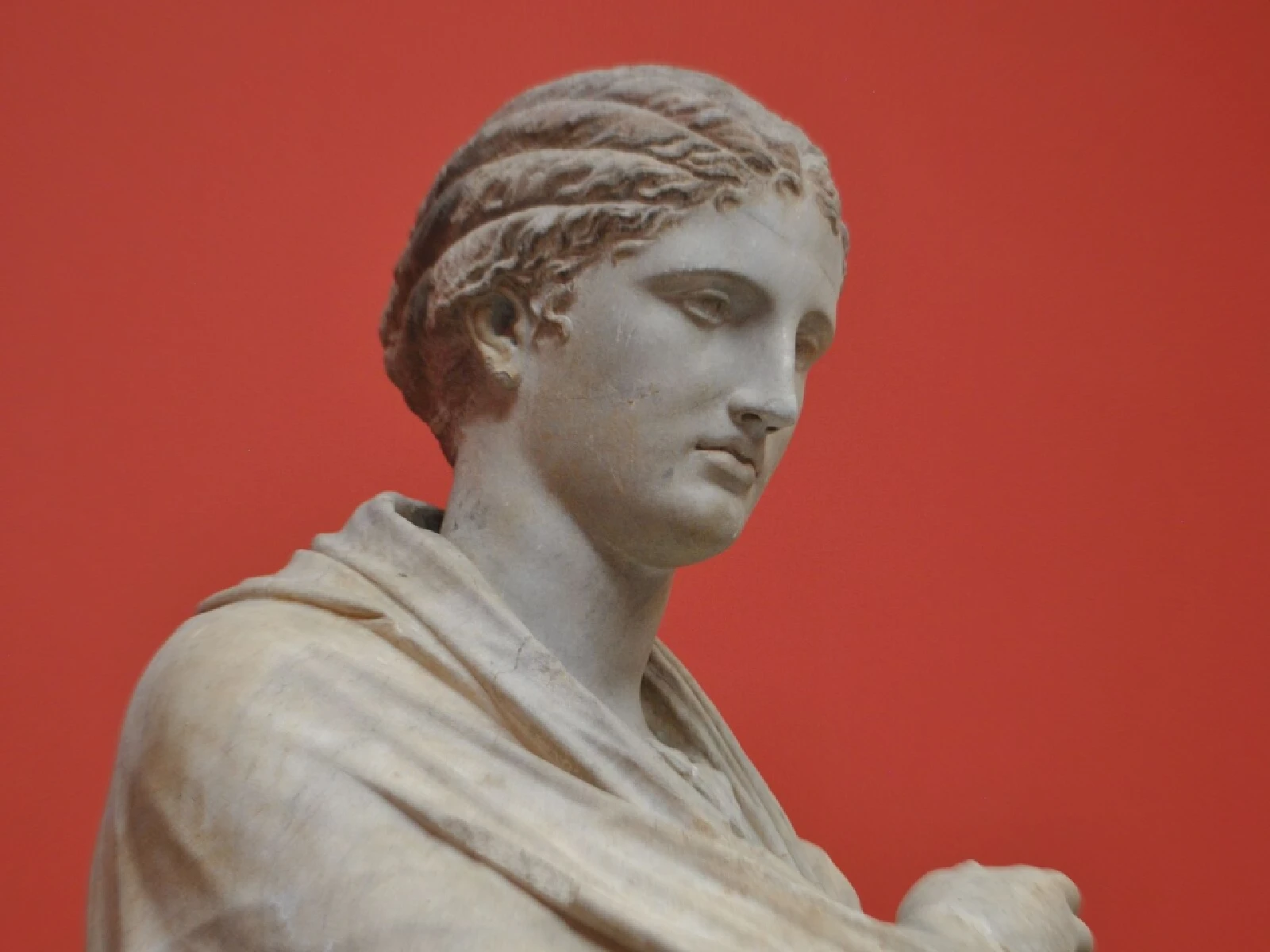
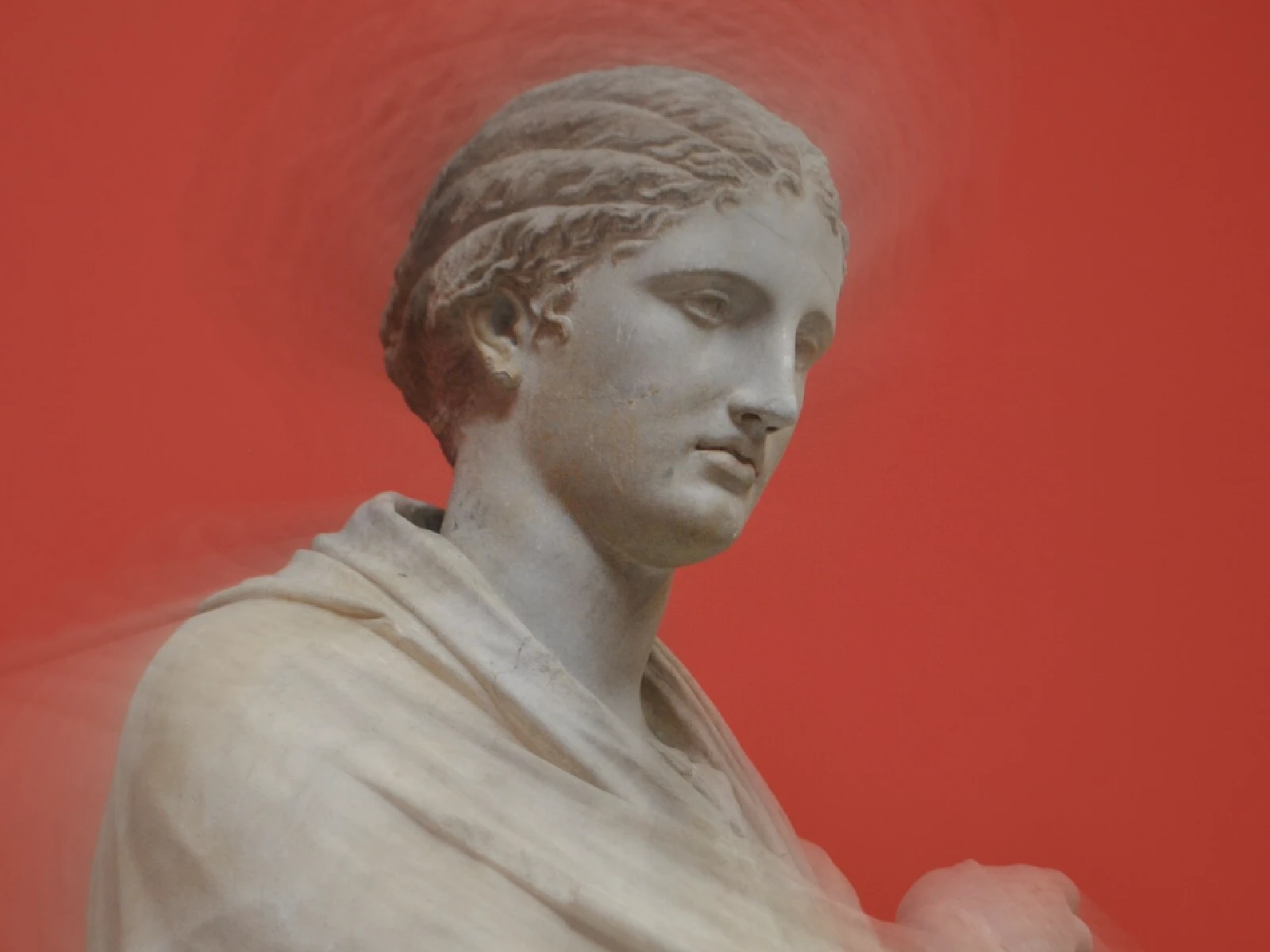
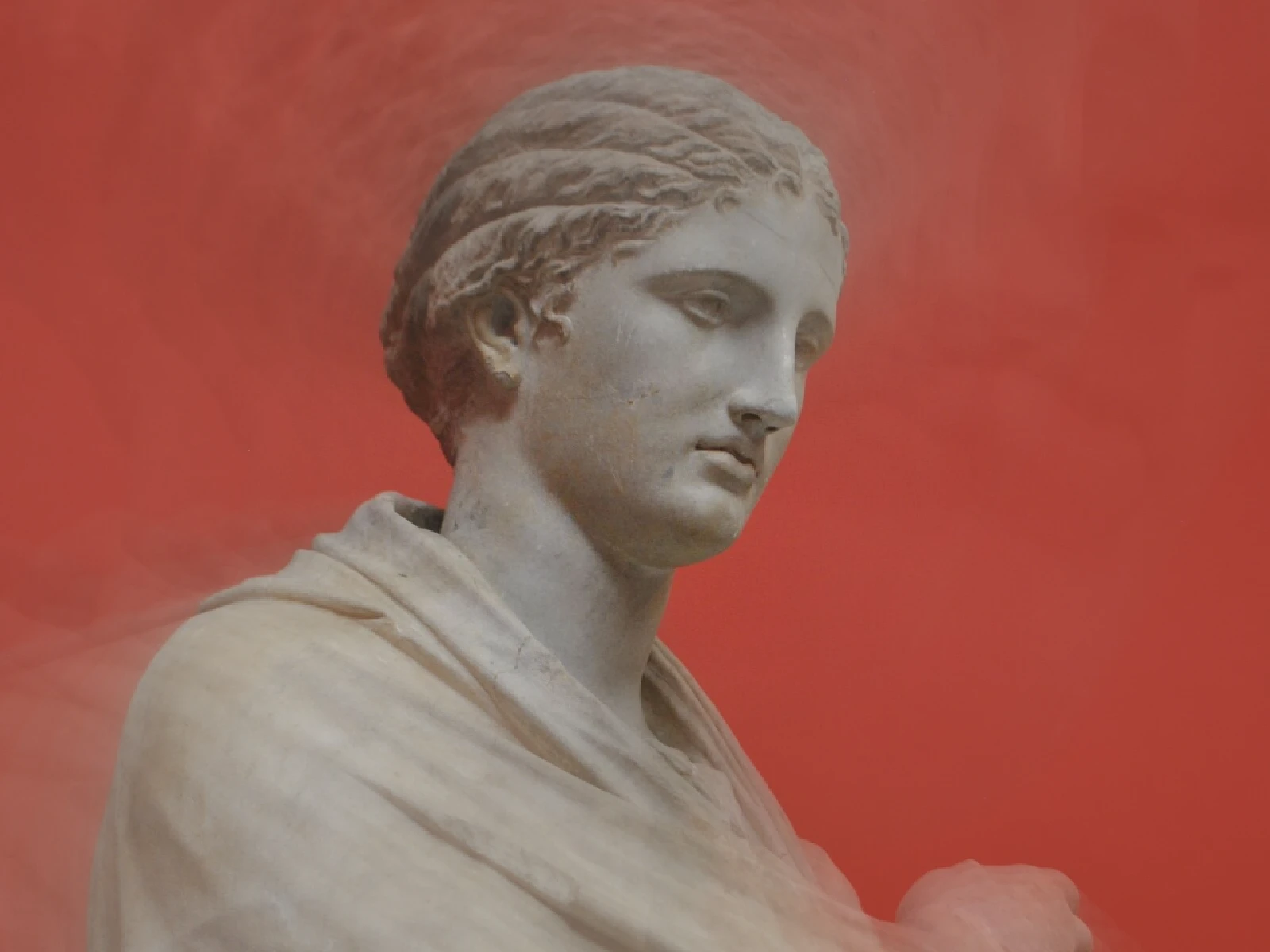
03/ SPEC
This effect averages samples along a line running radially outward from the frame centre, so displacement grows with distance from that point and nothing at the centre moves at all. AMOUNT runs from 0 to 1 with a default of 0.5 and scales the streak length, where 0 is a clean pass-through. EXTENT is an advanced control setting how much of the frame the effect reaches, and it defaults to 0.35, which means a centred subject stays sharp at any AMOUNT: displacement is zero at the middle by construction and only the outer frame streaks. Raise EXTENT to pull the centre apart. Because samples are averaged rather than displaced, in kott the result softens as well as streaks, exactly as a real long exposure does.
04/ FAQ
- What is a radial blur effect?
- A radial blur effect averages pixels along lines running outward from a centre point, so the middle stays sharp and streaking increases toward the edges. It imitates a photographic zoom burst.
- What is the difference between radial blur and a zoom blur?
- They are the same thing described from either end. Photographers call it a zoom burst because it comes from turning a zoom ring mid-exposure; digitally it is a radial displacement of samples.
- How do I keep the subject's face sharp?
- Place the subject near the frame centre, since displacement is zero there and grows outward, and raise EXTENT so the sharp region covers more of the frame.