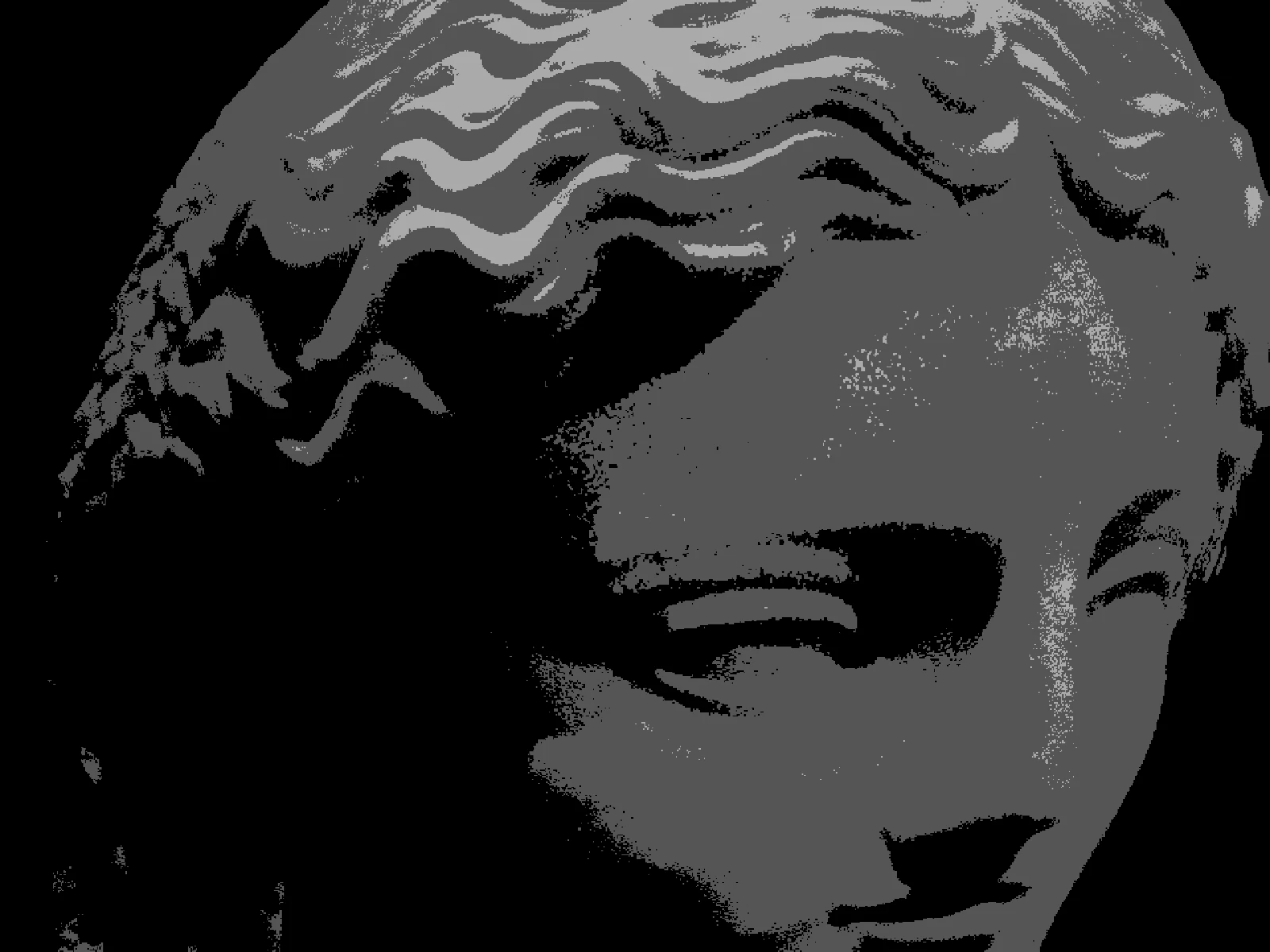
ripple effect

 SourceEffect
01/ ORIGIN
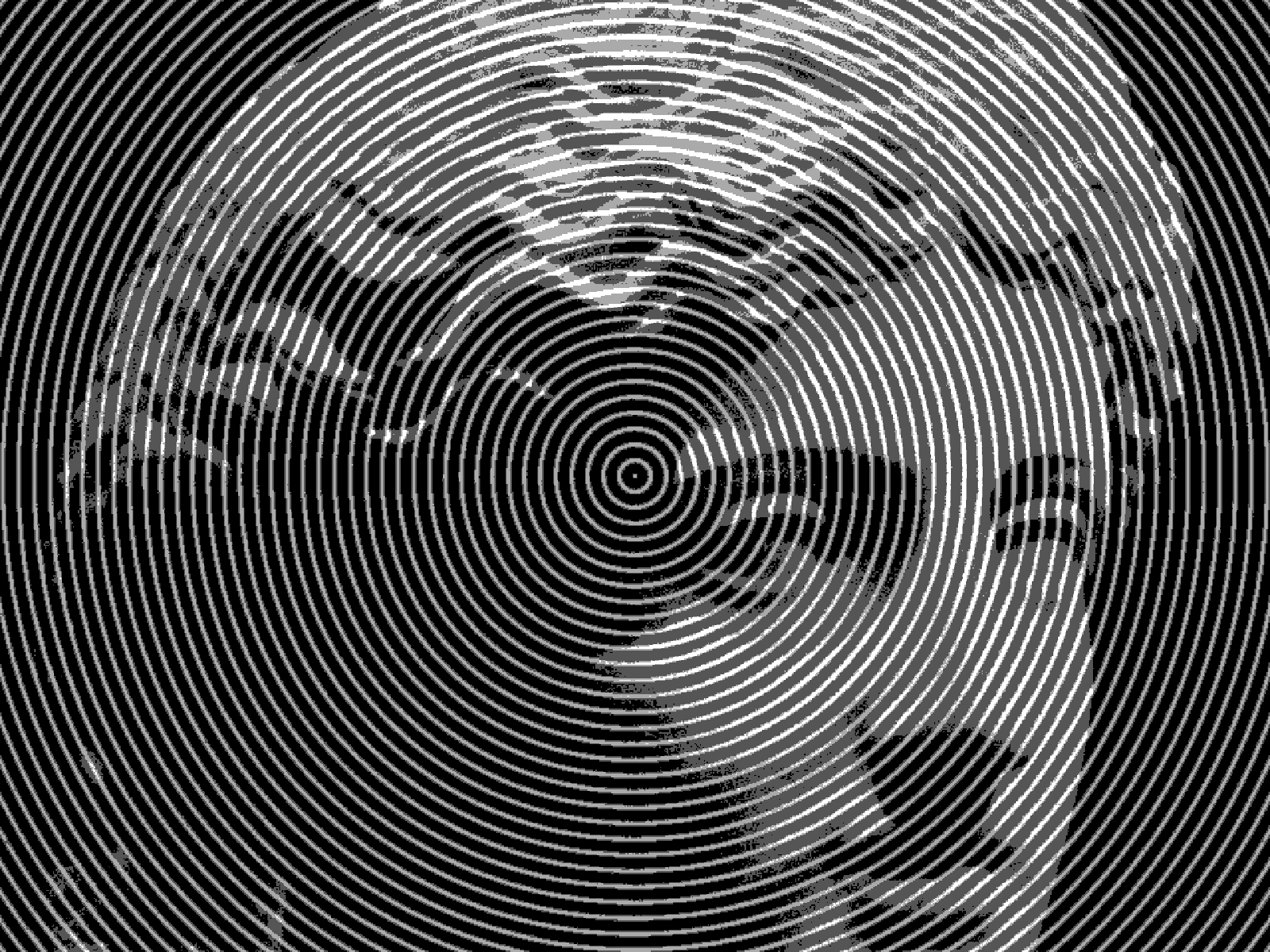
Rippled reflections are one of the oldest things anyone has looked at, and photographers spent a century trying to shoot through disturbed water without losing the subject. The digital version inverts the problem: instead of removing distortion, it imposes a mathematically perfect one. Real water never produces evenly spaced concentric rings across a whole frame, which is precisely why the effect reads as an effect rather than as a photograph of a pond.
02/ SWEEP
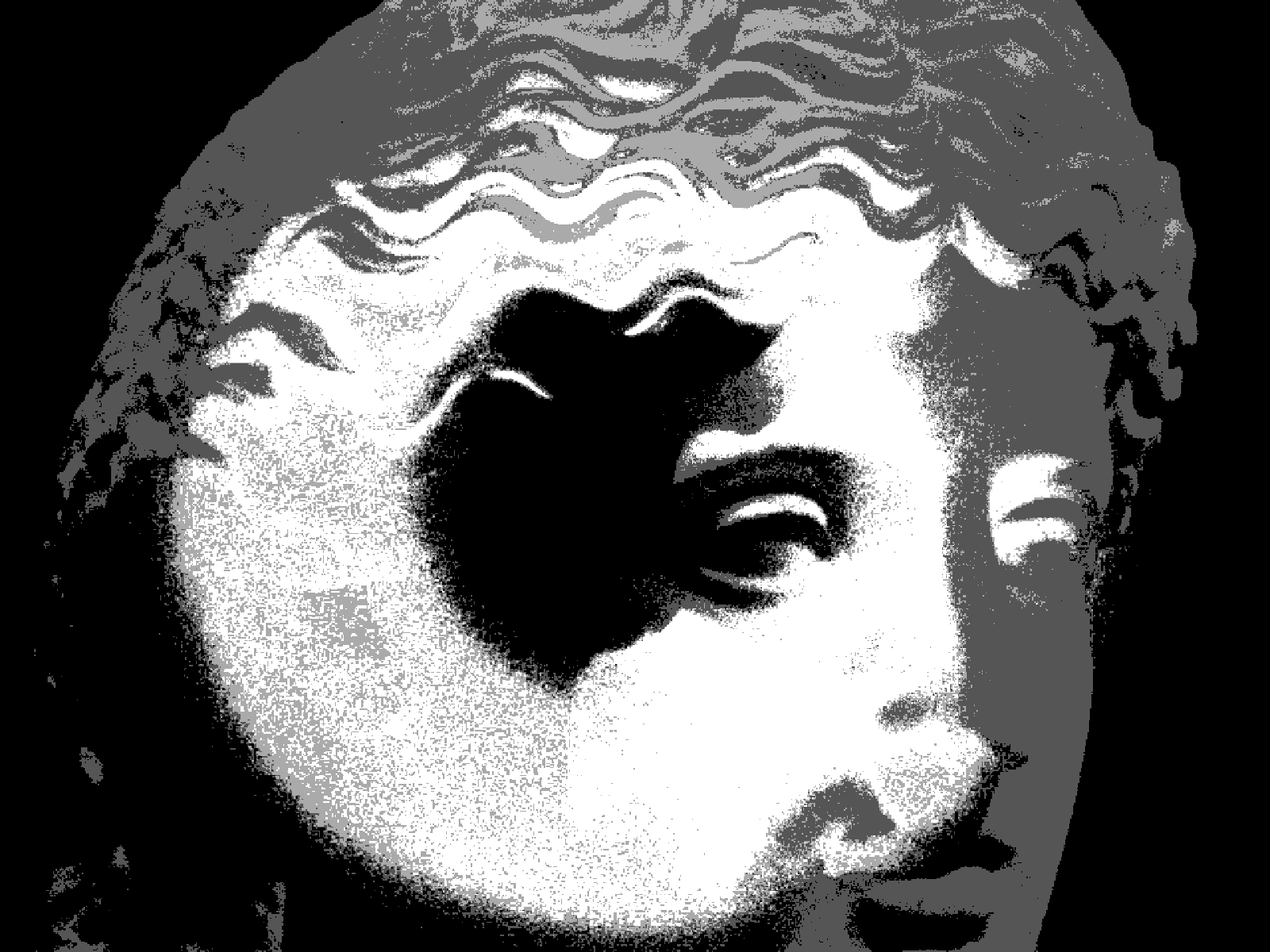
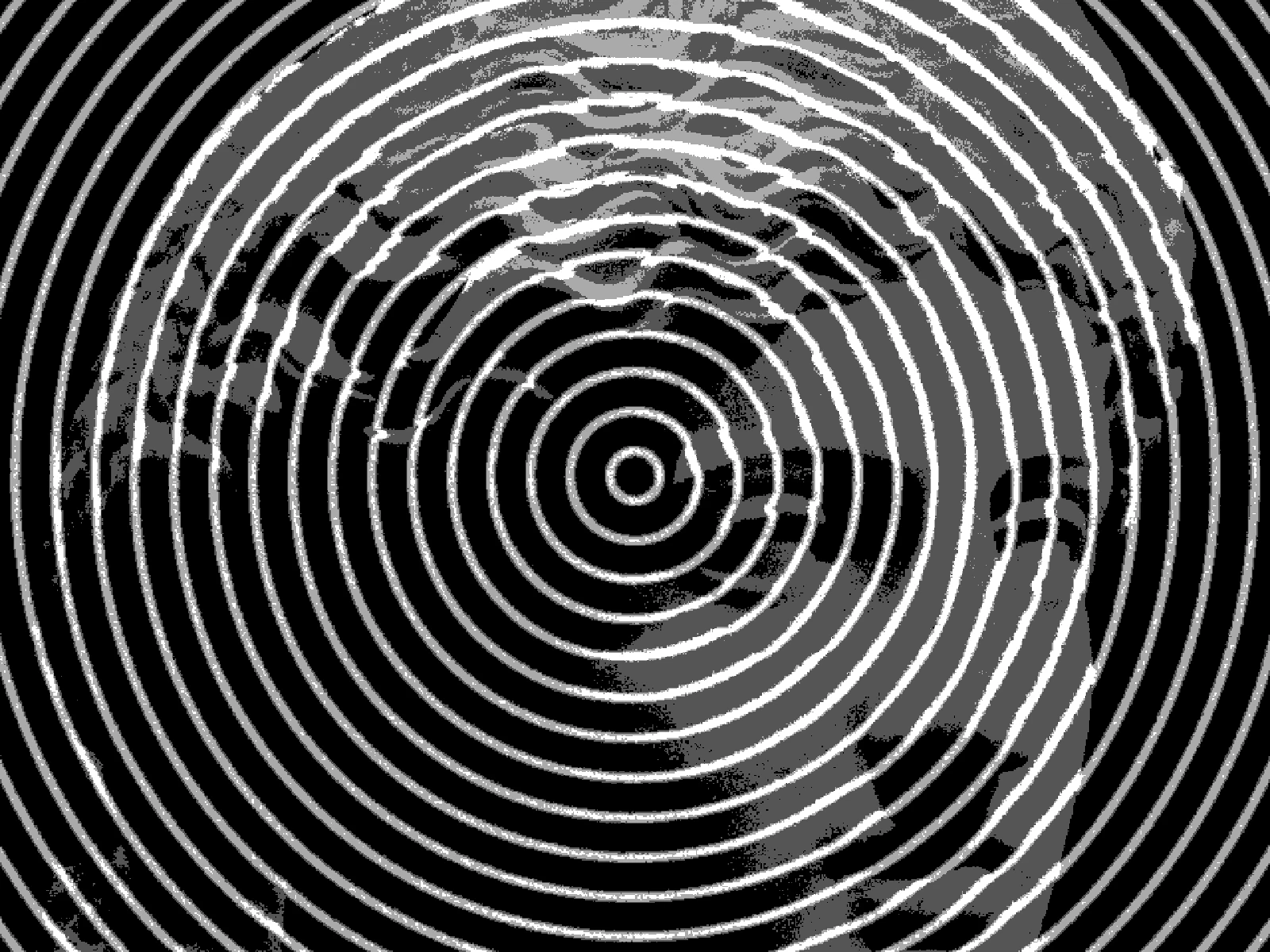
FREQ sweep
03/ SPEC
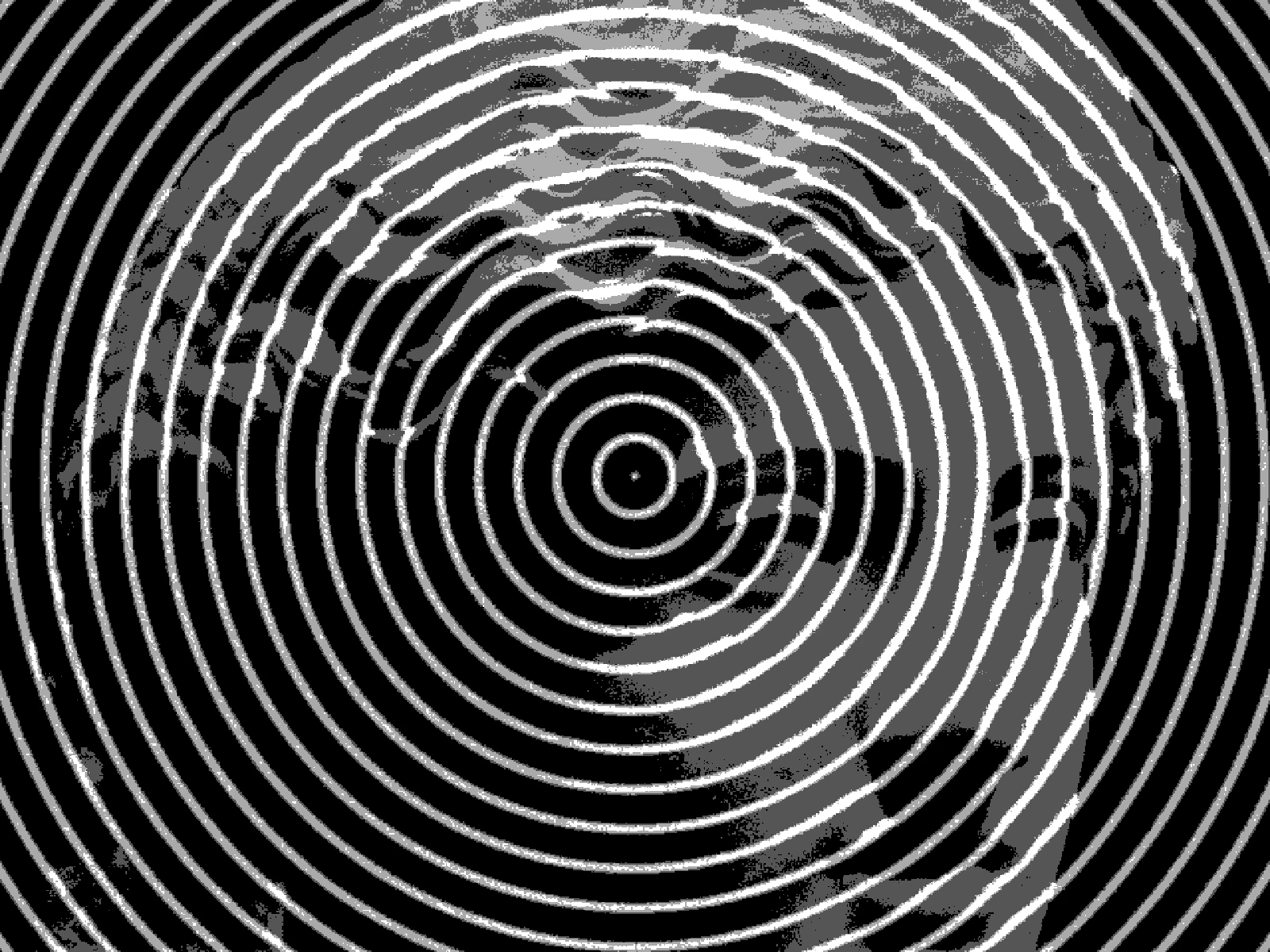
A ripple displaces each pixel radially by a sine wave whose phase depends on distance from the frame centre, producing concentric rings of stretch and compression. FREQ runs from 0 to 10 with a default of 4 and sets how many wave cycles fit across the frame, where 0 is a flat pass-through. WIDTH from 0 to 1 controls displacement amplitude, so it decides whether the rings read as gentle refraction or as visible banding. BOKEH is an advanced control that blurs along the displacement. In kott the wave is evaluated per pixel, so ring edges stay smooth rather than stepping.
04/ FAQ
- What is a ripple effect?
- A ripple effect displaces pixels along concentric sine waves spreading from a centre point, producing rings of stretch and compression like a disturbed water surface.
- How do I make a ripple look like real water?
- Keep FREQ low, around 2 to 4, and WIDTH under 0.4. Real water never produces evenly spaced rings across a whole frame, so subtlety is what sells it.
- What is the difference between ripple and twirl?
- A ripple displaces pixels radially in and out along waves, so distance from centre changes. A twirl rotates them around the centre, so the angle changes instead.