bloom effect
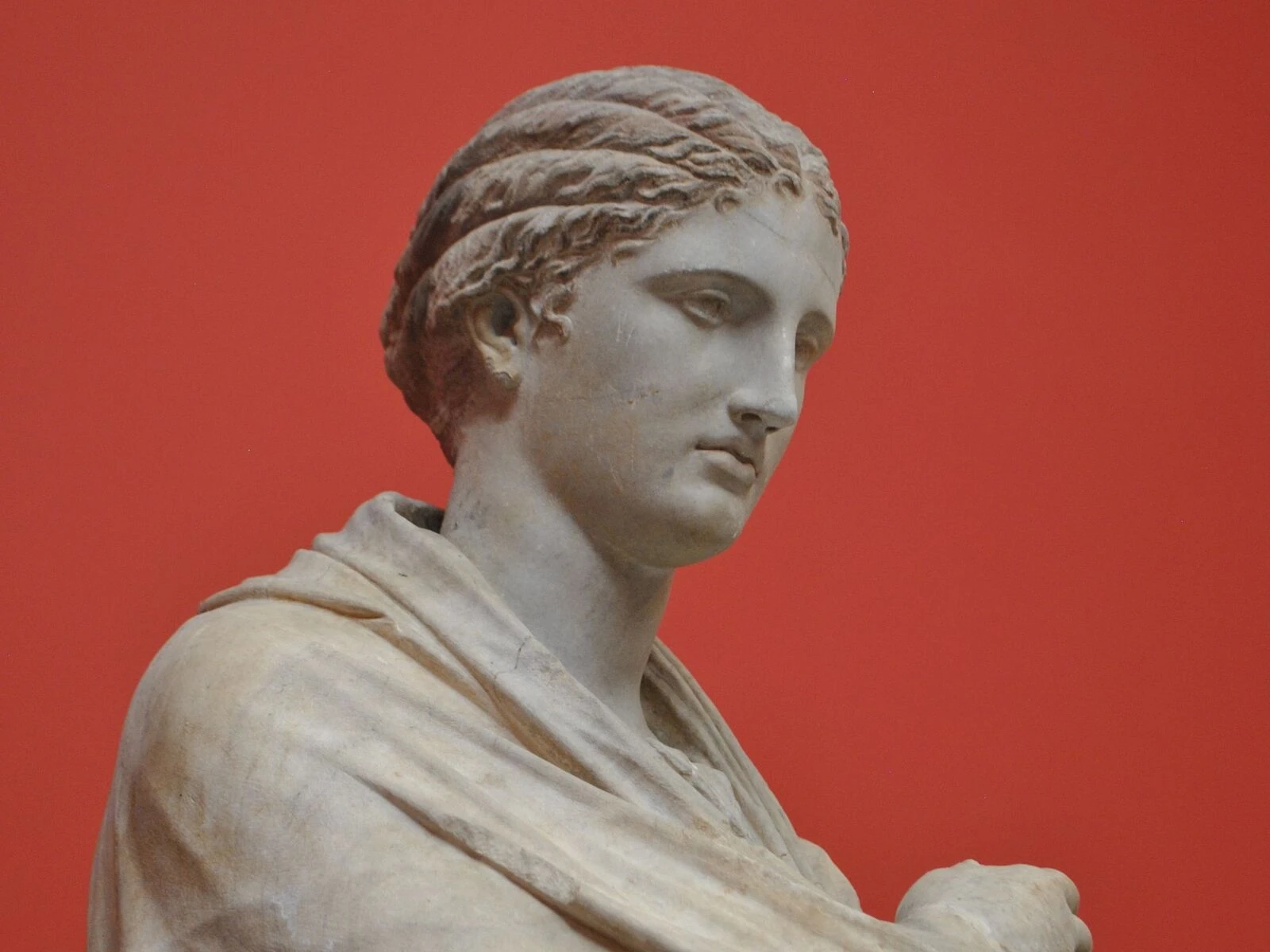
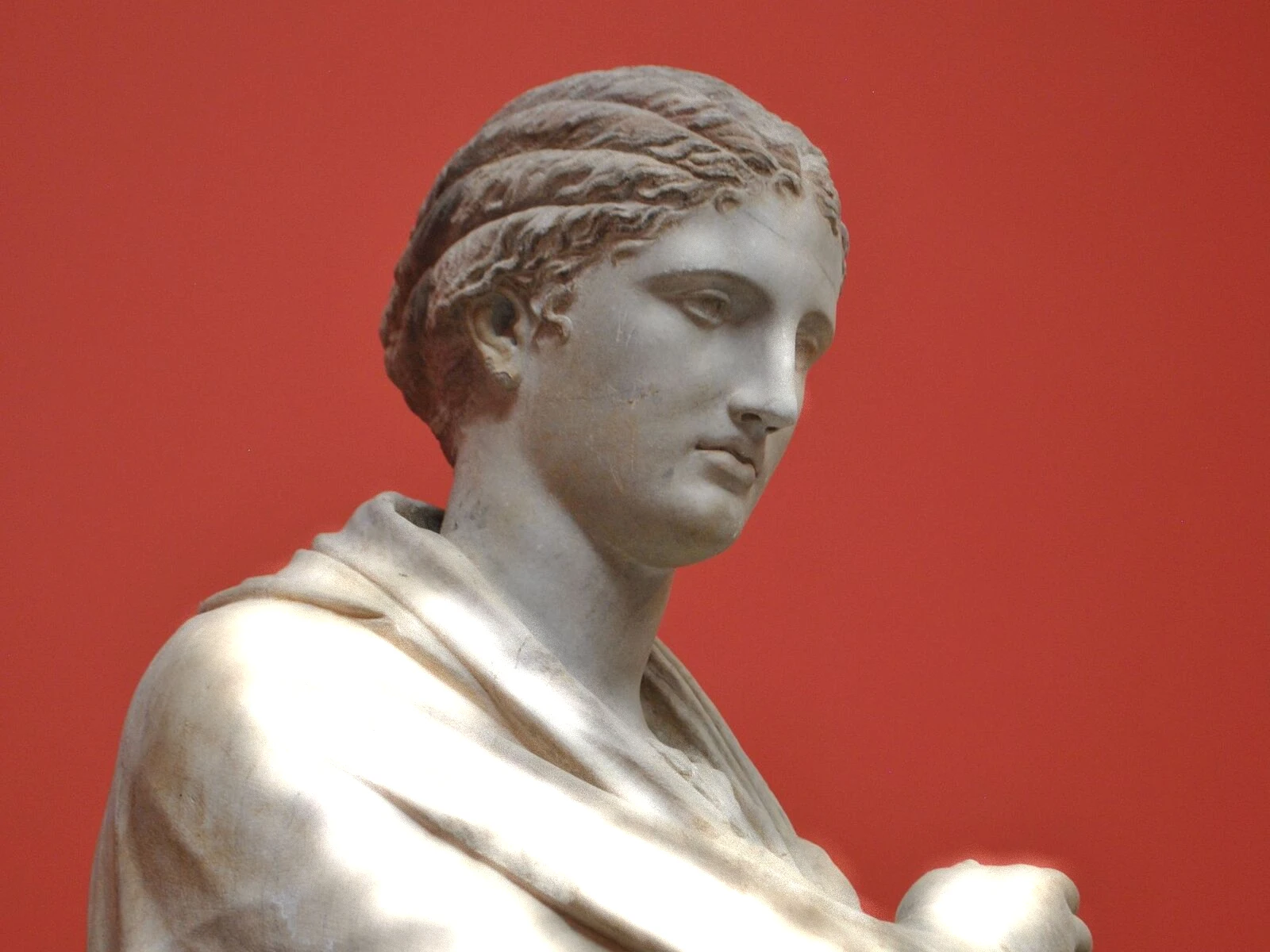 SourceEffect
01/ ORIGIN
Bloom is not an aesthetic decision but a description of how optical systems fail. Light entering a lens scatters off imperfections and internal surfaces, spreading a bright source into the darker area around it, and the equivalent in film is halation, where light passes through the emulsion and reflects back off the base. Both were defects to be reduced. Real-time graphics adopted the look deliberately in the mid 2000s, once there were enough cycles to fake it.
02/ SWEEP
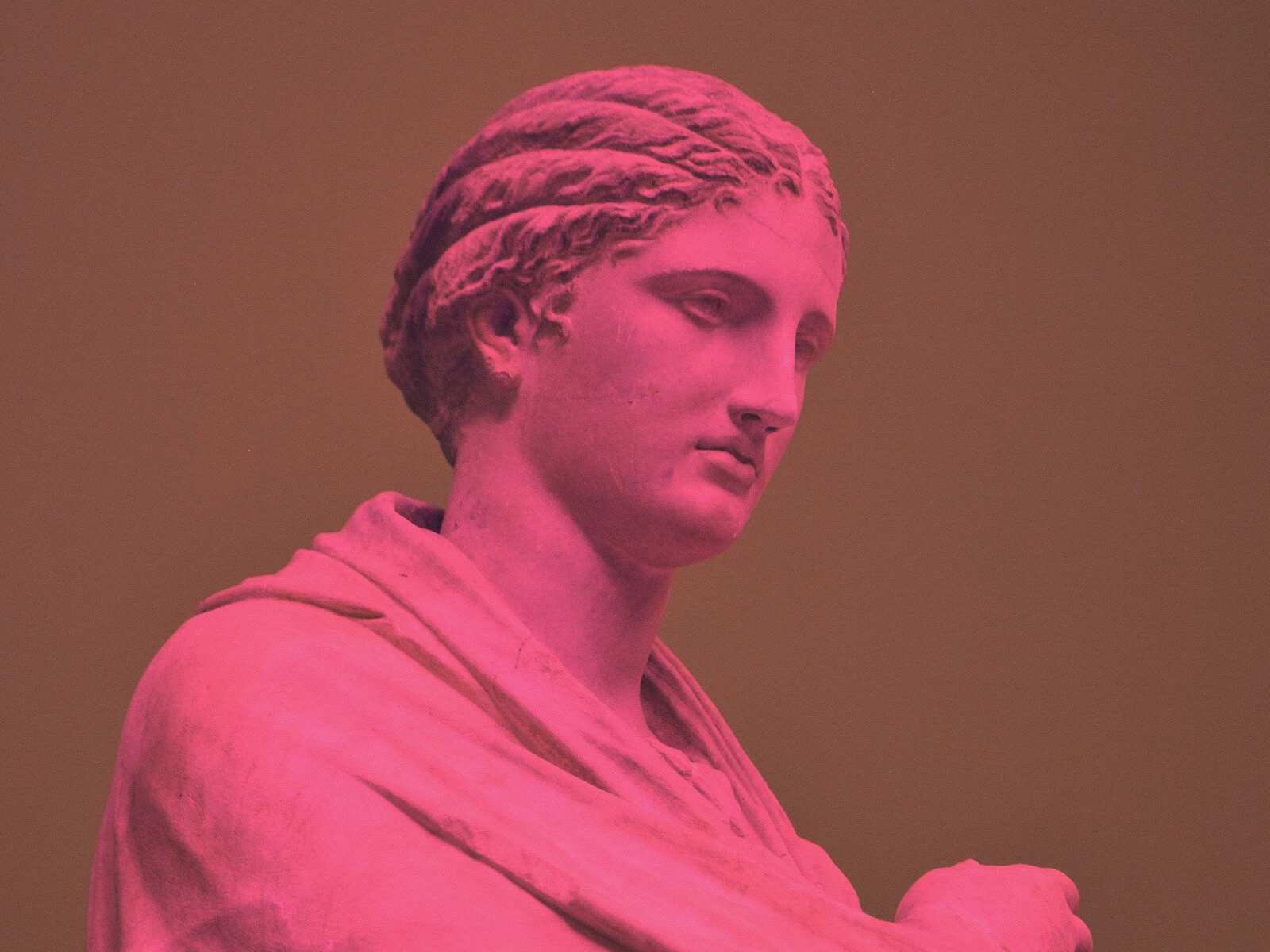
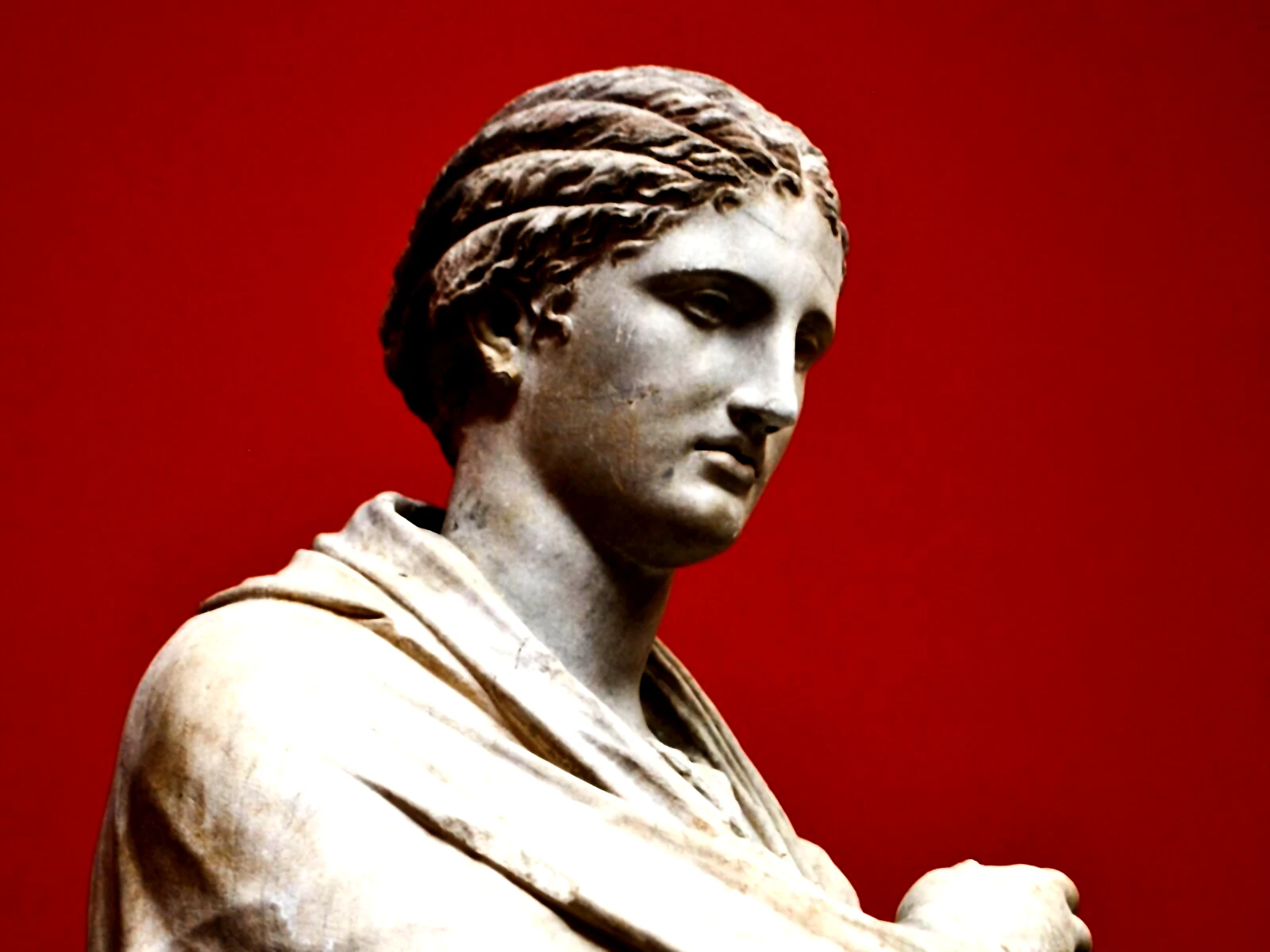
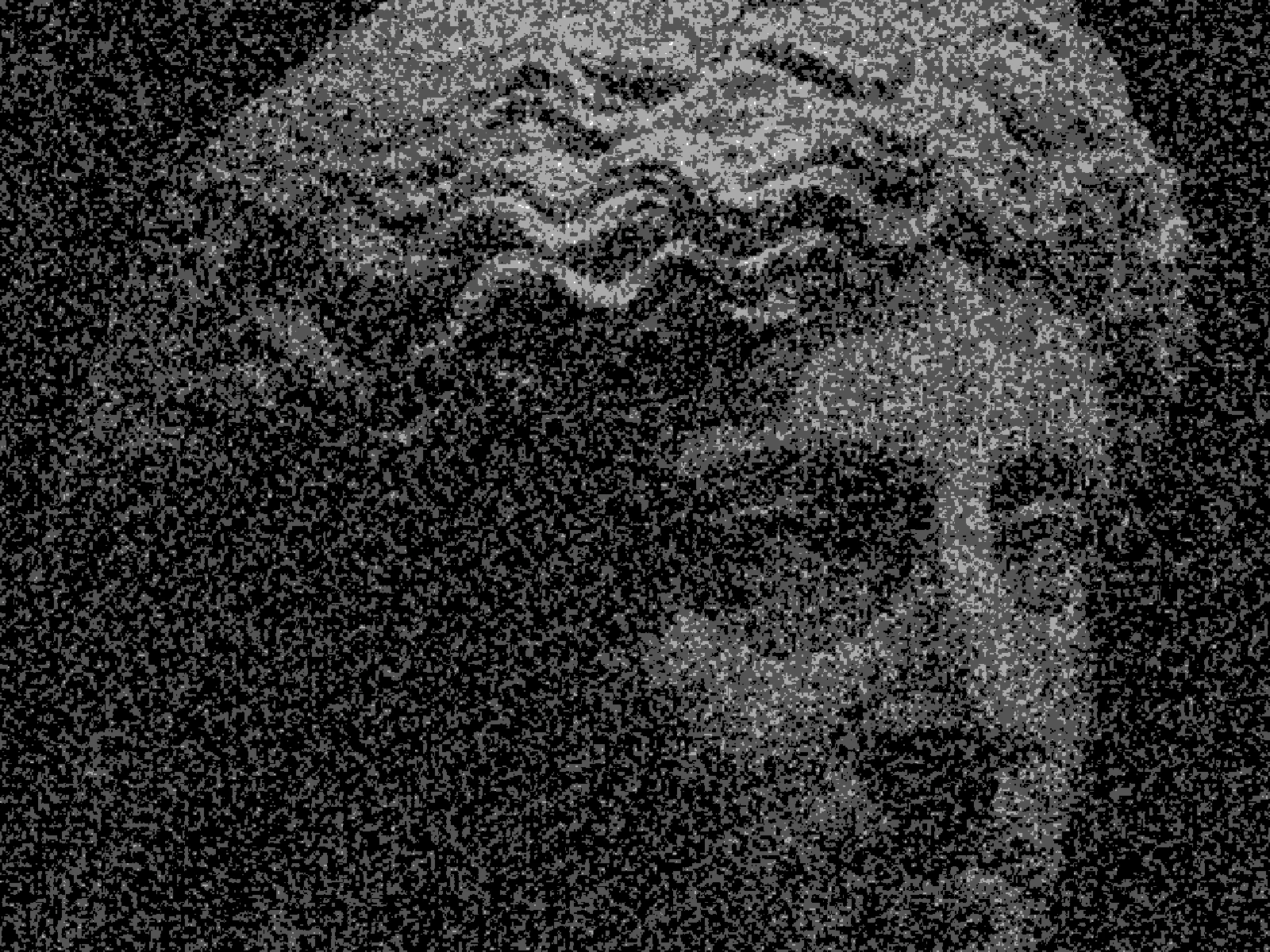
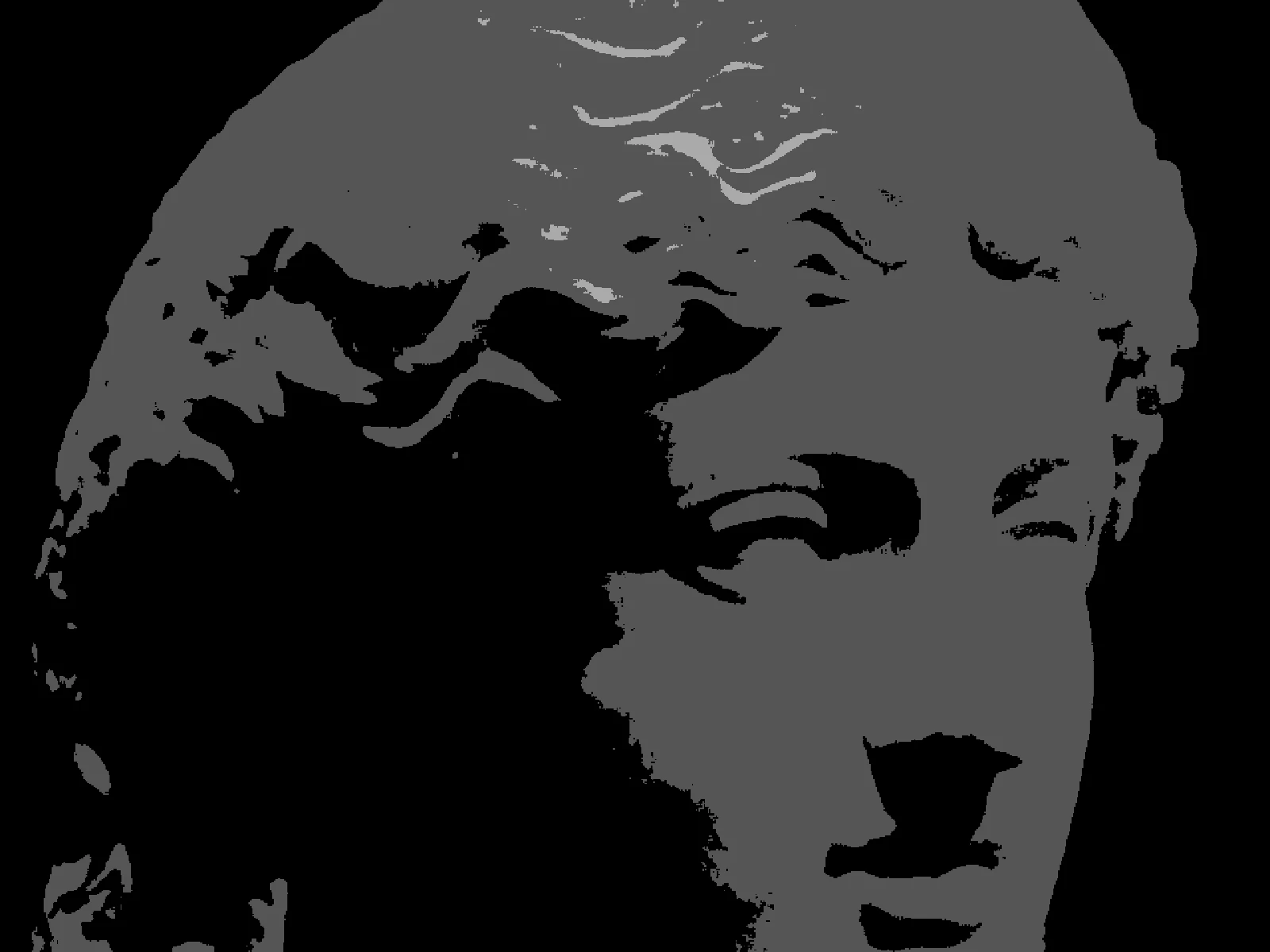
THRESHOLD sweep
03/ SPEC
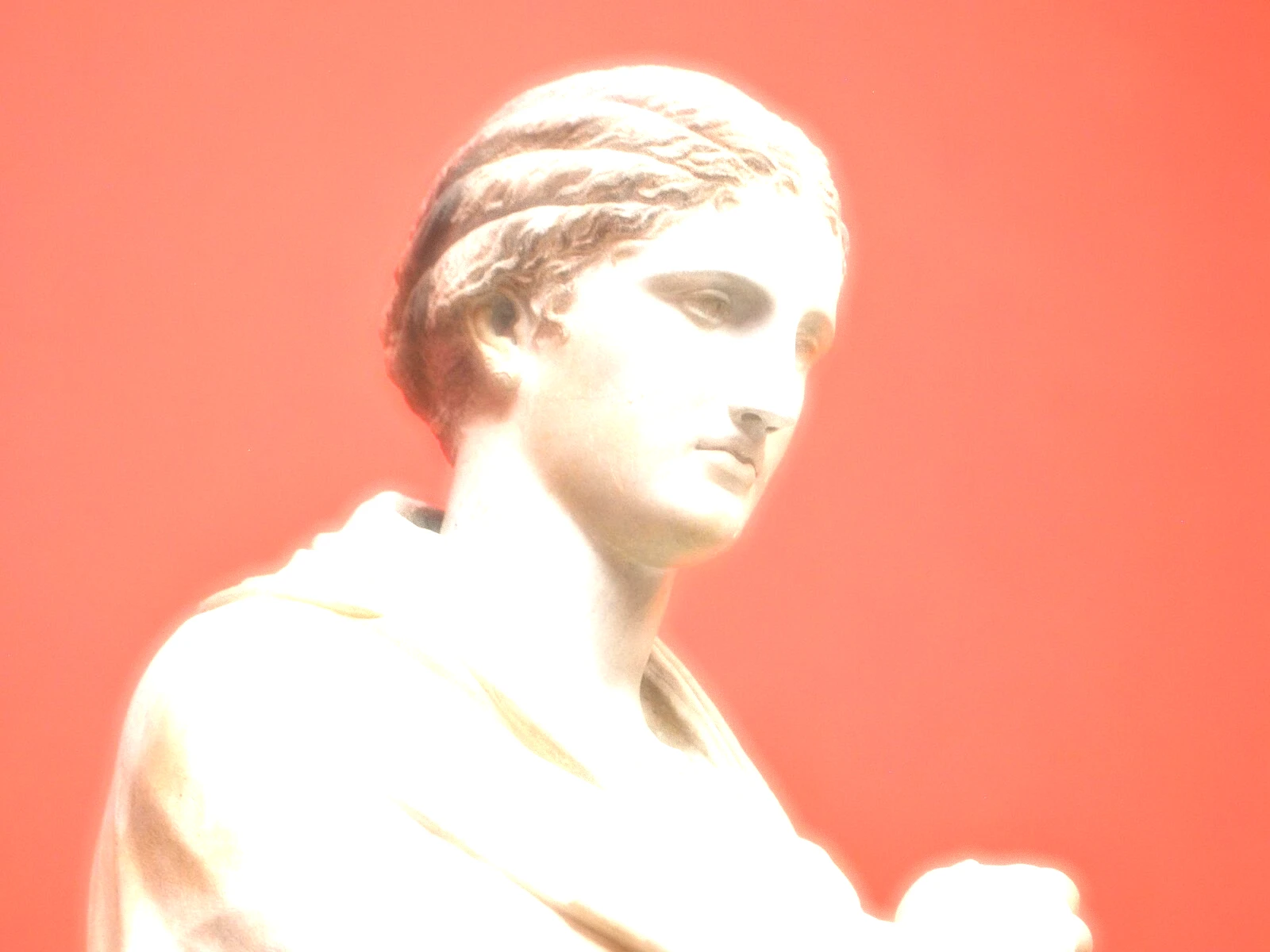
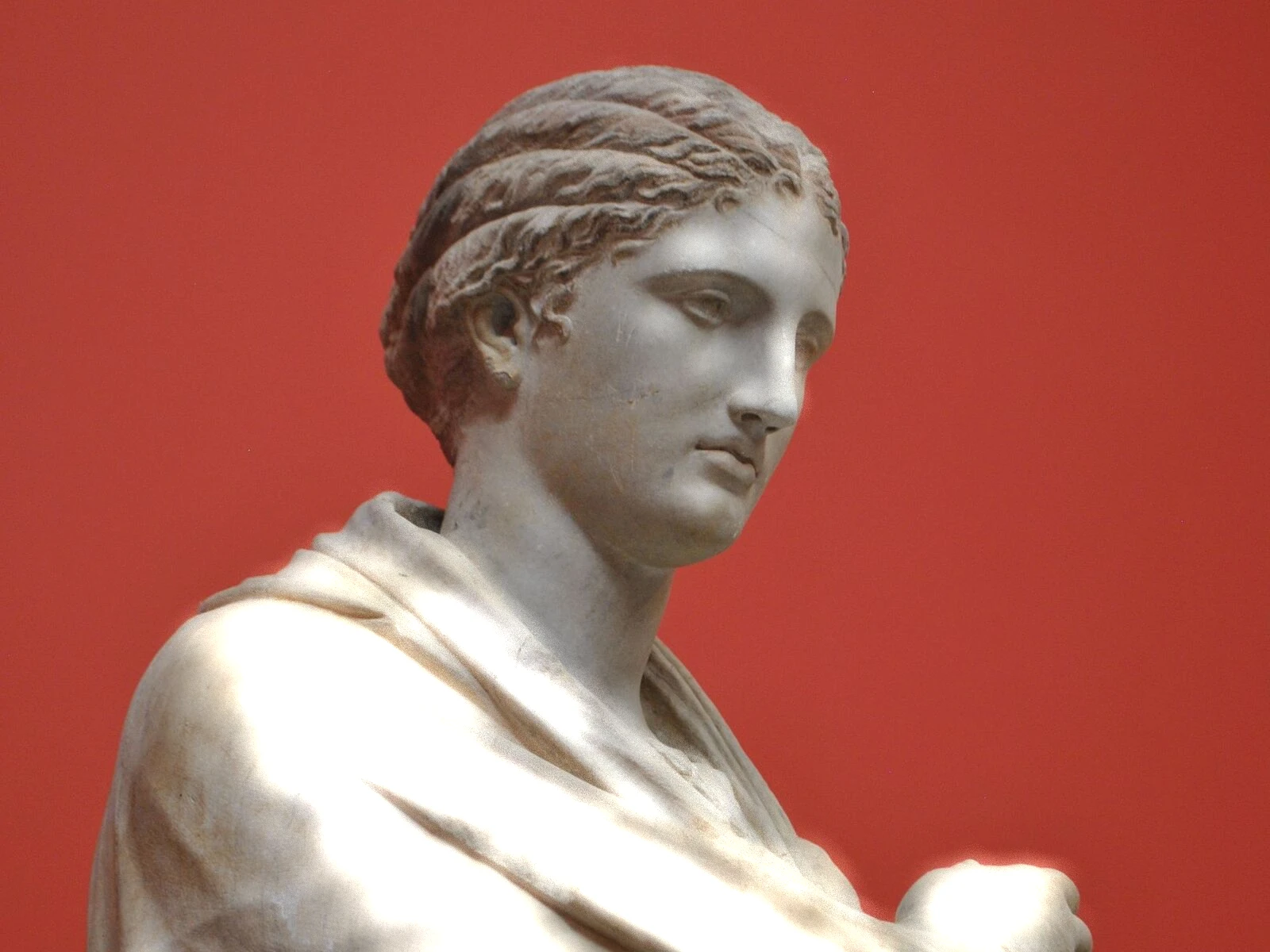
This effect isolates pixels above a brightness cutoff, blurs them, and adds the result back over the image, which is why bright areas spread while dark ones stay put. THRESHOLD runs from 0 to 1 with a default of 0.6 and sets the cutoff, so it controls how much of the frame qualifies as a light source. RADIUS from 2 to 64 pixels sets how far the spill reaches, and INTENSITY scales how much is added back. In kott it renders in natural colour so bloom carries the hue of whatever is glowing.
04/ FAQ
- What is a bloom effect?
- A bloom effect isolates the brightest parts of an image, blurs them and adds them back, so light spills past its own edges. It imitates scattering inside a lens and halation in film.
- What is the difference between bloom and glow?
- Bloom is driven by the image's own brightness, so only areas above a threshold spill. A glow is usually applied to a chosen shape or edge regardless of how bright it is.
- How do I stop bloom washing out the whole image?
- Raise THRESHOLD toward 0.7 or above so only genuine highlights qualify, and lower INTENSITY. A low threshold treats midtones as light sources and veils everything.