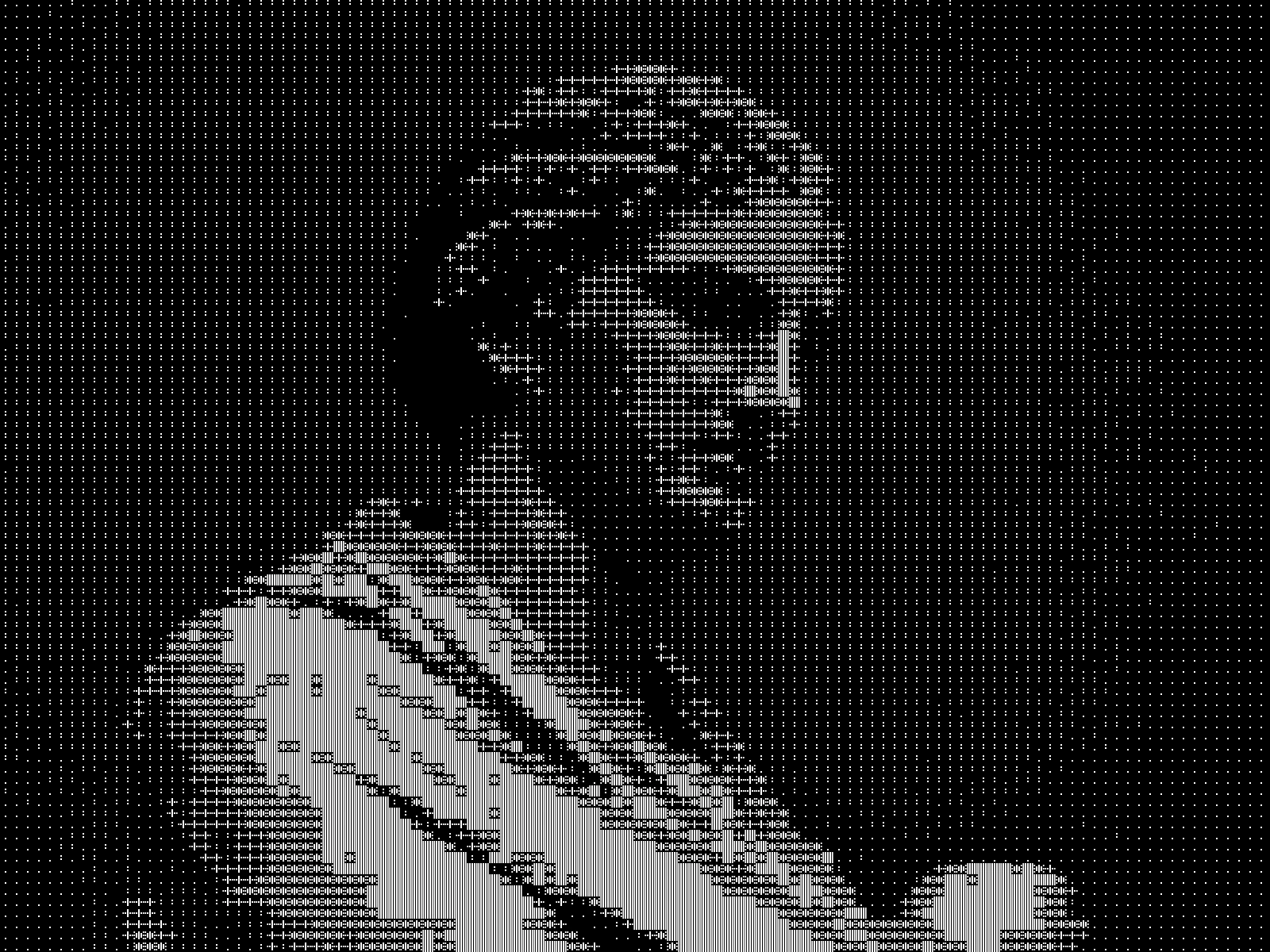
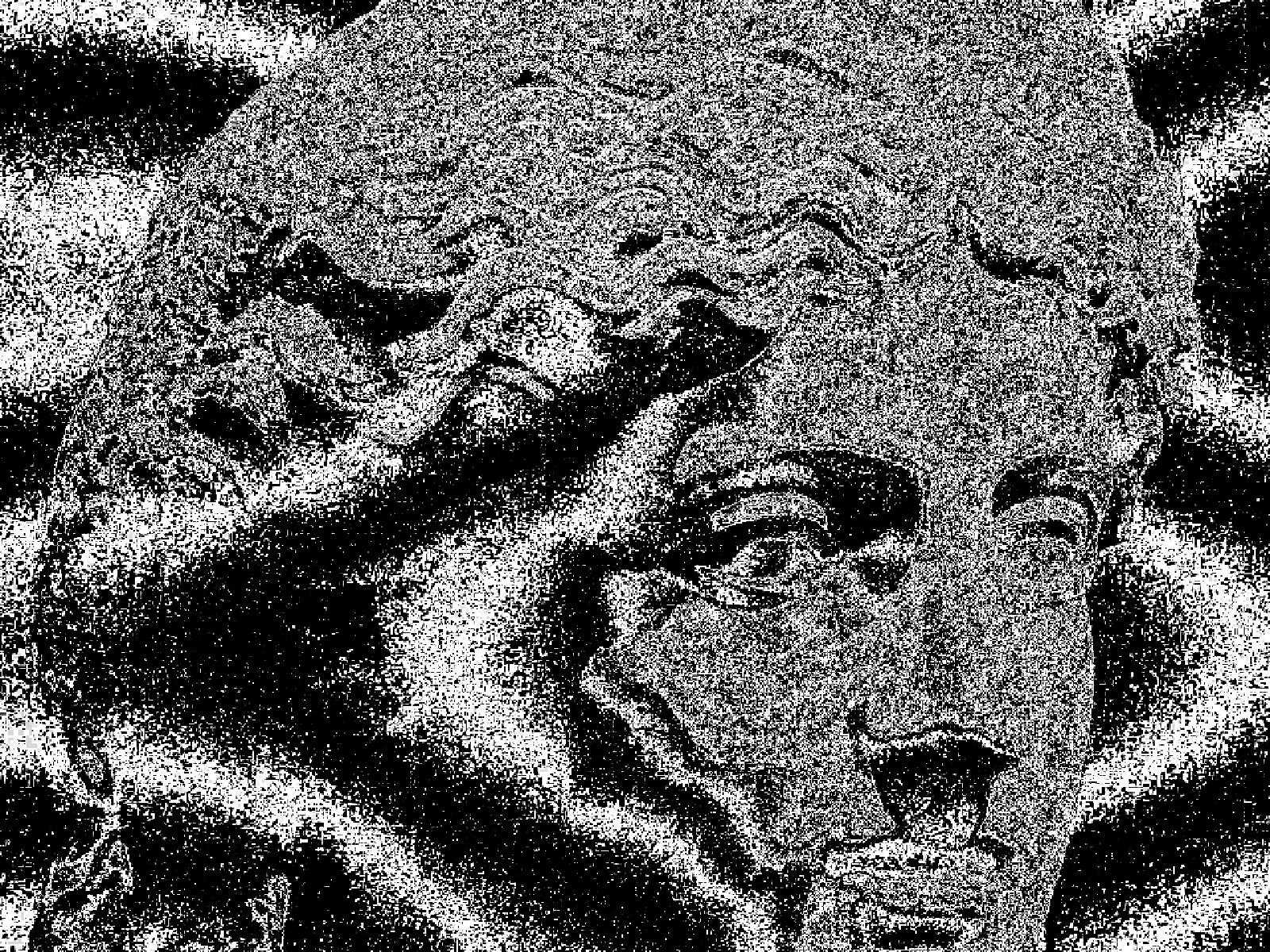
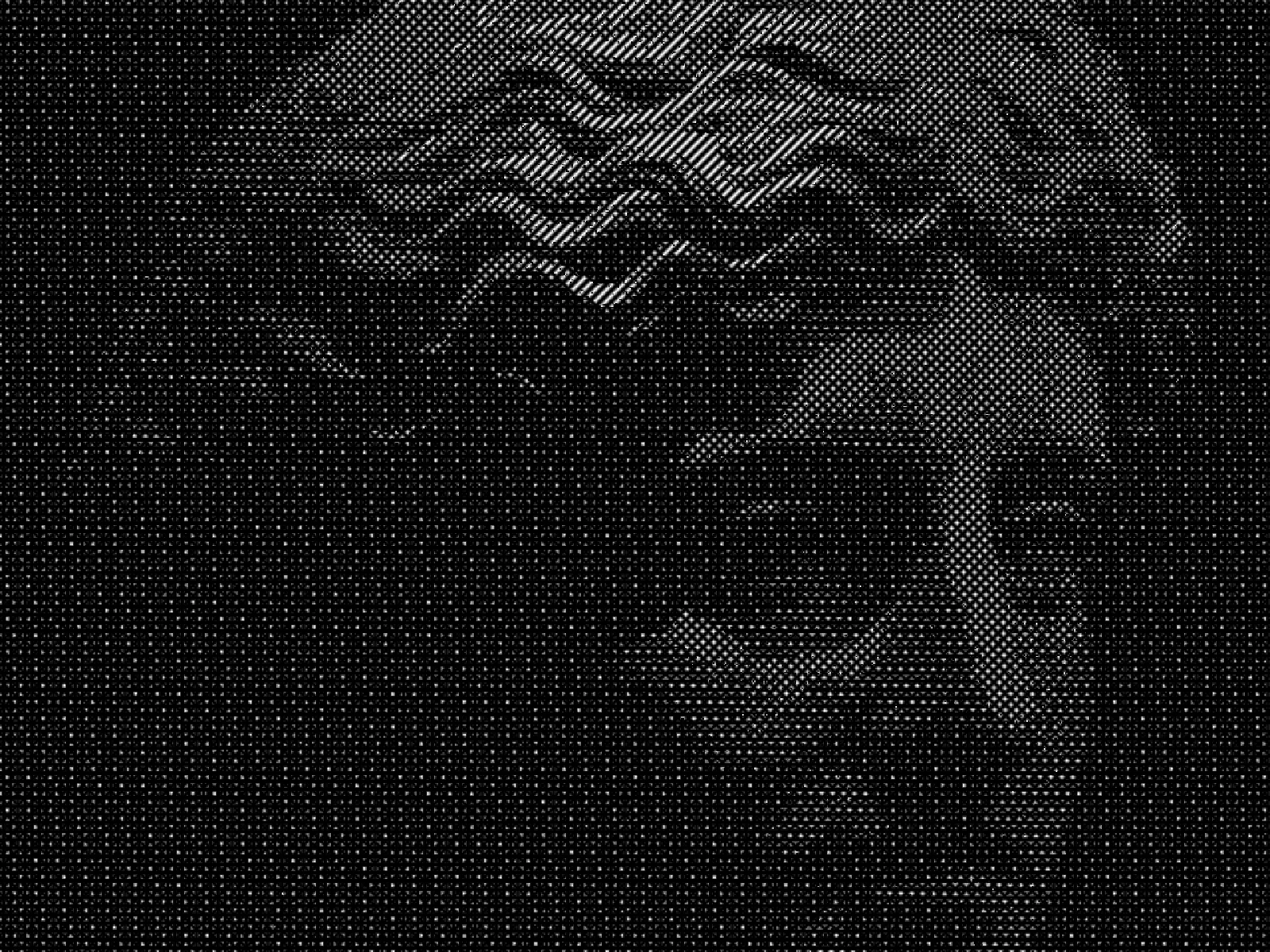
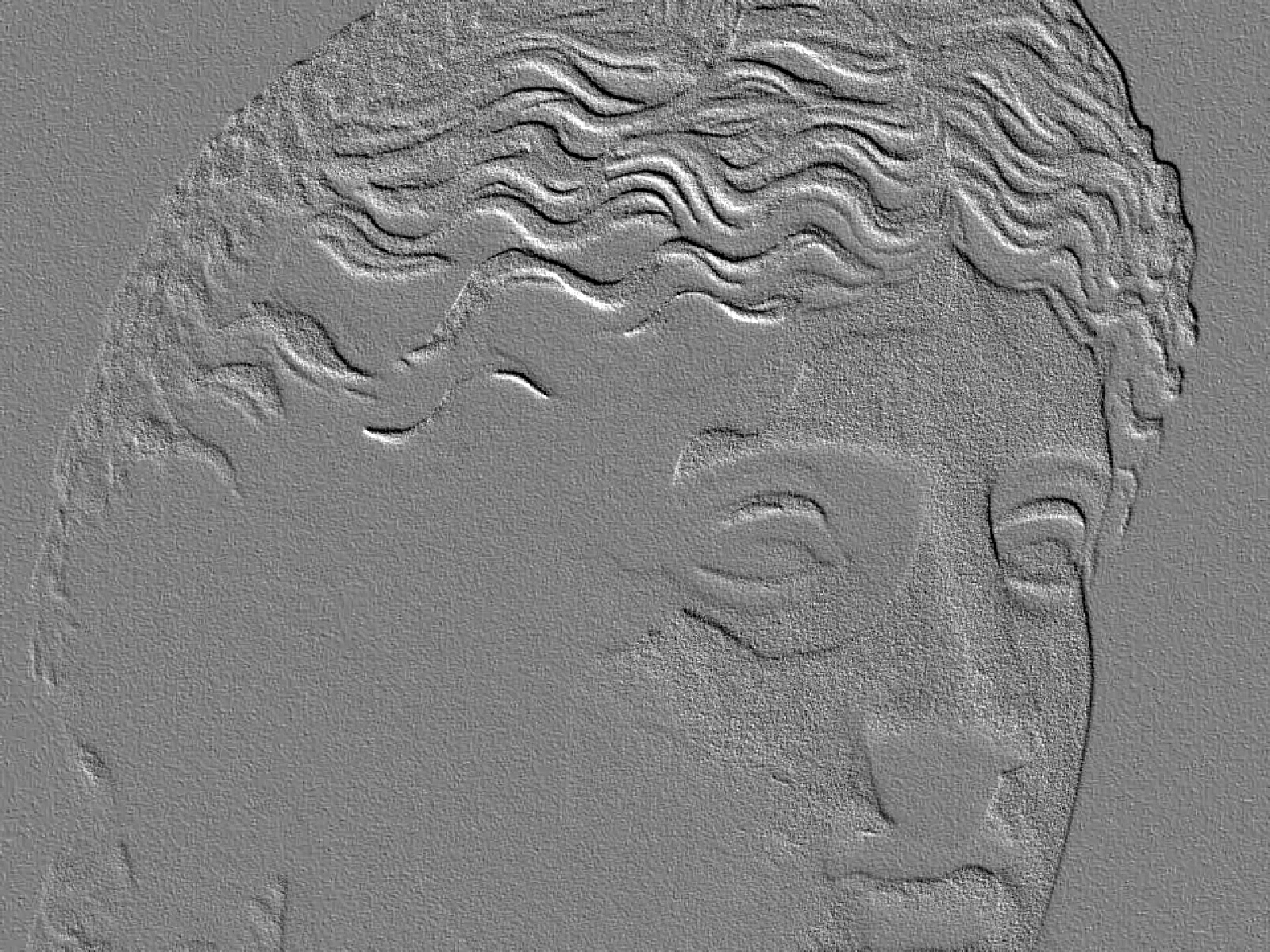
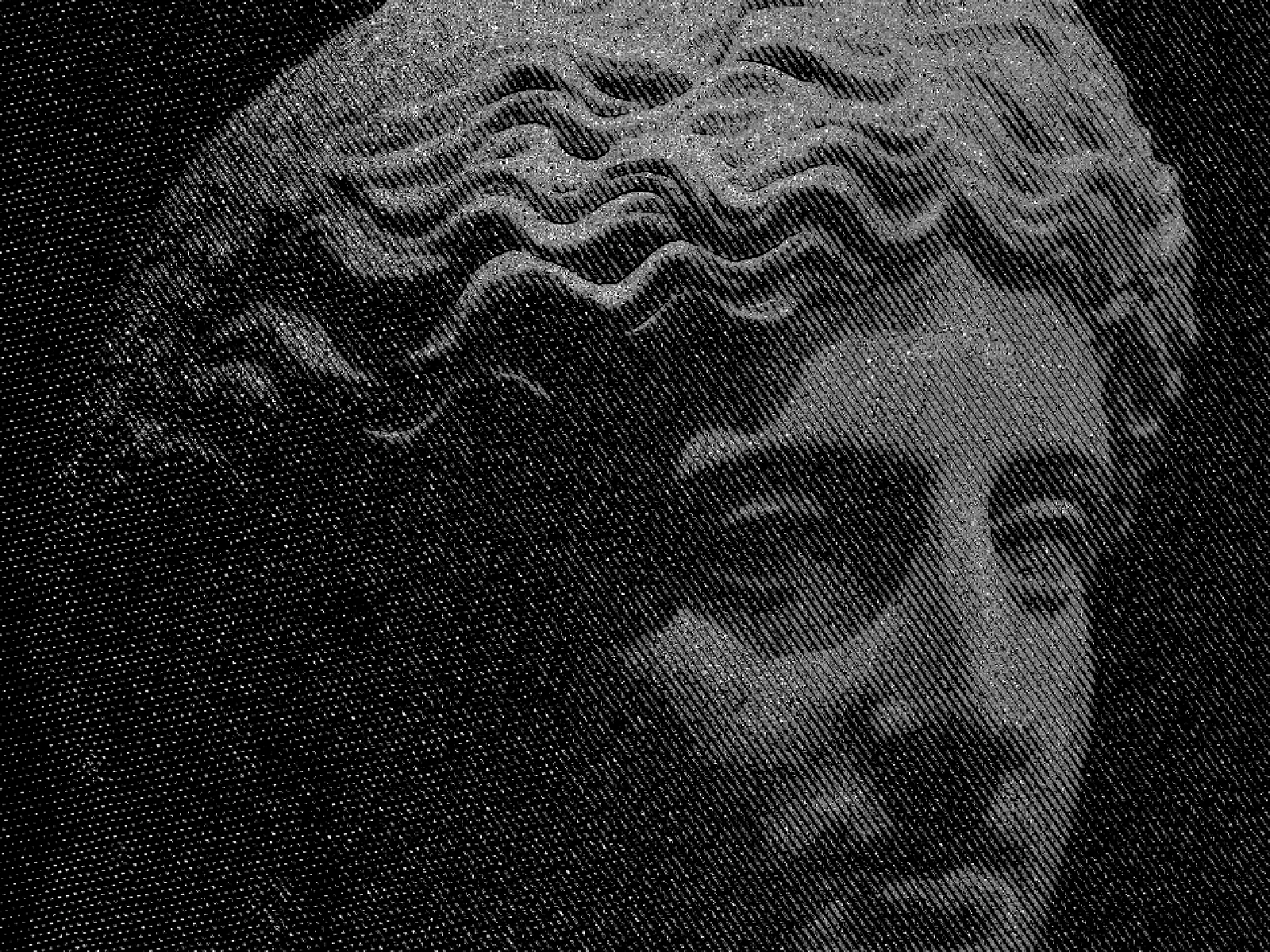
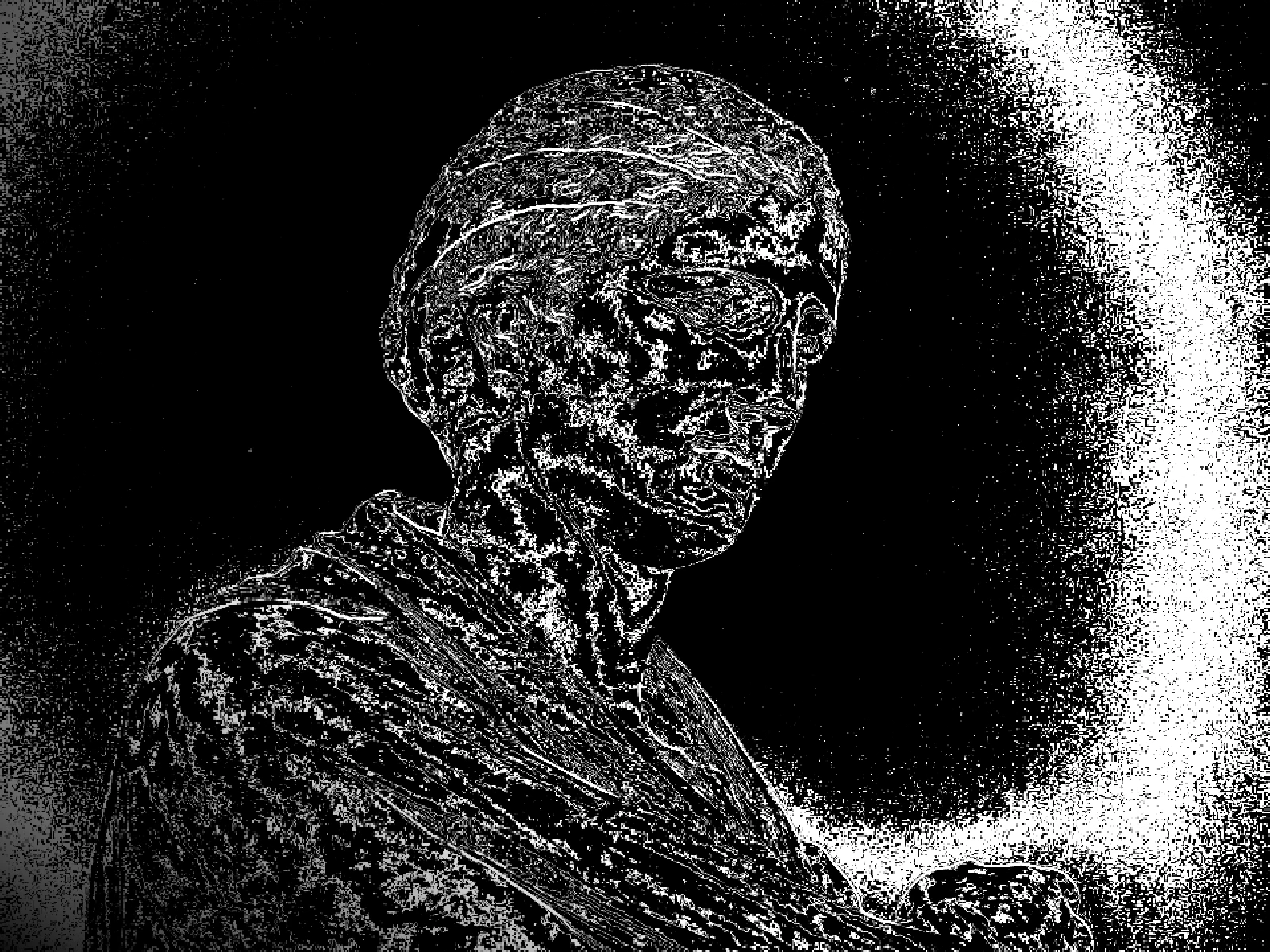
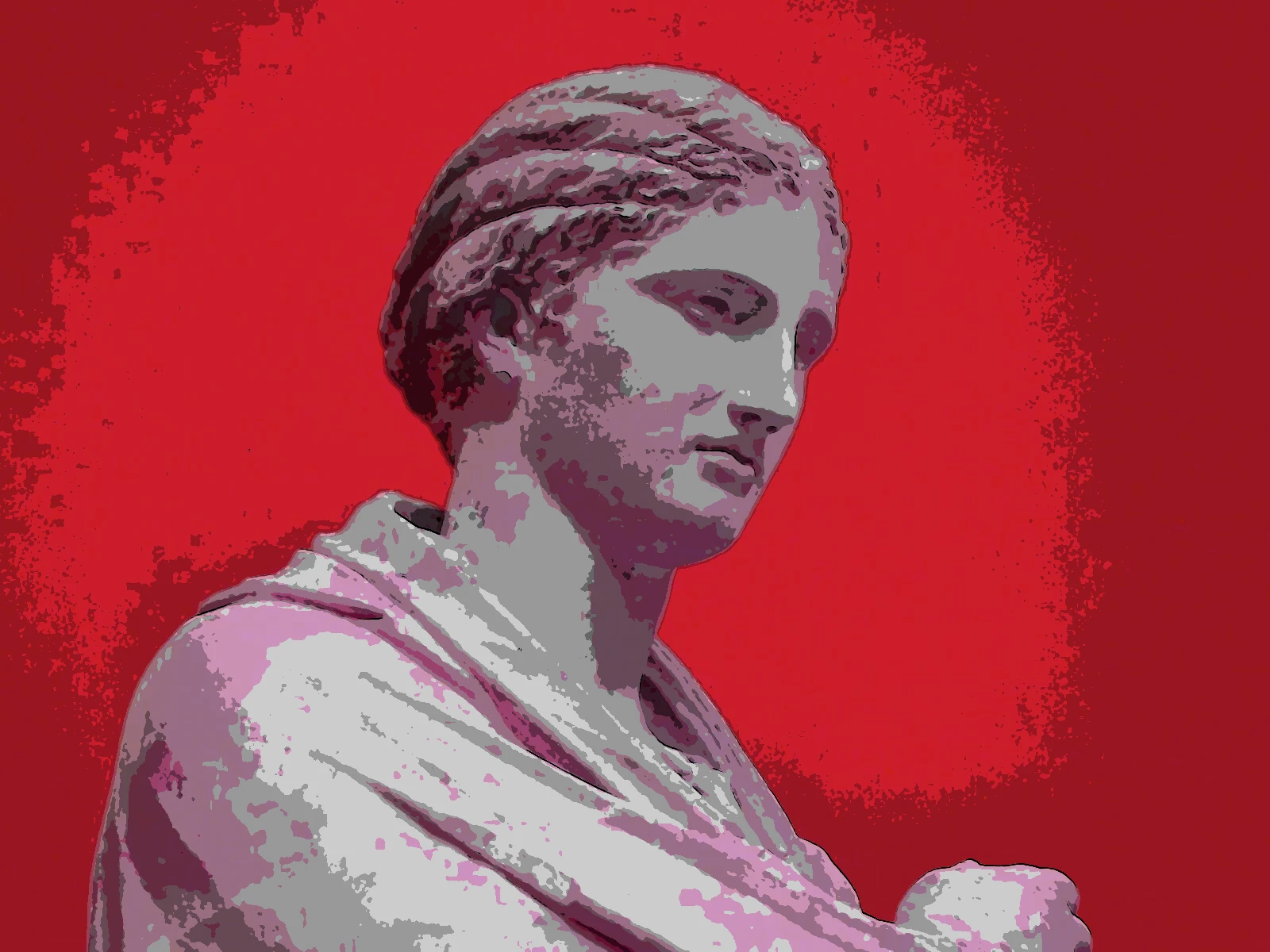
cartoon effect
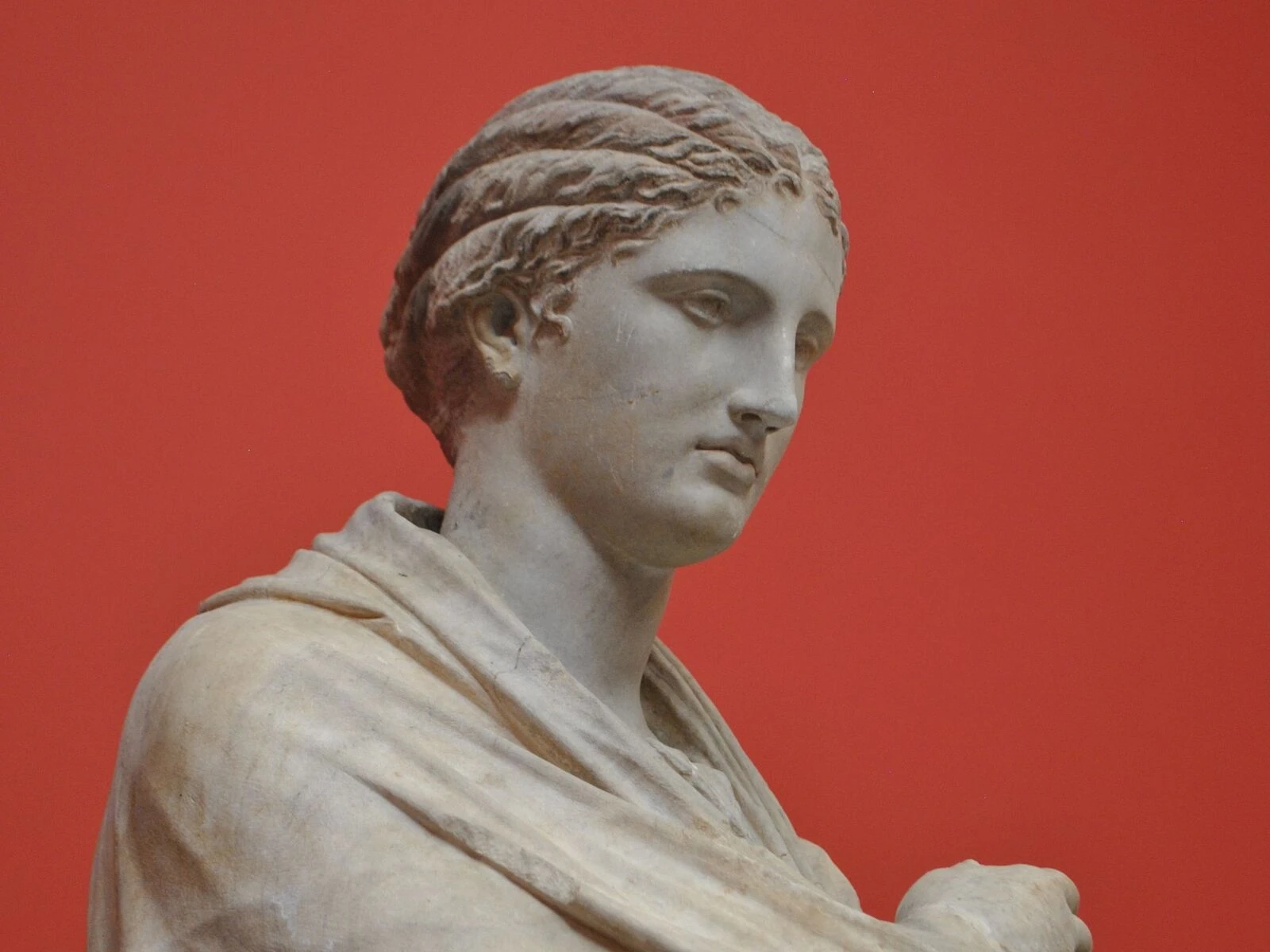
 SourceEffect
01/ ORIGIN
Cel animation forced this look before anyone chose it. Each frame was ink outlined on the front of a transparent sheet and painted flat on the back, so a character could only ever be areas of solid colour bounded by a line, and shading meant adding another flat area rather than a gradient. Reusing cels across frames made flatness an economic necessity as well as a stylistic one. The convention outlasted the process by decades.
02/ SWEEP
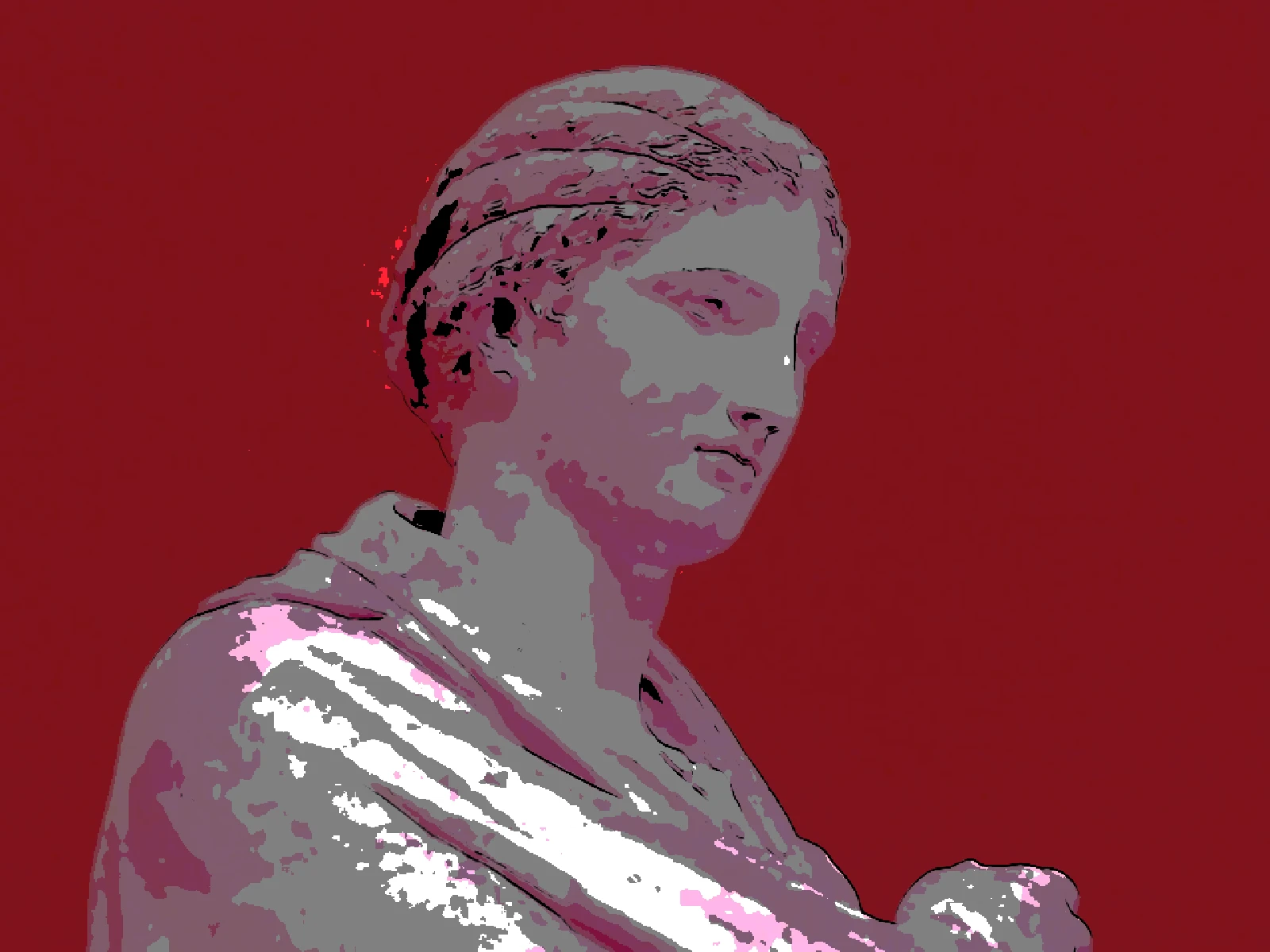
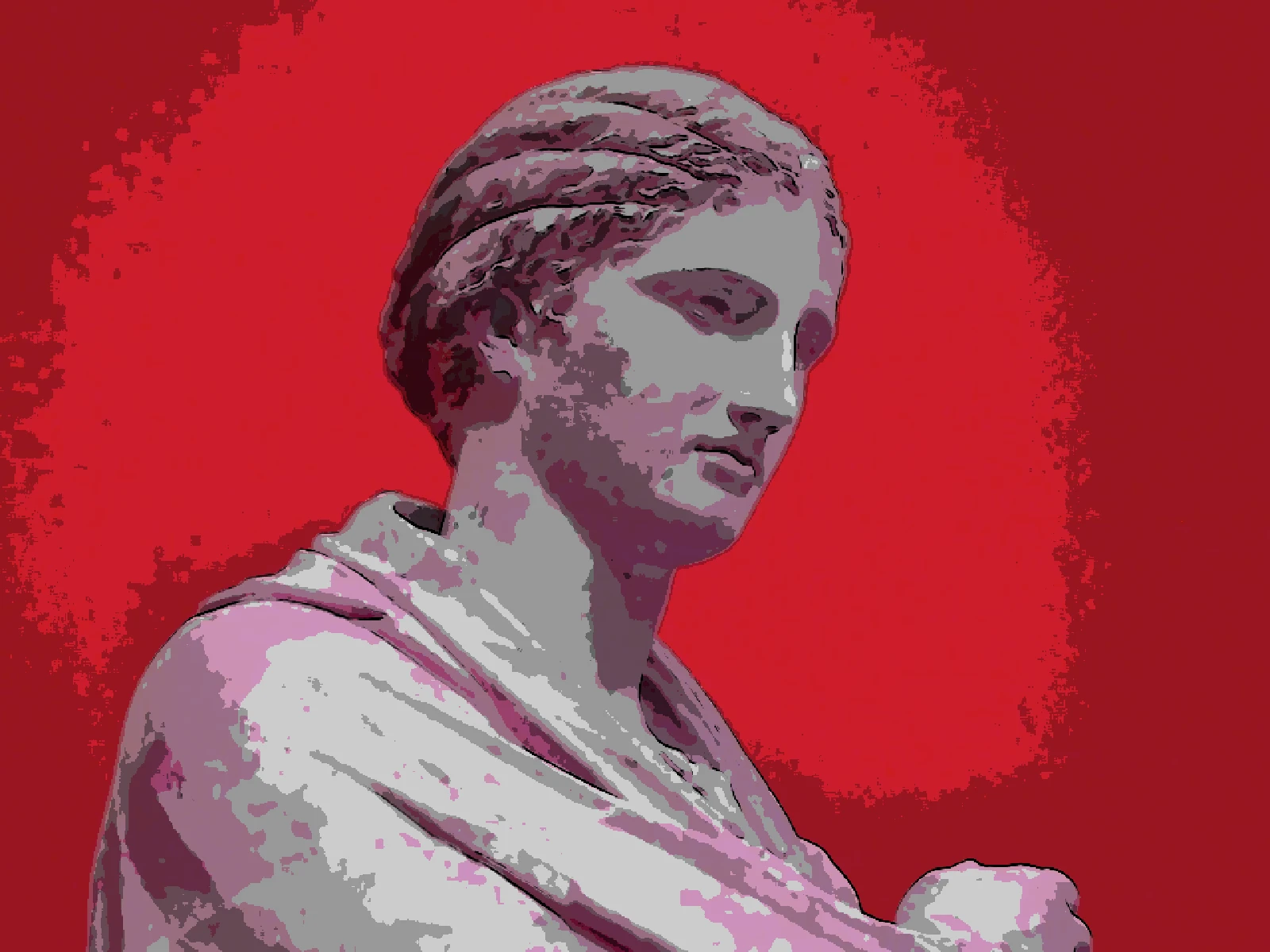
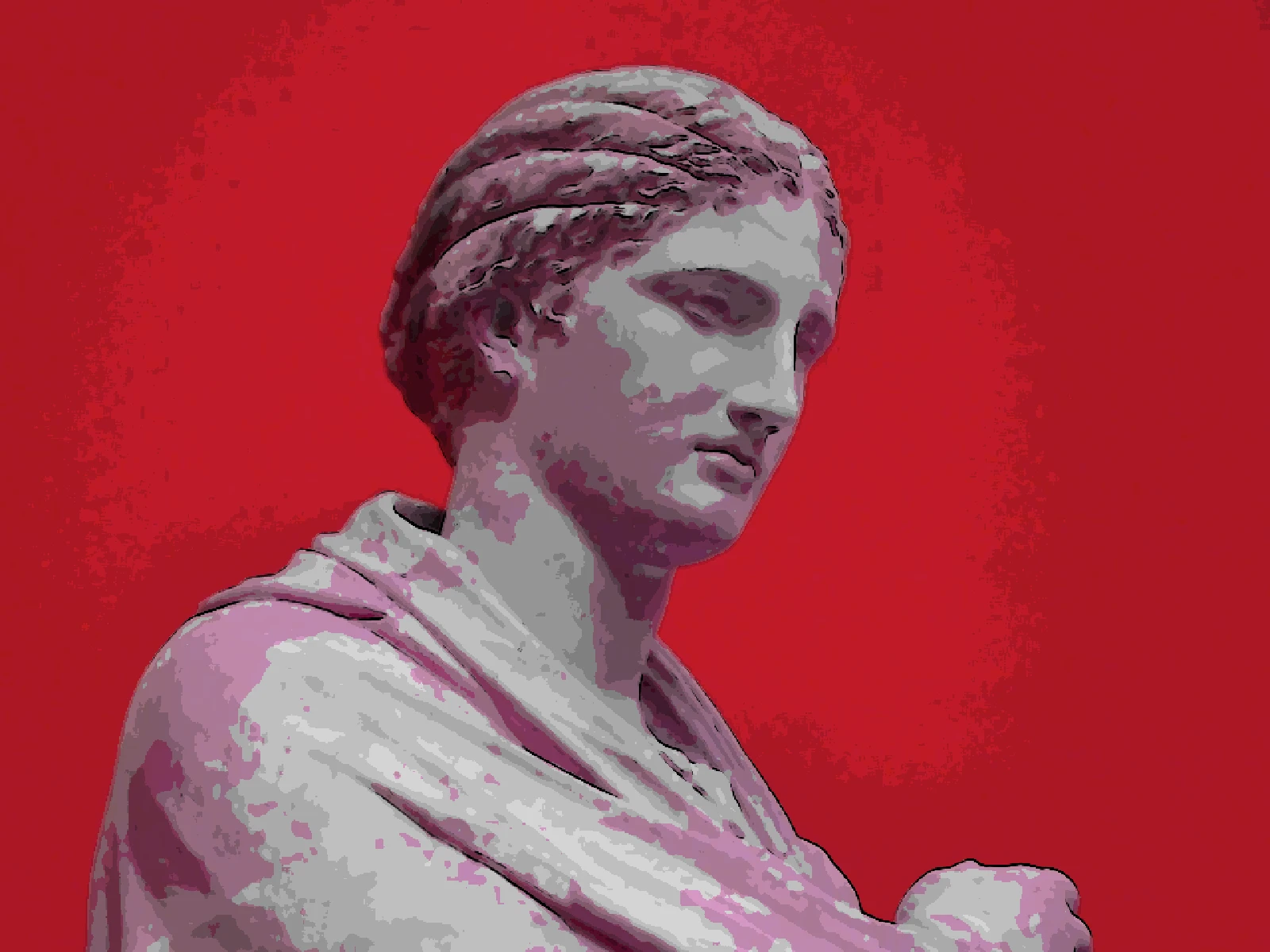
LEVELS sweep
03/ SPEC
This effect quantises tone into a small number of flat bands and composites detected edges over them as dark outlines, which is posterisation and edge detection working together rather than either alone. LEVELS runs from 2 to 12 with a default of 5 and sets how many flat colour areas the image is reduced to, which is the control that decides between a hard graphic read and something closer to painted animation. EDGE THRESHOLD governs how readily a contour becomes a line, and EDGE WIDTH its weight. In kott it renders in natural colour so the flat areas carry the source hue.
04/ FAQ
- What is a cartoon effect?
- A cartoon effect reduces an image to a few areas of flat colour and draws dark outlines along detected edges, reproducing how cel animation was inked and painted.
- What LEVELS value looks most like animation?
- Four to six. Traditional cel work used very few flat values per character, so low numbers read as animation while higher ones start looking like a photograph with outlines added.
- Why do the outlines look broken in places?
- Edges are detected from tonal change, so where two areas have similar brightness there is nothing to detect. Lower EDGE THRESHOLD to catch softer boundaries.