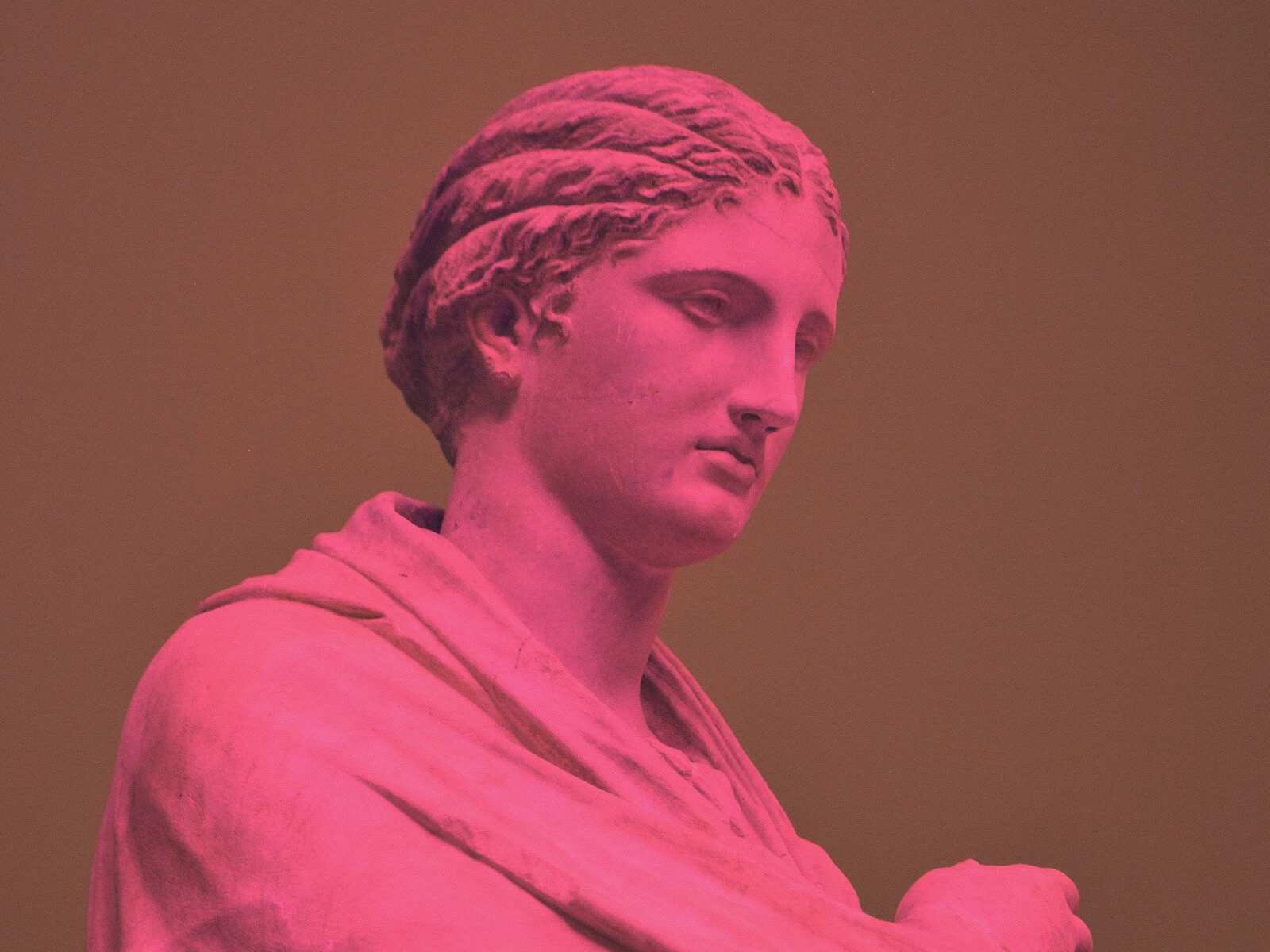
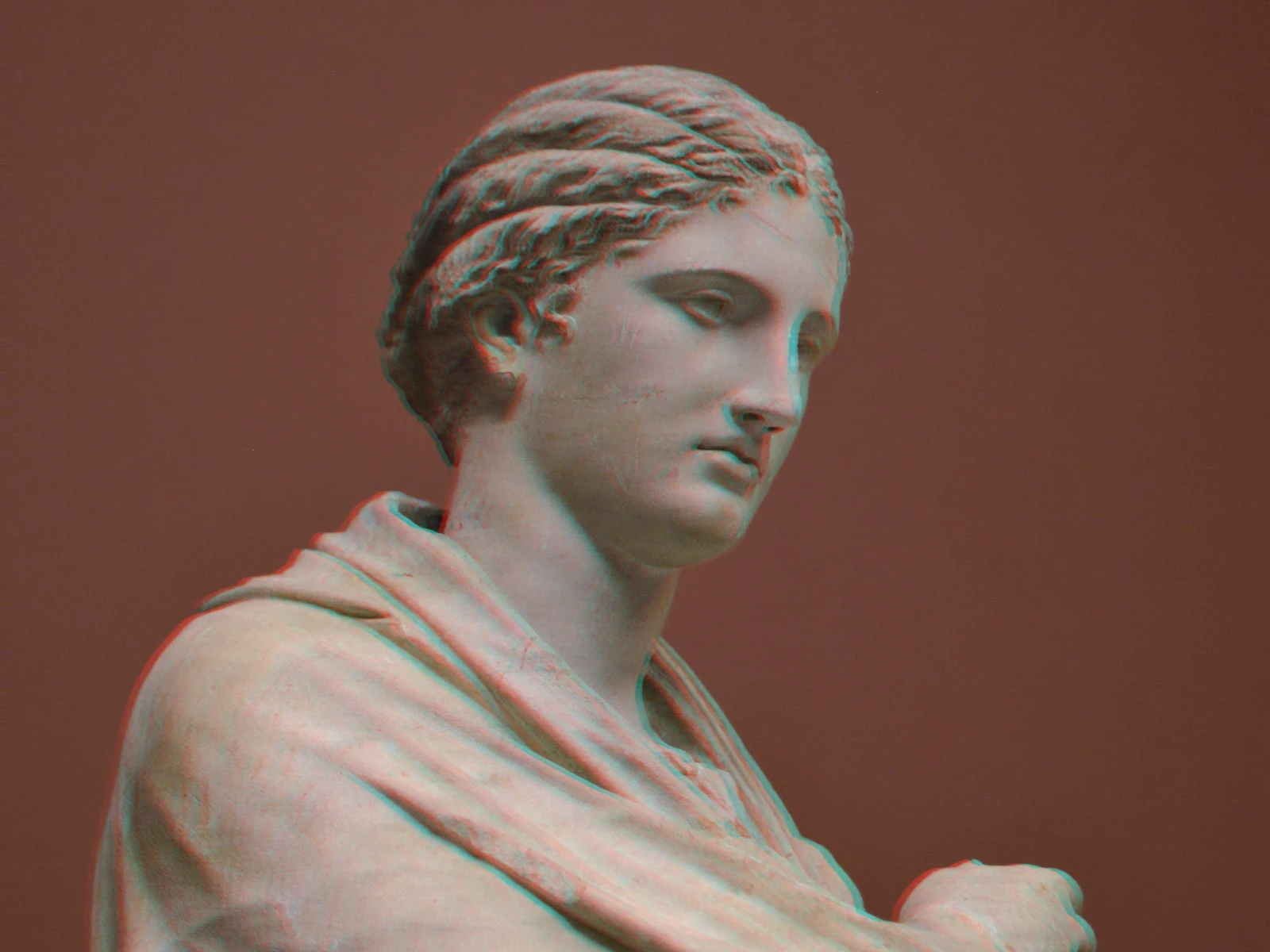
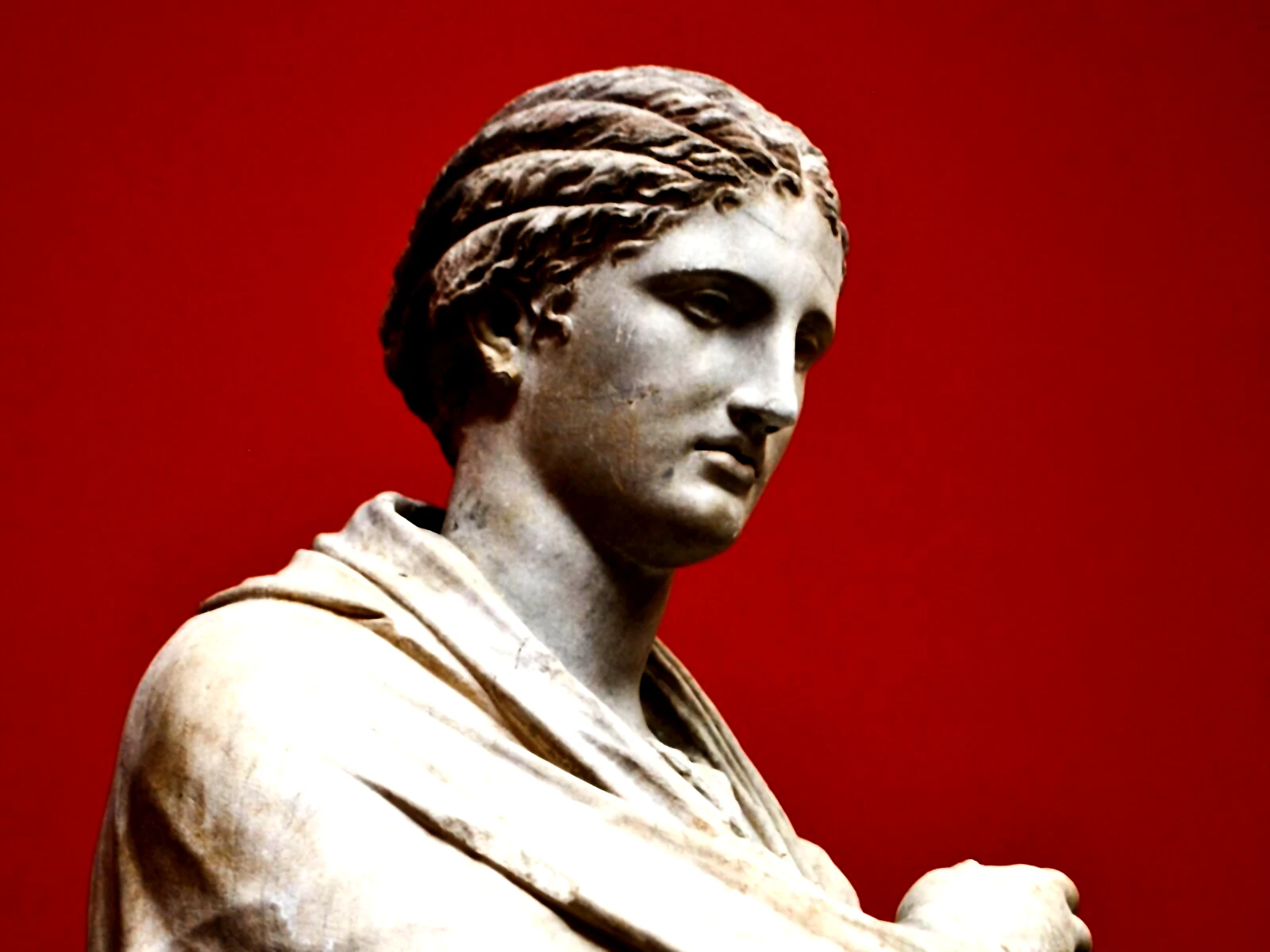
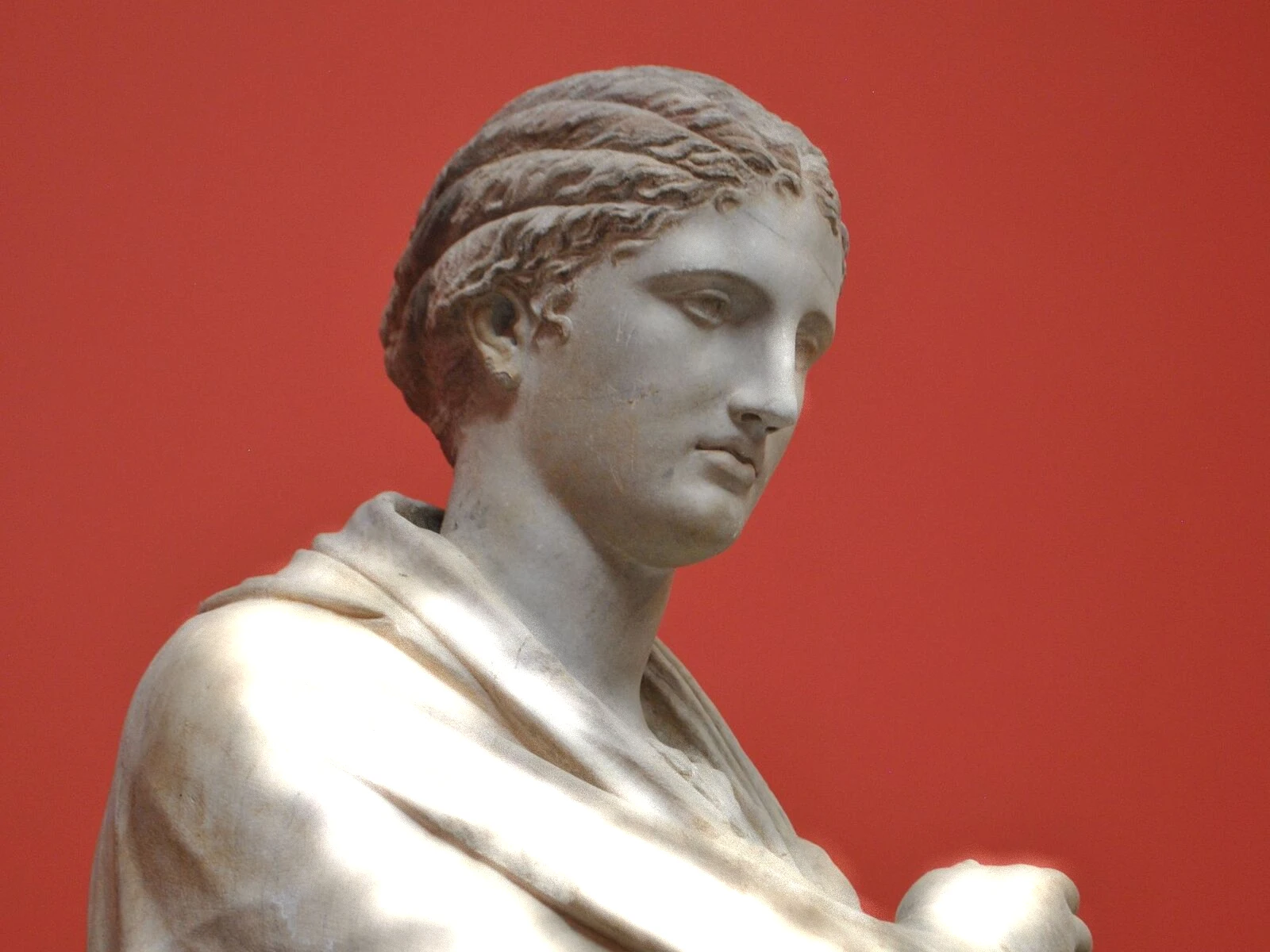
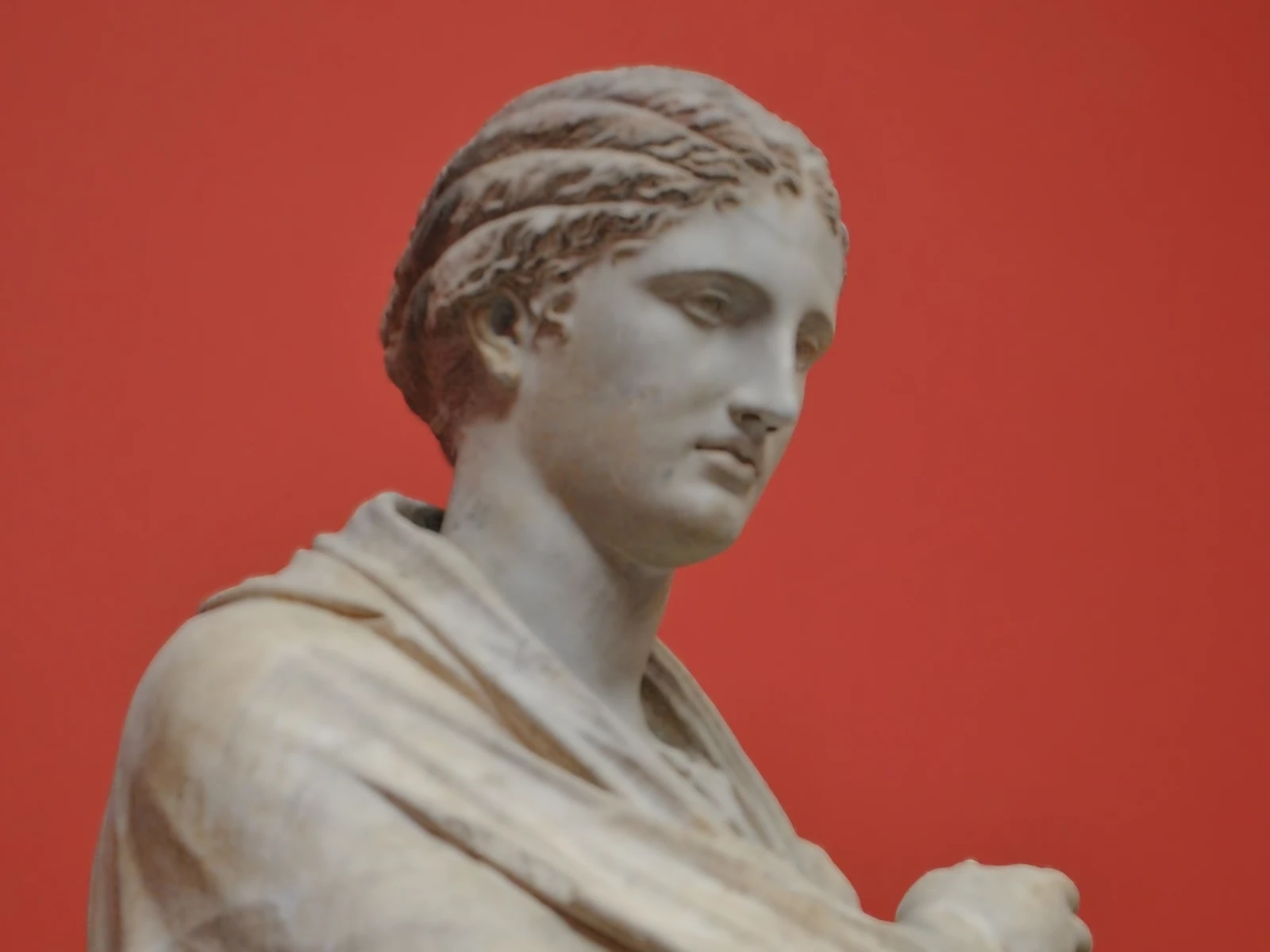
split toning effect
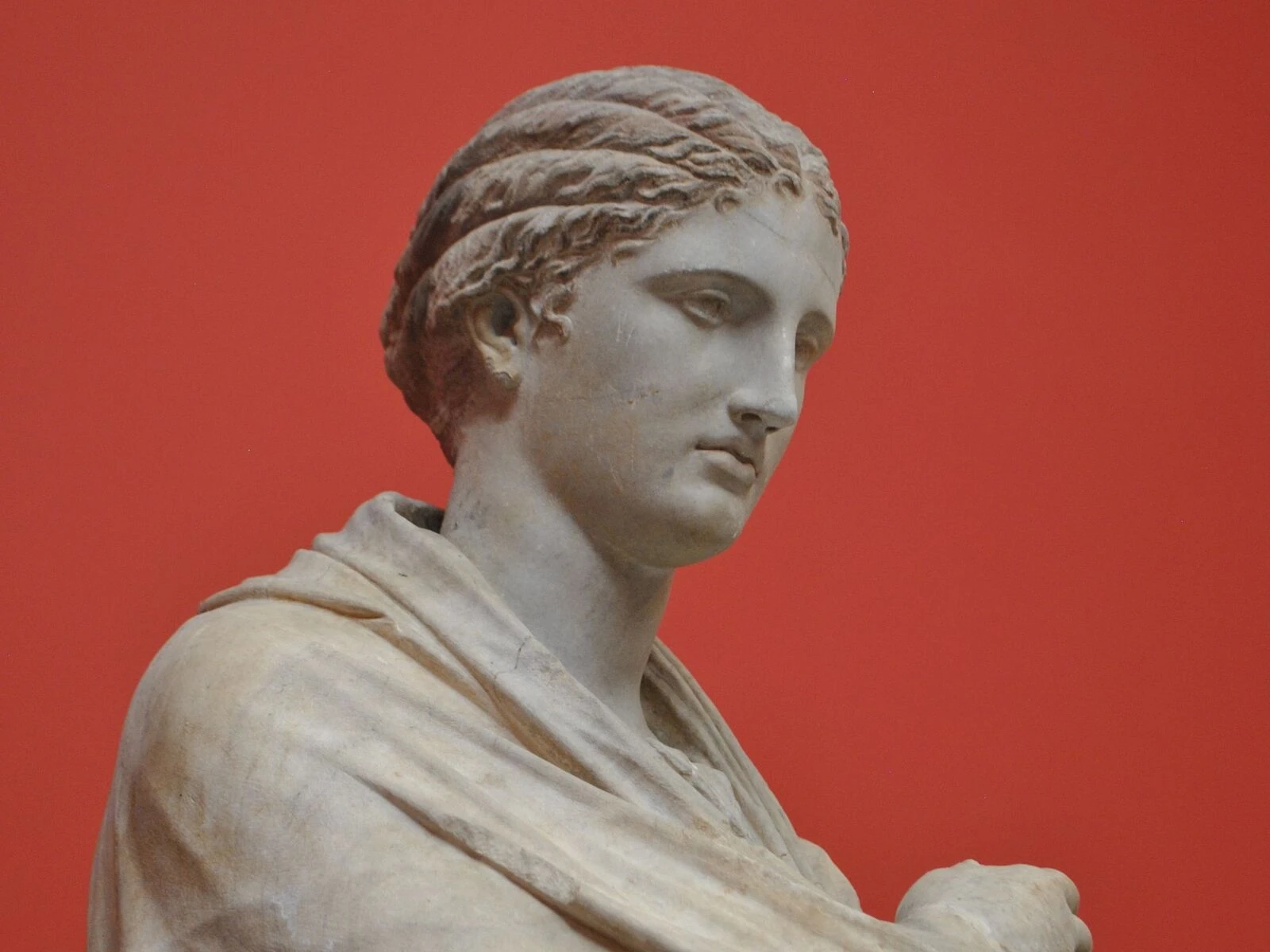
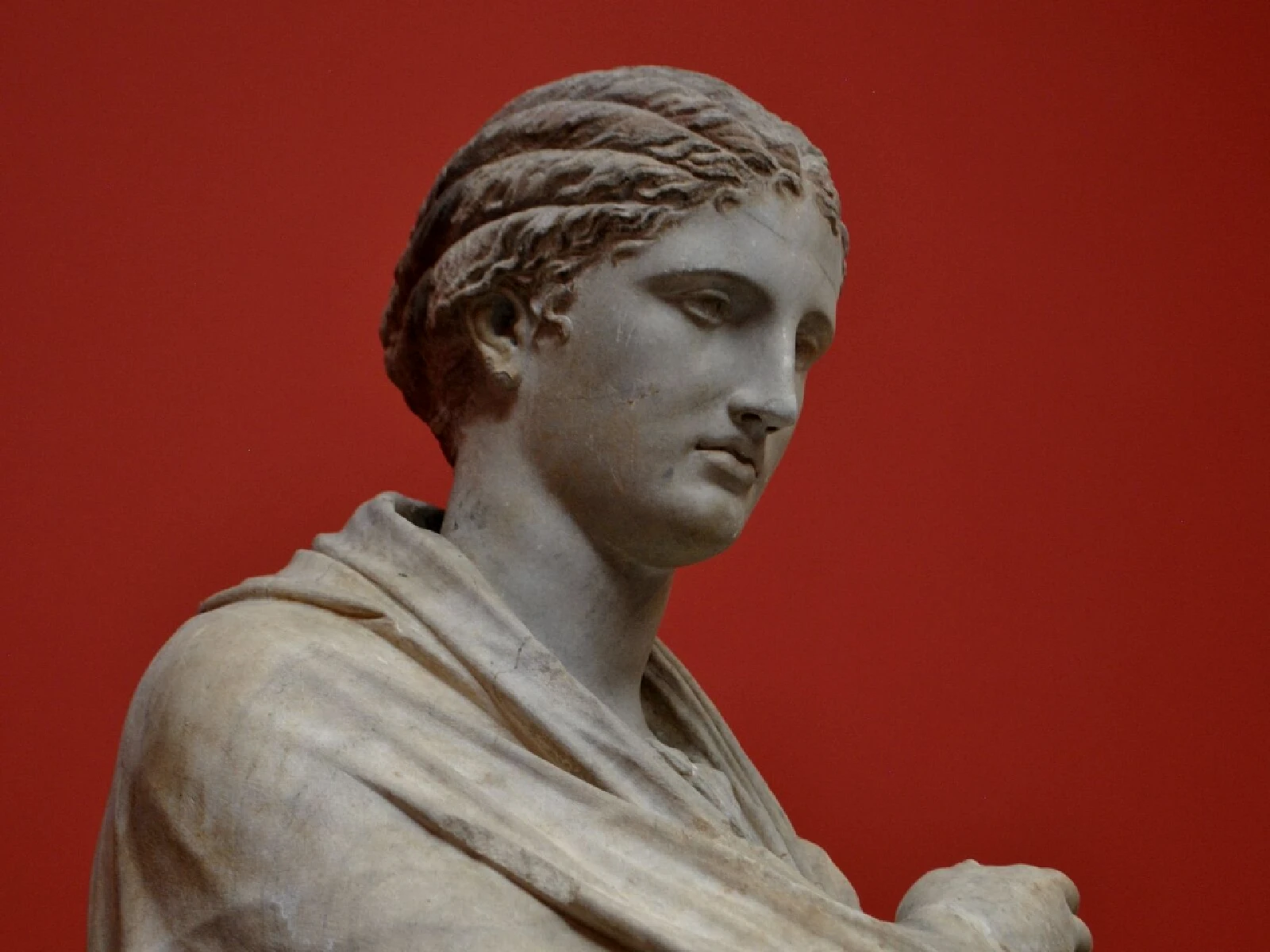 SourceEffect
01/ ORIGIN
Split toning began as chemistry. A print could be dipped in one toner and then partially in another, so selenium might cool the shadows while sepia warmed the highlights, and the boundary between them was controlled by timing rather than by any selection tool. Photographers used it to add depth to monochrome long before colour film was common. The digital version tints by luminance range and does in one operation what once required two baths and good judgement.
02/ SWEEP
AMOUNT sweep
03/ SPEC
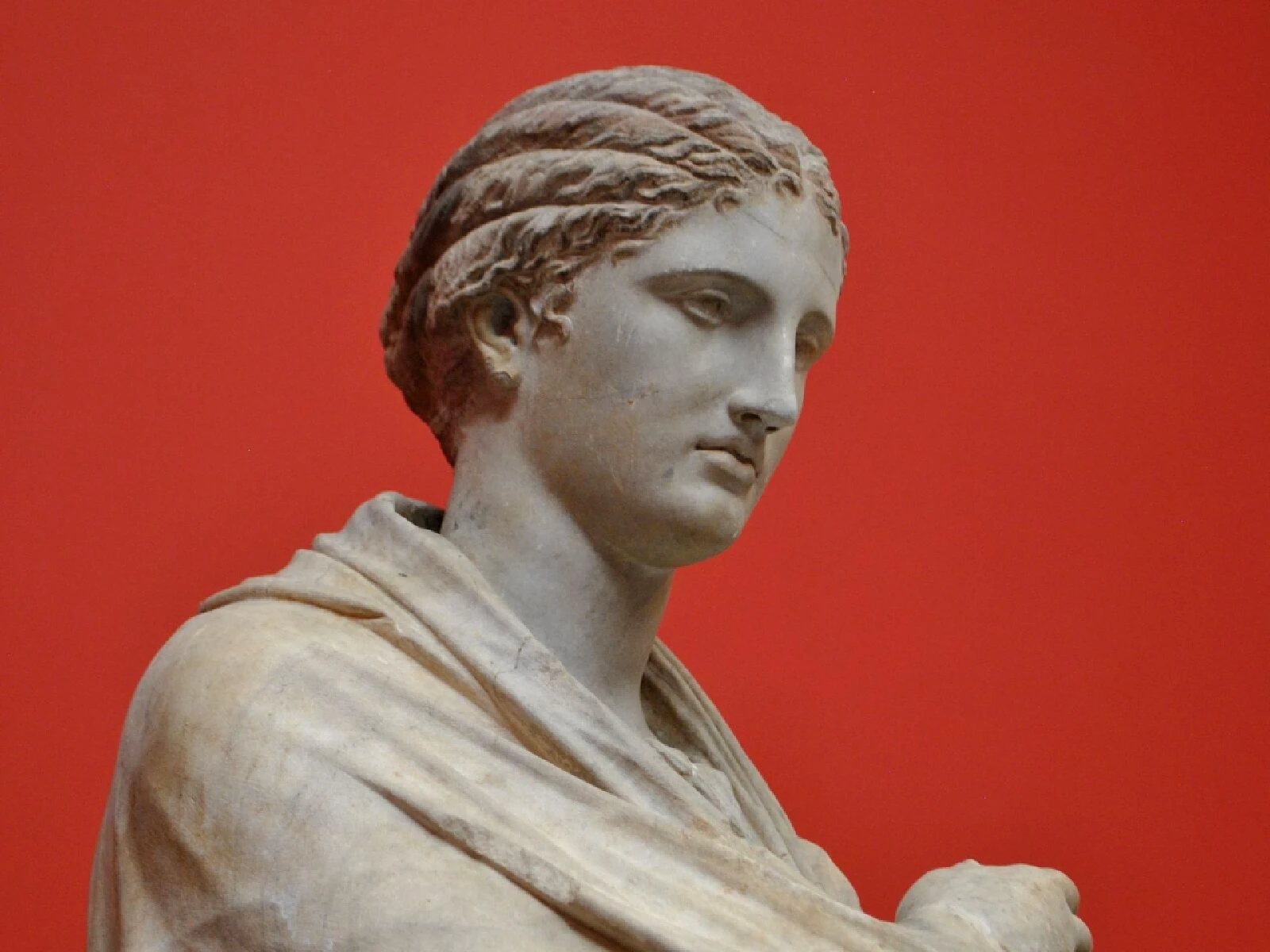
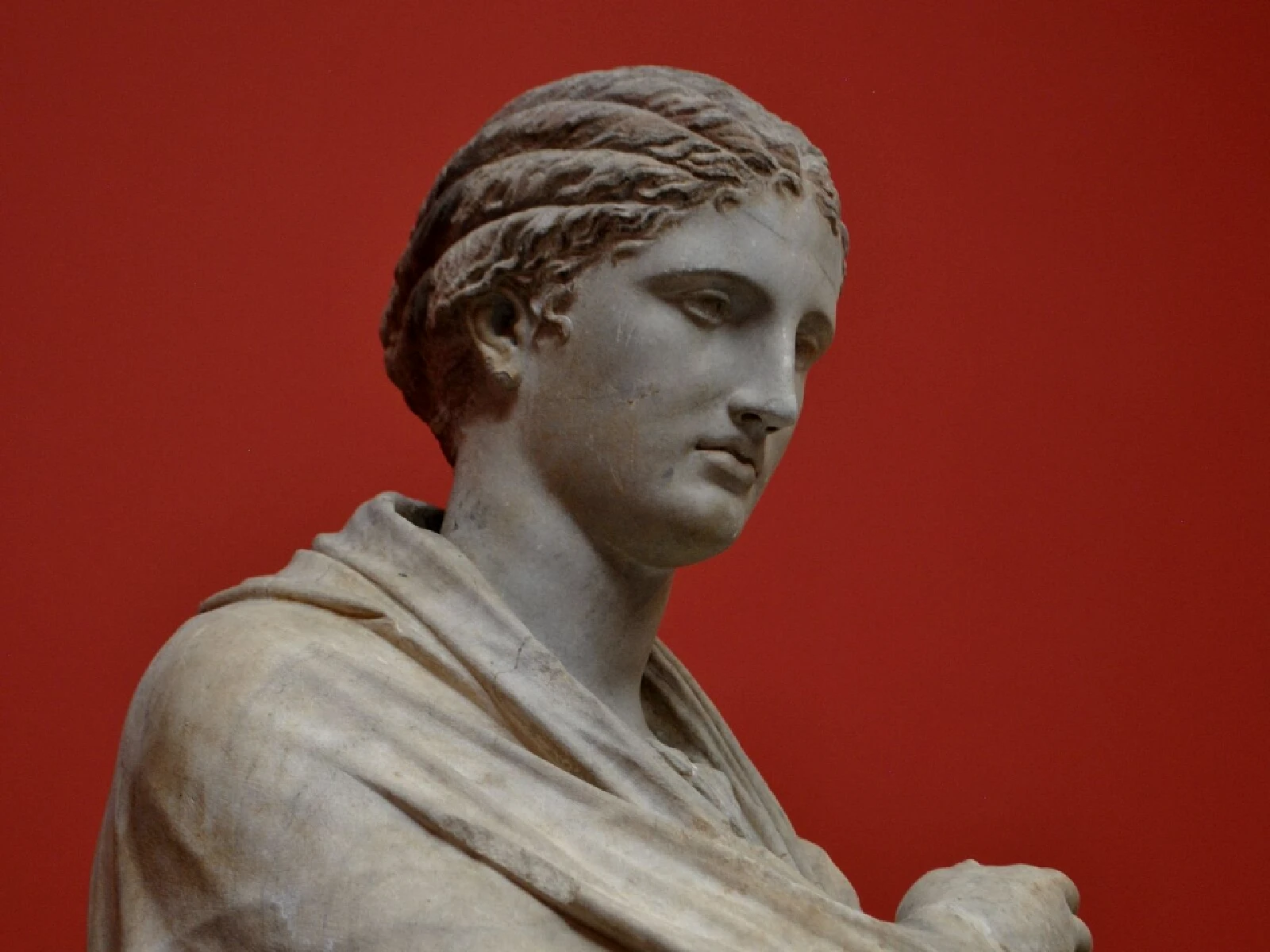
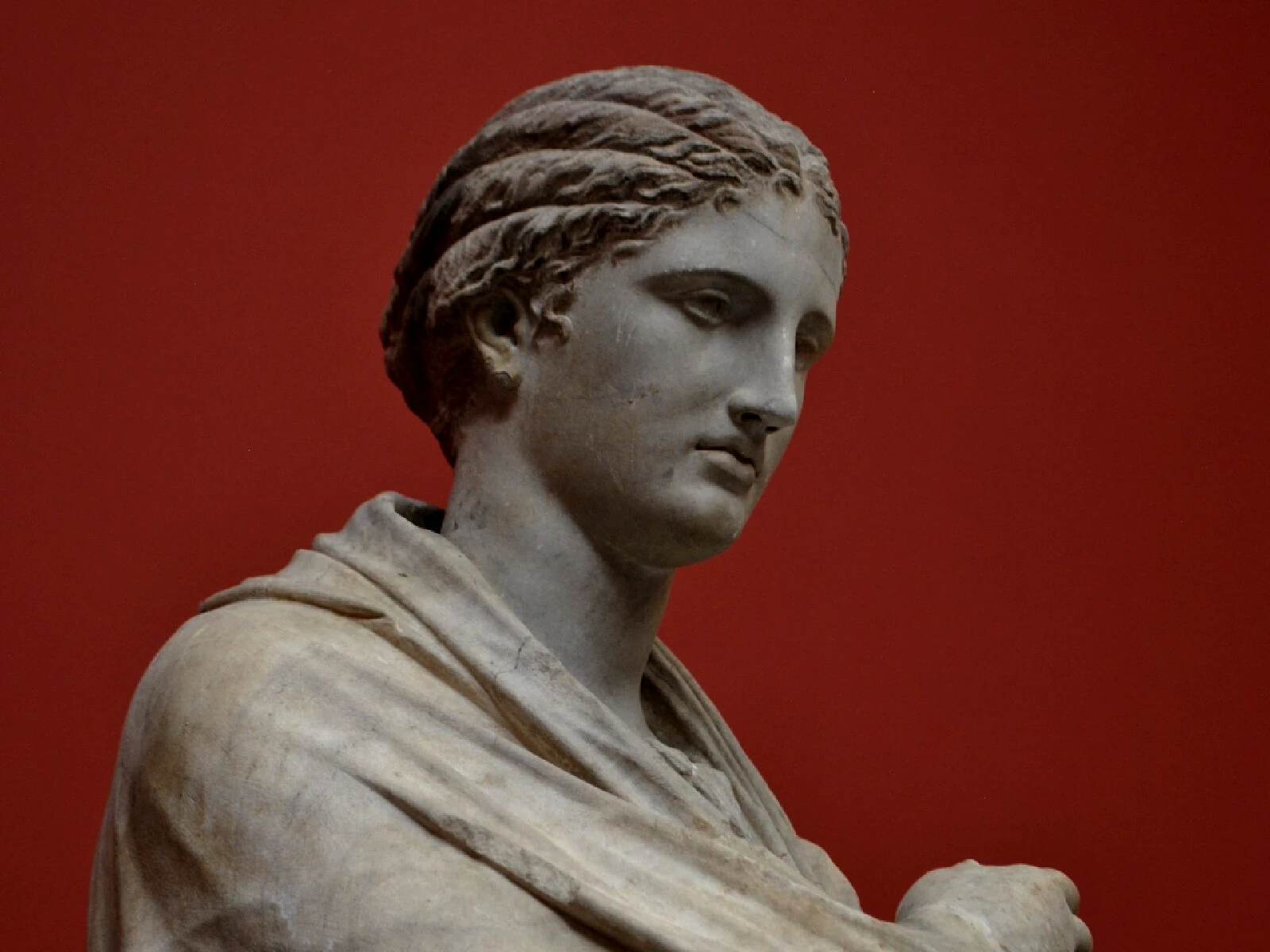
This effect applies separate colour casts to the shadow and highlight ranges of an image, pivoting between them at a tonal threshold. AMOUNT runs from 0 to 6 with a default of 3 and controls how strongly both tints are applied, where 0 leaves the image untouched. PIVOT from 0.2 to 0.8 sets the luminance level where shadow tinting hands over to highlight tinting, which is what decides how much of the frame each colour claims. CONTRAST is an advanced control. In kott it renders in natural colour, which the effect requires since its entire output is hue.
04/ FAQ
- What is split toning?
- Split toning applies one colour cast to an image's shadows and a different one to its highlights, pivoting between them at a chosen tonal level. It began as a darkroom toner technique.
- What does PIVOT do in split toning?
- It sets the luminance level where shadow tinting gives way to highlight tinting, so it decides how much of the frame each colour claims. Moving it is usually more useful than raising AMOUNT.
- Why does split toning look natural despite being impossible?
- Two colour temperatures in one scene do occur, from mixed lighting, so the eye reads the split as an unseen second light source rather than as a manipulation.